Playing a tape (continued)
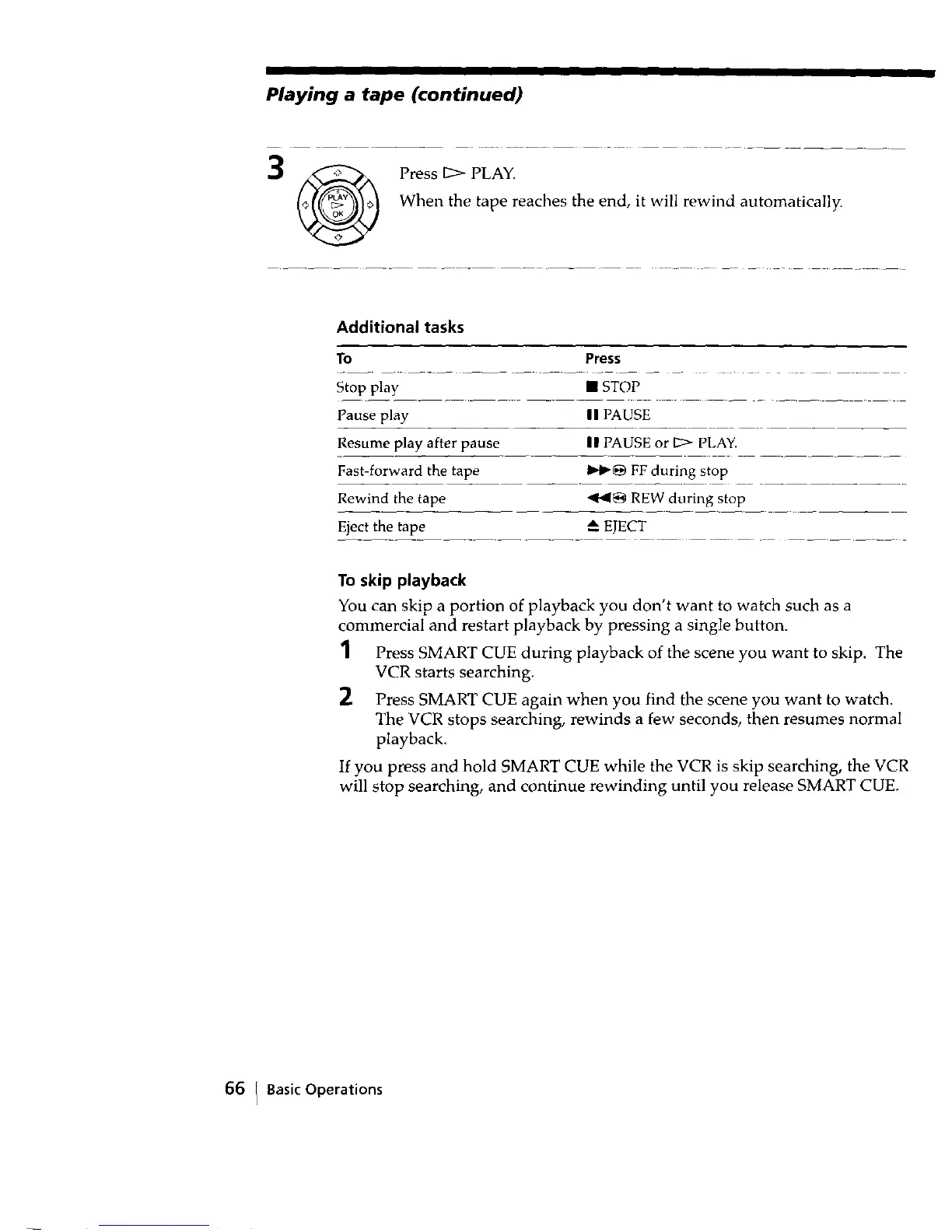
_ Press 12_ PLAY.
When the tape reaches the end, it will rewind automatically.
Additional tasks
To Press
Stop play • STOP
Pause play I I PAUSE
Resume play after pause II PAUSE or D> PLAY.
Fast-forward the tape I_lp_ FF during stop
Rewind the tape *,I1_1_ REW during stop
Eject the tape A EJECT
To skip playback
You can skip a portion of playback you don't want to watch such as a
commercial and restart playback by pressing a single button.
1 Press SMART CUE during playback of the scene you want to skip. The
VCR starts searching.
2 Press SMART CUE again when you find the scene you want to watch.
The VCR stops searching, rewinds a few seconds, then resumes normal
playback.
If you press and hold SMART CUE while the VCR is skip searching, the VCR
will stop searching, and continue rewinding until you release SMART CUE.
66 I BasicOperations



 To Next Page