To use the time counter
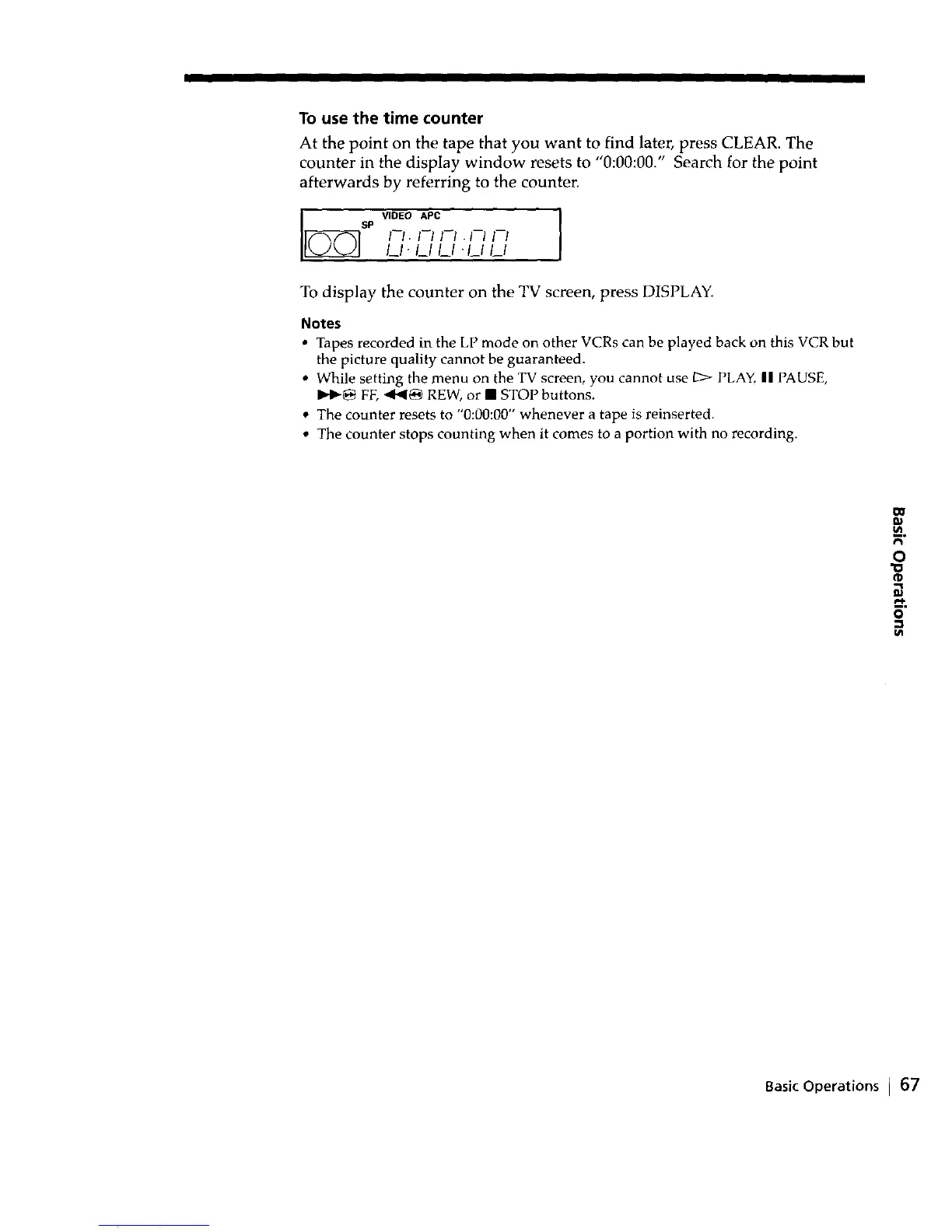
At the point on the tape that you want to find later, press CLEAR. The
counter in the display window resets to "0:00:00." Search for the point
afterwards by referring to the counter.
VIDEO APC
SP
/-_.Fl FI./-_Fl
I_1- I_1 I_1 •I_/I_/
To display the counter on the TV screen, press DISPLAY.
Notes
• Tapes recorded in the LP mode on other VCRs can be played back on this VCR but
the picture quality cannot be guaranteed.
• While setting the menu on the TV screen, you cannot use _ PLAY, || PAUSE,
b4_ FF, <lb<_ REW, or • STOP buttons.
• The counter resets to "0:00:00" whenever a tape is reiuserted.
• The counter stops counting when it comes to a portion with no recording.
2.
o
O
Basic Operations I 67



 To Next Page