Hookup 2 : DVD-VCR setup
Plug the DVD-VCR into an AC outlet.
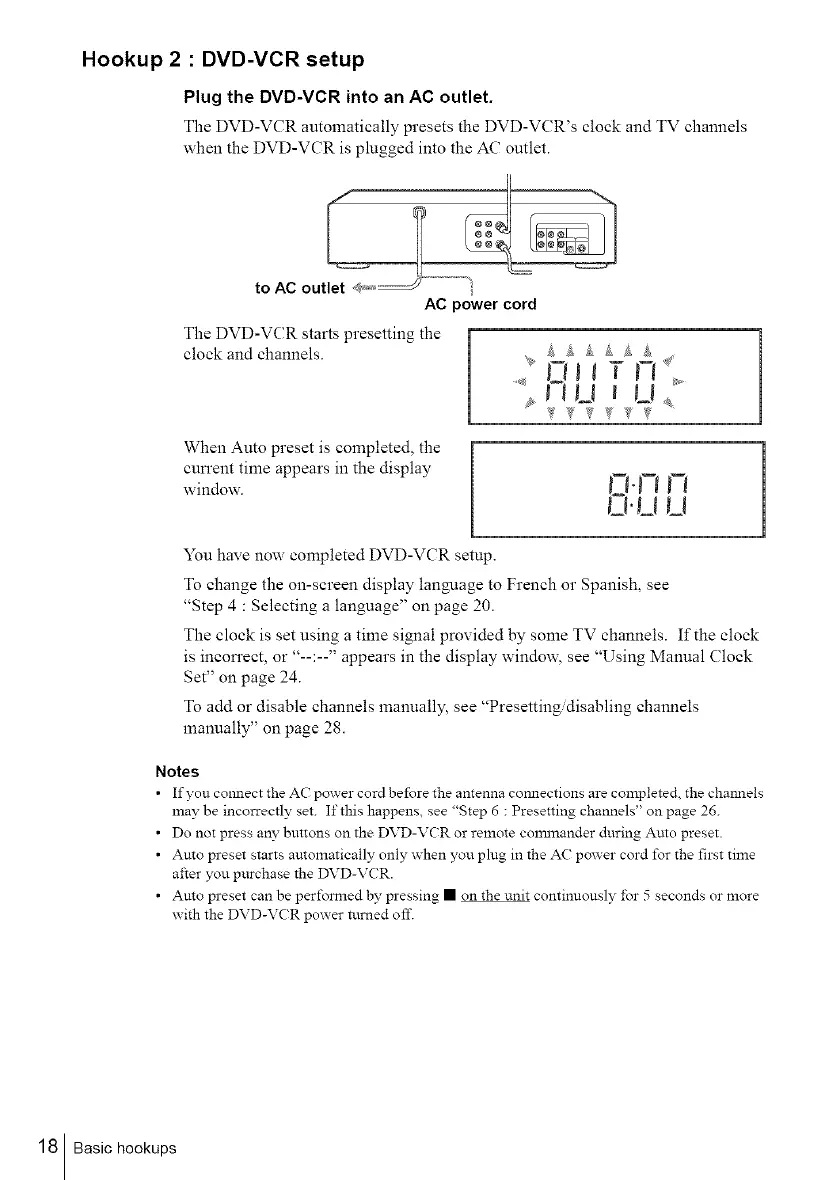
The DVD-VCR automatically presets the DVD-VCR's clock and TV channels
when the DVD-VCR is plugged into the AC outlet.
I1
AC power cord
The DVD-VCR starts presetting the
clock and channels.
[
When Auto preset is completed, the
cun'ent time appears in the display
window.
You have now completed DVD-VCR setup.
To change the on-screen display lanNmge to French or Spanish, see
"Step 4 : Selecting a language" on page 20.
The clock is set using a time signal provided by some TV channels. If the clock
is incon'ect, or "--:--" appears in the display window, see "Using Manual Clock
Set" on page 24.
To add or disable channels manually, see "Presetting/disabling channels
manually" on page 28.
Notes
• If you colmect the AC power cord before the antenna connections are completed the channels
may be incorrectly set. If this happens, see "Step 6 : Presetting channels" on page 26.
• Do not press any buttons on the DVD-VCR or remote con_nander during Auto preset.
• Auto preset starts automatically only when you plug in the AC power cord for the first time
after you purchase the DVD-VCR.
• Auto preset can be perfox_ed by pressing • on the unit continuously for 5 seconds or more
with the DVD-VCR power turned oft'.
18 Basic hookups



 To Next Page