Displaying the subtitle _
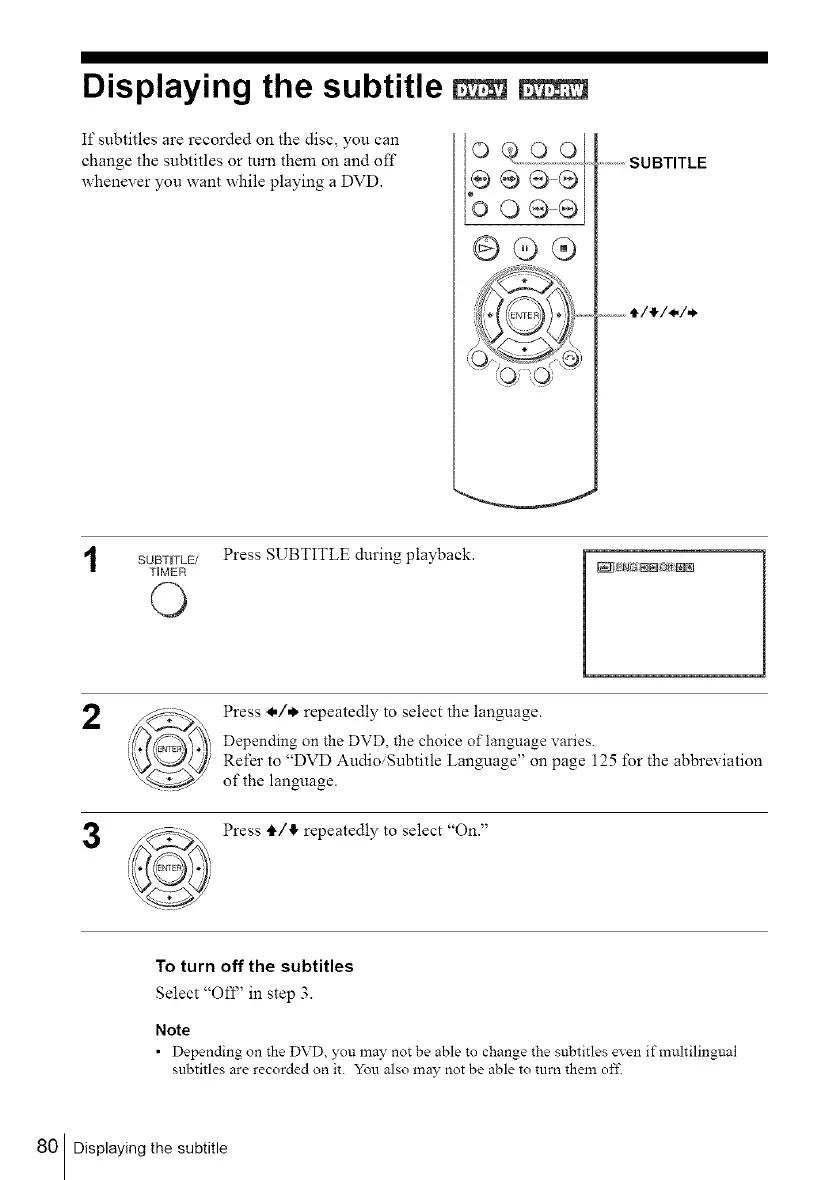
If subtitles are recorded on the disc, you can
change the subtitles or turn them on and off
whenever you want while playing a DVD.
o99o
b o®®]
GQ®
...............SUBTITLE
SUBTITLE/ Press SUBTITLE during playback.
TIMER
O
_NN NNg_;N[]
2
3
Press l,/*. repeatedly to select the language.
Depending on the DVD, the choice of language varies.
Refer to "DVD Audio/Subtitle Language" on page 125 for the abbreviation
of the language.
Press tl,/,I, repeatedly to select "On."
To turn off the subtitles
Select "Off' in step 3.
Note
• Depending on the DVD you may not be able to change the subtitles even ifmuhilingual
subtitles are recorded on it. You also may not be able to turn them of£
80 Displaying the subtitle



 To Next Page