Setting the display or sound track
language
You can set various languages %r the disc's
metal, sound track or subtitle.
o®oo
_ooo
OOOO
e÷®®
oO@@
@@@
SET UP
ENTER
T
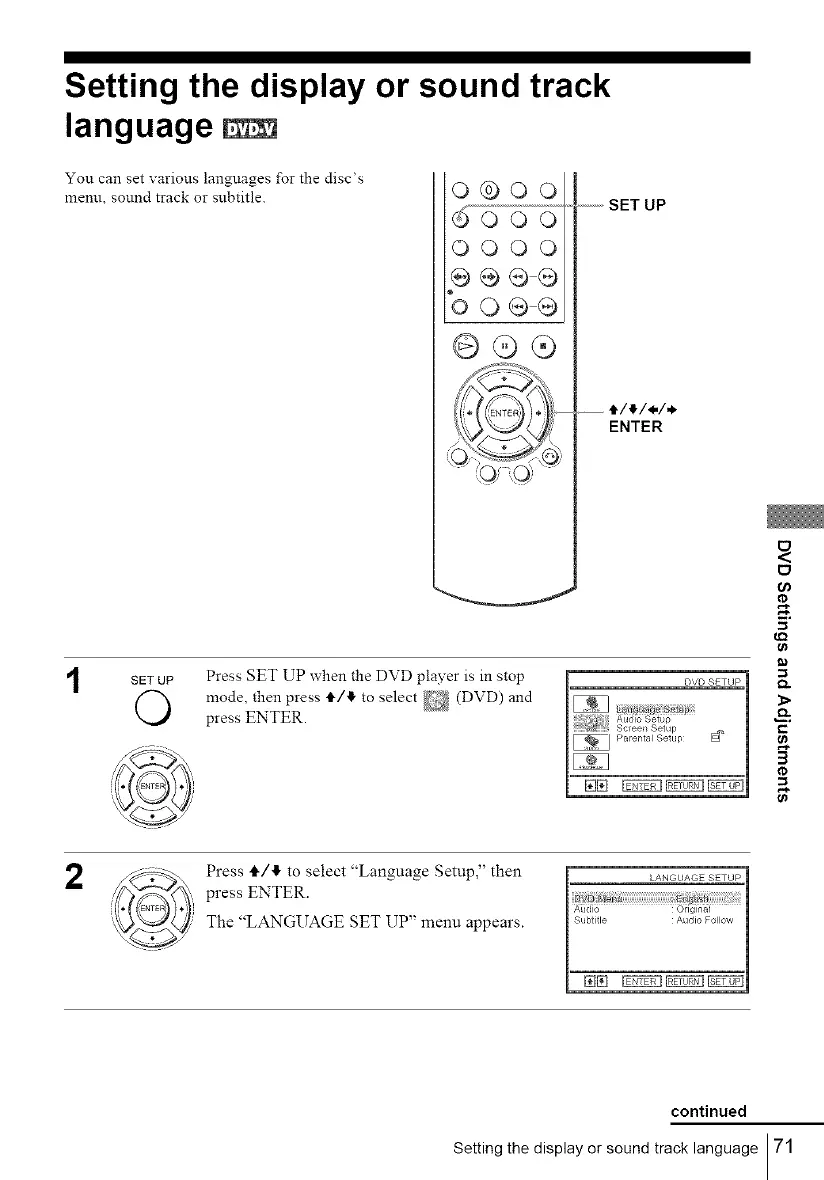
SETUP Press SET UP when the DVD player is in stop
mode, then press t/l_ to select _ (DVD) and
press ENTER.
ID
e_
c
3
II1
B
2
Press tl,/4 to select "Language Setup," then
press ENTER.
The "LANGUAGE SET UP" menu appears.
continued
Setting the display or sound track language 71



 To Next Page