Changing the angles
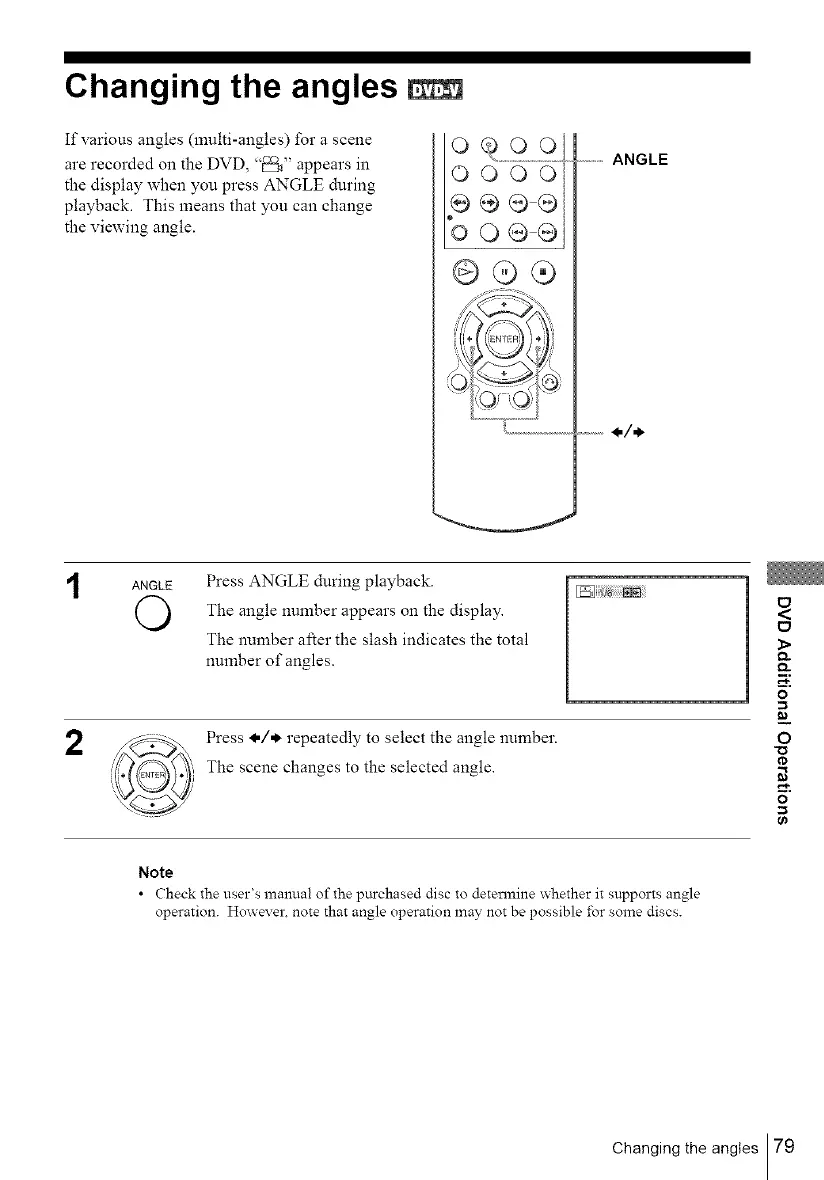
If various angles (multi-angles) for a scene
are recorded on the DVD, "_" appears in
the display when you press ANGLE during
playback. This means that you can change
the viewing angle.
o
OOOO
p÷®®
oOQQ
@£;®
...........ANGLE
2
ANGLE Press ANGLE during playback.
O The angle number on the display.
appears
The number after the slash indicates the total
number of angles.
Press I,/* repeatedly to select the angle number.
The scene changes to the selected angle.
_ i _;;;;;NN
<
_>
Q.
Q.
m,
o
=_
0
o
0_
Note
• Check the user's manual of the purchased disc to determine _hether it supports angle
operation. Howex er. note that angle operation may not be possible for some discs.
Changing the angles 79



 To Next Page