Changing the sound
When playing a DVD recorded in nmltiple
audio formats (PCM, Dolby Digital, or
DTS), you can change the andio format. If
the DVD is recorded with multilingual
tracks, you can also select the language.
With CDs, DATA CDs, or VIDEO CDs, you
can select the sound from the right or left
channel and listen to the sound of the
selected channel through both the right and
left speakers. For example, when playing a
Karaoke VIDEO CD containing a song with
the vocals on the right channel and the
instruments on the left channel, you can hear
the instruments from both speakers by
selecting the left channel.
Disc type Playback
instruments only
Karaoke VIDEO CD Yes
Karaoke DVD No
0000
Qooo
@0@@
bo®÷
@@®
%--
..........AUDIO
To enjoy Dolby Digital or DTS effect from a
LinearPCM format disc, you have to make
the m connection as shown on page 62.
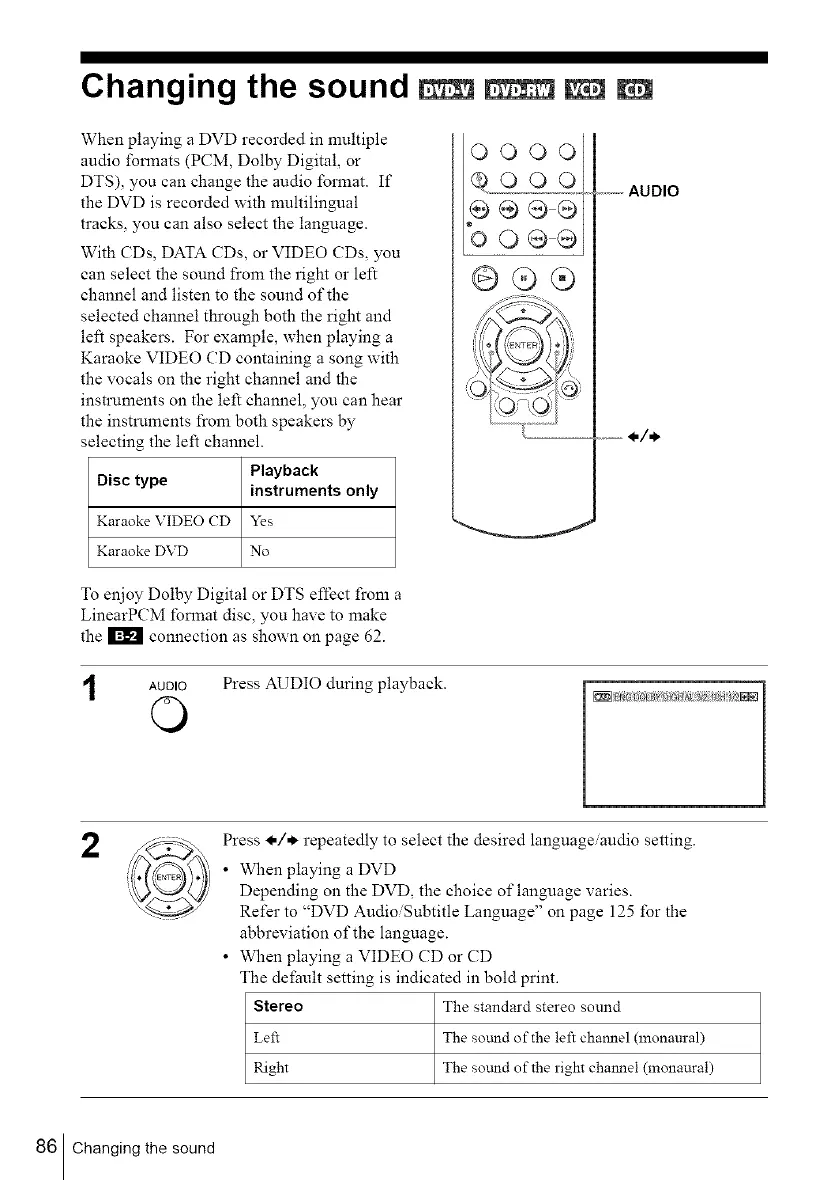
AUDIO Press AUDIO during playback.
O
2
Press _,/*. repeatedly to select the desired language/audio setting.
• When playing a DVD
Depending on the DVD, the choice of language varies.
Refer to "DVD Audio/Subtitle Language" on page 125 for the
abbreviation of the language.
• When playing a VIDEO CD or CD
The dei_ault setting is indicated in bold print.
Stereo The standard stereo sound
Left The so_md of the left channel (monaural)
Right The sotmd of the right channel (monaural)
86 Changing the sound



 To Next Page