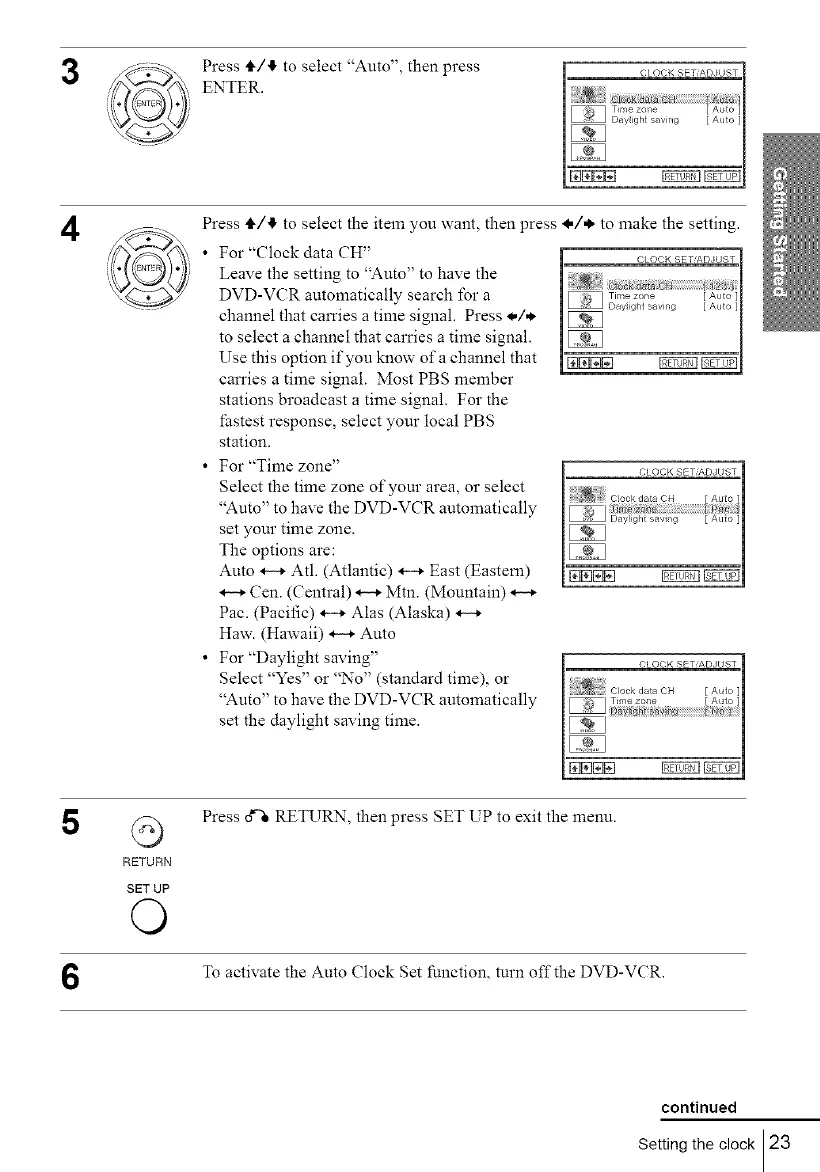
Press tF/tf, to select "Auto", then press
ENTER.
4
Press IF/4, to select the item you want, then press I./* to make the setting.
• For "Clock data CH"
Leave the setting to "Auto" to have the
DVD-VCR automatically search for a
channel that carries a time signal. Press */,*.
to select a channel that carries a time signal.
Use this option if you know of a channel that
carries a time signal. Most PBS member
stations broadcast a time signal. For the
fastest response, select your local PBS
station.
• For "Time zone"
Select the time zone of your area, or select
"Auto" to have the DVD-VCR automatically
set your time zone.
The options are:
Auto H Atl. (Atlantic) *-_ East (Eastem)
Cen. (Central) _ Mtn. (Mountain)
Pae. (Pacific) *-_ Alas (Alaska)
Haw. (Hawaii) _ Auto
• For "Daylight saving"
Select "Yes" or "No" (standard time), or
"Auto" to have the DVD-VCR automatically
set the daylight saving time.
5
G
RETURN
SET UP
©
Press o_ RETURN, then press SET UP to exit the menu.
To activate the Auto (?lock Set function, turn offthe DVD-VCR.
continued
Setting the clock 23



 To Next Page