2
PLAY
Q
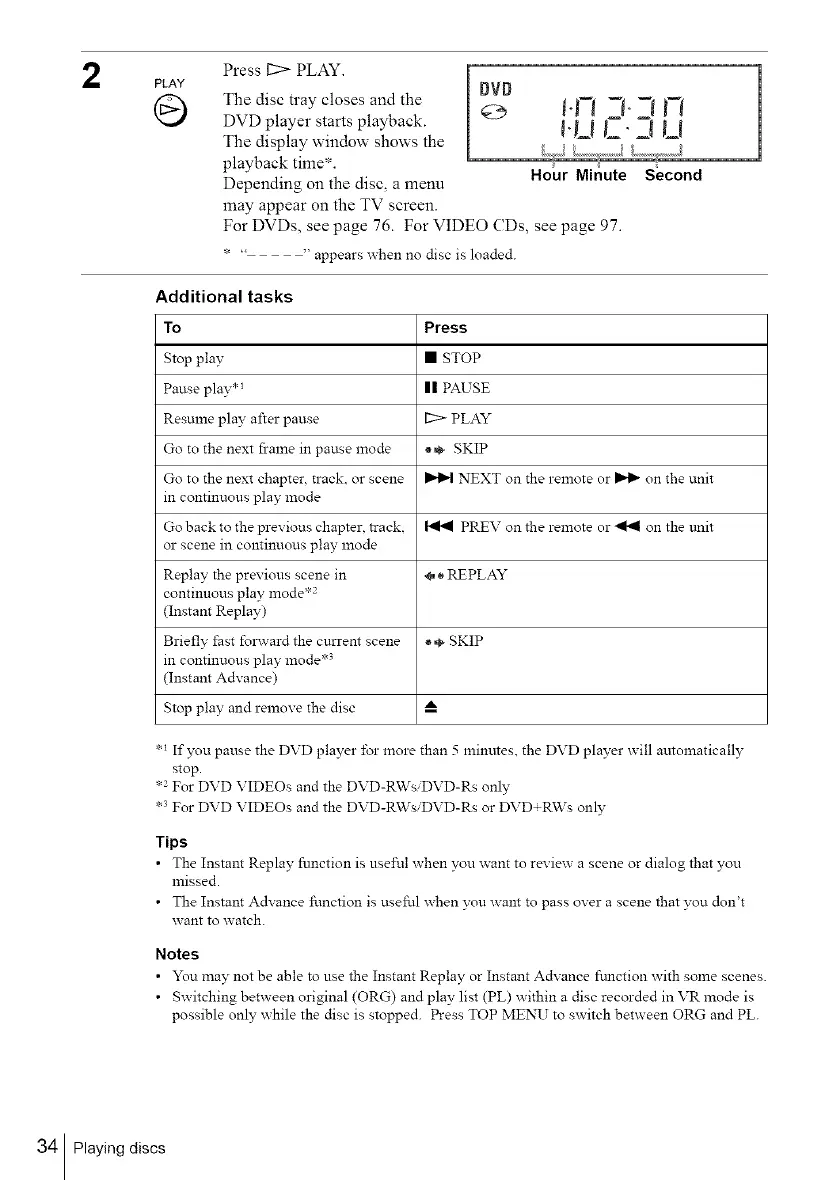
Press 11:> PLAY.
The disc tray closes and the
DVD player starts playback.
The display window shows the
playback time*.
Depending on the disc, a menu
may appear on the TV screen.
DVD
Hour Minute Second
For DVDs, see page 76. For VIDEO CDs, see page 97.
*..... appears when no disc is loaded.
Additional tasks
To Press
Stop play • STOP
Pause play .1 II PAUSE
Resulne play after pause [2> PLAY
Go to the next frame in pause mode _,_ SKIP
Go to the next chapter, track, or scene _ NEXT on the remote or _ on the unit
in continuous play mode
Go back to the previous chapter, track, _ PREV on the remote or _141 on the trait
or scene in continuous play mode
Replay the previous scene in ÷ • REPLAY
continuous play mode .2
(Instant Replay)
Briefly lZastfolward the current scene * ÷ SKIP
in continuous play mode .3
(Instant Advance)
Stop play and remove the disc A
.1 If you pause the DVD player for more than 5 minutes, the DVD player will automatically
stop.
.2 For DVD VIDEOs and the DVD-R\VsiDVD-Rs only
.3 For DVD VIDEOs and the DVD-R\VsiDVD-Rs or DVD+R\Vs only
Tips
• The Instant Replay function is useful when you want to review a scene or dialog that you
missed.
• The Instant Advance function is useful when you want to pass over a scene that you don't
want to watch.
Notes
• You may not be able to use the Instant Replay or Instant Advance fmlction with some scenes.
• Switching between original (ORG) and play list (PL) within a disc recorded in VR mode is
possible only while the disc is stopped. Press TOP MENU to switch between ORG and PL.
34 Playing discs



 To Next Page