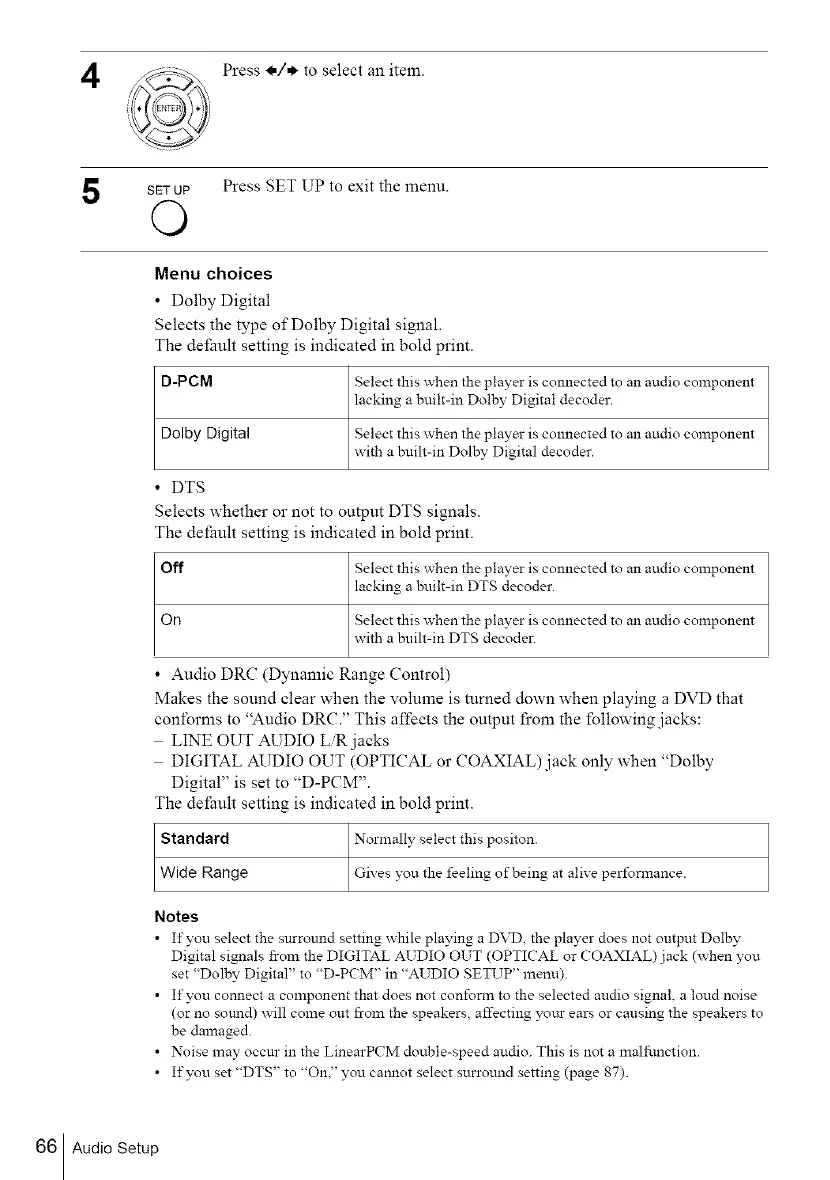
Press _,/* to select an item.
SETUP Press SET UP to exit the menu.
©
Menu choices
• Dolby Digital
Selects the type of Dolby Digital signal.
The default setting is indicated in bold print.
D-PCM Select this when the player is connected to an audio component
lacking a built-in Dolby Digital decoder.
Dolby Digital Select this when the player is connected to an audio component
with a built-in Dolby Digital decoder.
• DTS
Selects whether or not to output DTS signals.
The default setting is indicated in bold print.
Off Select this when the player is connected to an audio component
lacking a built-in DTS decoder.
On Select this when the player is connected to an audio component
with a buih-in DTS decoder.
• Audio DRC (Dynamic Range Control)
Makes the sound clear when the volume is mined down when playing a DVD that
conforms to "Audio DRC." This affects the output fi'om the following jacks:
LINE OUT AUDIO L_ jacks
DIGITAL AUDIO OUT (OPTICAL or COAXIAL)jack only when "Dolby
Digital" is set to "D-PCM".
The default setting is indicated in bold print.
Standard Normally select this positon.
Wide Range c_iv_ you the feeling of being at alive perfonnance.
Notes
• If you select the surround setting while playing a DVD the player does not output Dolby
Digital signals from the DIGITAL AUDIO OUT (OPTICAL or COAXIAL) jack (_hen you
set "Dolby Digital" to "D-PCM" in "AUDIO SETUP" menu).
• If you connect a component that does not conform to the selected audio signal, a loud noise
(or no som_d) _ ill come out from the speakers, affecting yotu- ears or causing the speakers to
be damaged.
• Noise may occur in the LinearPCM double-speed audio. This is not a malfunction.
• If you set "DTS" to "On." you cannot select surround setting (page 87).
66 Audio Setup



 To Next Page