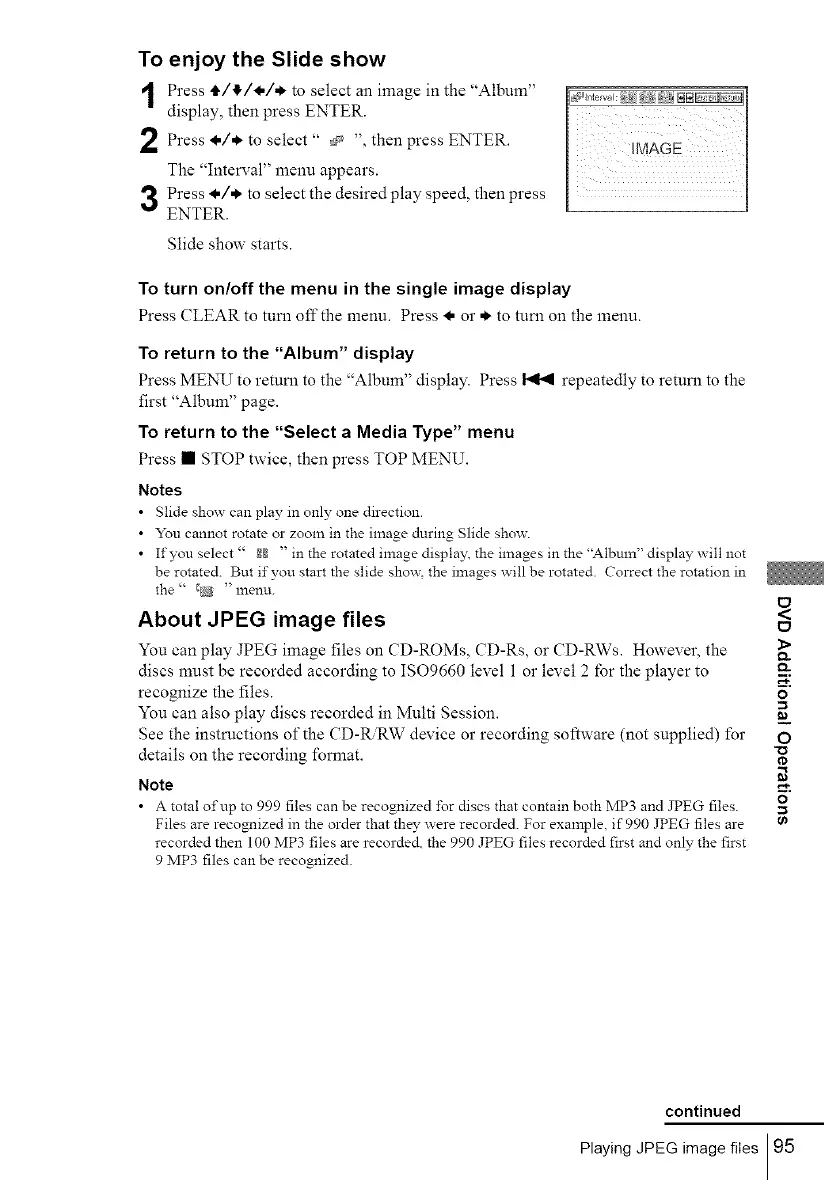
To enjoy the Slide show
Press tl./4/_./* to select an image in the "Album"
display, then press ENTER.
Press l./*. select " then ENTER.
to
press
The "Interval" menu appears.
Press l./*. to select the desired play speed, then press
ENTER.
Slide show starts.
To turn on/off the menu in the single image display
Press CLEAR to turu off the menu. Press l, or *. to turu on the menu.
To return to the "Album" display
Press MENU to returu to the "Album" display. Press _ repeatedly to returu to the
first "Album" page.
To return to the "Select a Media Type" menu
Press • STOP twice, then press TOP MENU.
Notes
• Slide show can play in only one direction.
• You cannot rotate or zoom in the image during glide show.
• If you select" _ " in the rotated image display, the images in the "Album" display will not
be rotated. But if you start the slide show. the images will be rotated. Correct the rotation in
the " _ "lnentL
About JPEG image files
You can play JPEG image files on CD-ROMs, CD-Rs, or CD-RWs. However, the
discs must be recorded according to ISO9660 level 1 or level 2 lbr the player to
recognize the files.
You can also play discs recorded in Multi Session.
See the instructions of the CD-R.RW device or recording software (not supplied) for
details on the recording format.
Note
• A total of up to 999 files can be recognized ±br discs that contain both MP3 and JPEG files.
Files are recognized in the order that they _ ere recorded. For example, if 990 JPEG files are
recorded then 100 MP3 files are recorded, the 990 JPEG files recorded first and only the first
9 MP3 files can be recognized.
<
1>
Q.
o
=_
O
o
0_
continued
Playing JPEG image files 95



 To Next Page