8
MIC terminal (audio input terminal)
Input for commercially-available MIC or LINE
t
o connect an audio device.
Switch between MIC and LINE input as
in
dicated on “Connecting to commercially-
available microphones, etc.” (page 24).
Re
set switch
Press the switch for 10 seconds or longer to
r
eturn to the factory default while in the
Power On or Standby status.
IR
SELECT switch
Set the remote commander ID for receiving
th
e signal.
Use the same ID with the remote
c
ommander being used.
Remote commander sensor
This is for the supplied remote commander.
SY
STEM SELECT switch
Used for selecting the video format to be
o
utput from the HDMI and SDI OUT
terminals. When the SYSTEM SELECT switch
is set to 6, the setting can be changed
remotely in the OSD menu, Web App, or
VISCA/CGI commands.
C
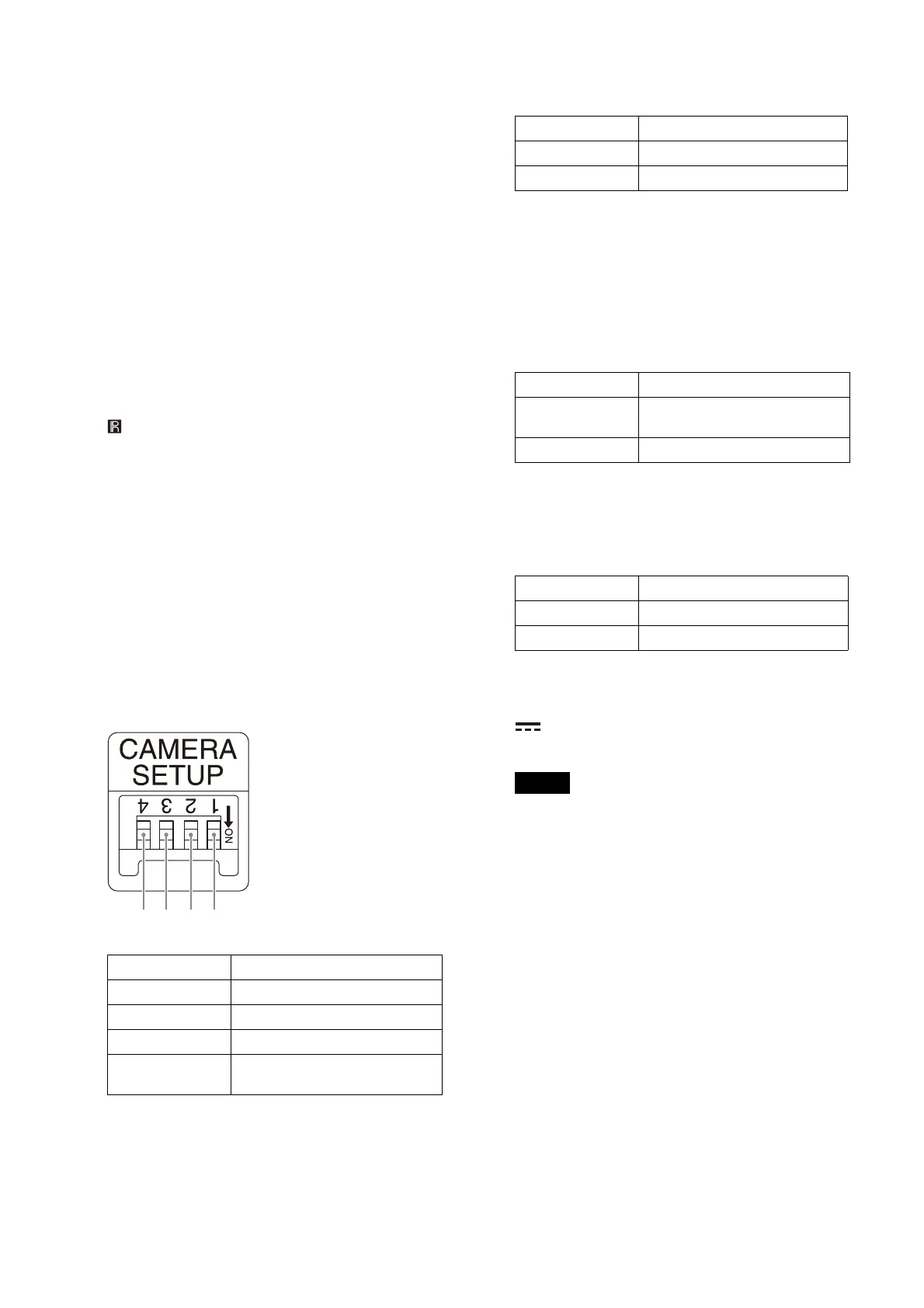
AMERA SETUP switches
Perform the camera setup.
CAMERA SETUP switch settings
SDI
format/level settings
This setting is enabled when the video
f
ormat is 1920×1080/50p or 1920×1080/
59.94p.
When the SYSTEM SELECT switch is set to
6
, the setting set on [VIDEO FORMAT] on
the OSD menu or [Format] under [Video
Out] on the Web App menu is applied.
To apply the settings, turn off the power and
b
ack on again.
RE
SERVED
This switch is not used.
VISCA
connect setting
This switch is used when VISCA and VISCA
o
ver IP are used.
To apply the settings, turn off the power and
b
ack on again.
Ba
ud Rate settings of VISCA RS-422
communication
To apply the settings, turn off the power and
b
ack on again.
19.5V (DC pow
er input) terminal
Connect the AC adapter (supplied).
Notes
• Do not use any AC adapter other than the
supplied AC adapter. Otherwise, a fire or
malfunction may occur.
• Do not connect the AC adapter and
P
oE++(class8) power supply device at the
same time to avoid heat generation.
V
ISCA RS-422 IN terminal
Connect with a remote controller (not
s
upplied).
When you connect multiple cameras,
c
onnect it to the VISCA RS-422 OUT terminal
of the previous camera in the daisy chain
connection.
V
ISCA RS-422 OUT terminal
When you connect multiple cameras,
c
onnect it to the VISCA RS-422 IN terminal of
the next camera in the daisy chain
connection.
Switch No. Setting items
1 SDI format/level settings
2 RESERVED
3 VISCA connect setting
4 Baud Rate settings of RS-422
f
or VISCA communication
Switch state SDI format/level
OFF Level-A
ON Level-B
Switch state VISCA CONNECTION
OFF Invalidates VISCA, VISCA over
IP
ON Enables VISCA, VISCA over IP
Switch state Baud Rate
OFF 9600 bps
ON 38400 bps



 To Next Page