85
4-4 CUE Menu
Chapter 4 Menu Settings
Press the cursor center button. To unlink, press the
cursor center button once again.
Press the ENTRY button to write the current time data
over the time data in the line in which the entry cursor
B is present.
If you press the ENTRY button when the entry cursor is
not on the screen, the time data of the line in which the
entry cursor B is currently present is written and displayed
on the screen.
To enter the current time data as a new line
1
With the cursor buttons, move the entry cursor to the
line below the position in which you want to insert.
For how to move the cursor, see “To change time
data” above.
2
Hold down the SFT button and press the ENTRY
button.
The line is inserted immediately before the line on
which the entry cursor is present, and the current time
data is written.
To delete a time code
1
Use the cursor buttons to move the cursor to the Time
section to be deleted.
To move the cursor using the numeric buttons
Enter the line number using the numeric buttons. Then
press the [F9] (CUENUM POINT) button. The cursor
will move to the line specified by the numeric buttons.
2
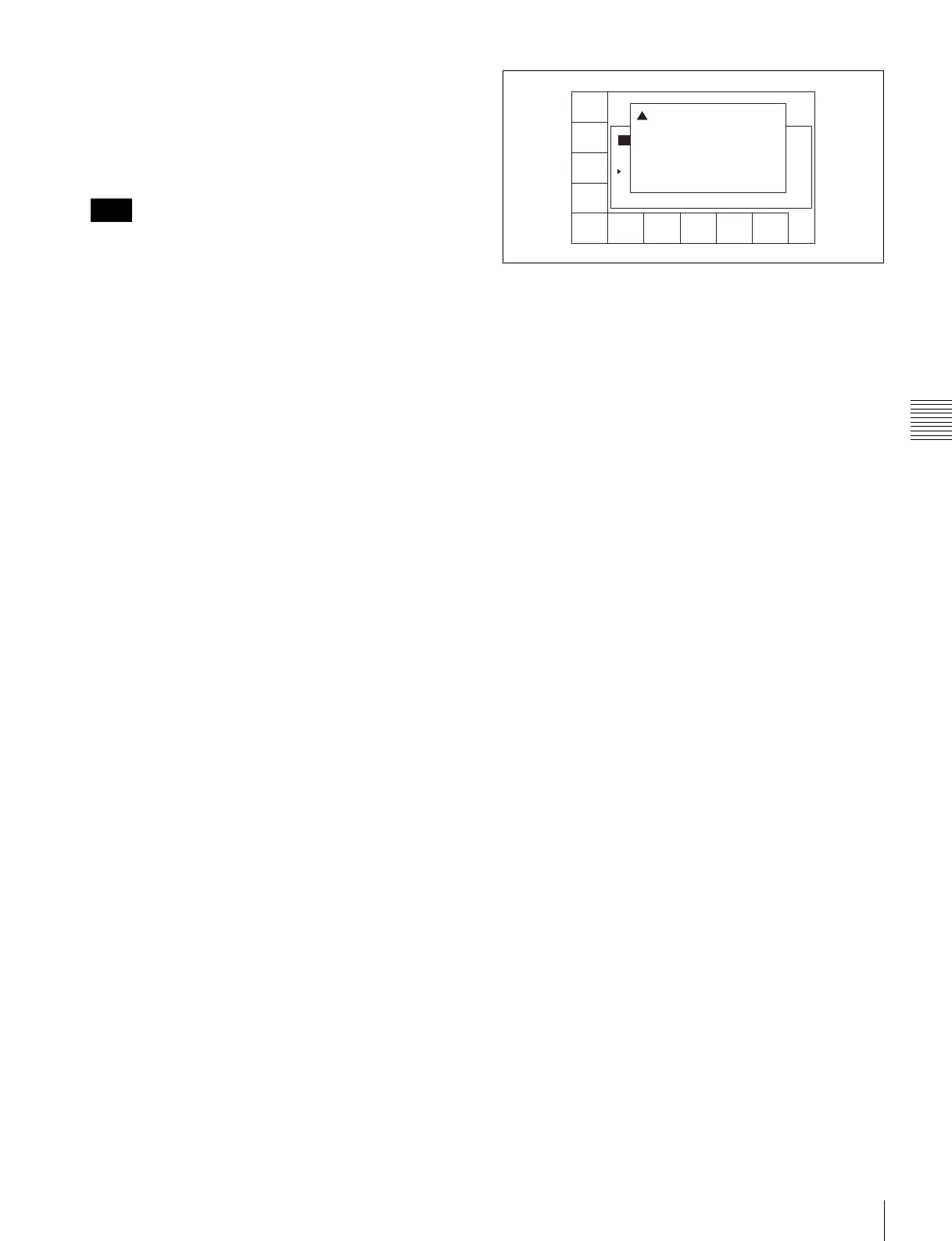
Press the [F5] (DEL POINT) button.
A deletion confirmation window appears.
3
Press the [F5] (DEL POINT) button while holding
down the SFT button.
The time code section becomes blank and is ready for
new time data input.
To delete the line as well as the time code
Use the cursor buttons to move the cursor to the time
code to be deleted.
Then press the [F5] (DEL POINT) button while
holding down the SFT button. The line is deleted and
all the line numbers below are decreased by one.
To undo the deletion of a time data or line
Press the ALT/[F2] (UNDO ALL) buttons.
A message appears (in the control panel display)
requesting confirmation of the undo operation.
Press the [F2] (UNDO ALL) button while holding
down the SFT button. To cancel the undo operation,
press the CLR button.
To copy time data of a cue point to another cue
point specified in the CUE menu
1
Press the ALT/[F4] (COPY to CUE) buttons.
A copy confirmation window appears.
To cancel the copy operation
Press the CLR button.
2
Press the [F4] (COPY to CUE) button while holding
down the SFT button.
The time data of the cue point is copied to the cue point
indicated in the CUE menu.
Changing Mrk data
Use the cursor buttons to move the cursor to the line with
the mark attribute to be changed, and then press the [F6]
(MARK) button. Or, move the cursor directly to the mark
attribute to be changed, and then press the [F4] (CHANGE
DATA) button. In both cases, each press of the button
changes the attribute as follows: OK t NG t KP
(KEEP) t blank (no attribute).
Changing the recording starting point setting
Use the cursor buttons to move the cursor to the recording
starting point section. Then press the [F4] (CHANGE
DATA) button. Each press of the button turns the setting
“on” (the @ indication appears) or “off” (the indication
disappears).
Entering and modifying IN/OUT point data
You can use either the ENTRY button or the numeric
buttons to enter and modify IN/OUT point data.
Note
REC DATE[2003/02/25]
TITLE[SONY
No. IN OUT
0 00:00:04:05 00:00:09:23 59i 1080
1 00:03:45:21 01:00:36:06 59i 1080
2 01:04:27:23 01:05:31:24 59i 1080
3 --:--:--:-- --:--:--:-- --- ----
EOS[--:--:--:--]
] Rest 85%
Tape Format
CUE
SCAN
ENTRY
POINT
CUE
COMMNT
EDIT
CHANGE
DATA
DEL
POINT
PRO-
TECT
TAPE
INFO
CUENUM
POINT
WRITE/
EXIT
MARK
! Delete Cue Point:
Press [SFT]+[F5] to DELETE.
Press only [CLR] to CANCEL.



 To Next Page