84
4-4 CUE Menu
Chapter 4 Menu Settings
k Comment
Shows a comment on a cue point.
To format a memory label
1
Press the ALT/[F1] (FORMAT T-File) buttons.
2
Hold down the SFT button, and press the [F1]
(FORMAT T-File) button.
A confirmation window appears.
To cancel
Press the CLR button.
3
Hold down the SFT button, and press the [F1]
(FORMAT T-File) button.
“COMPLETED” appears.
To set write protection for the whole menu
Press the ALT/[F7] (WRITE PRTEC) buttons.
on: Set write protection for the whole Tele-File menu.
off: Clear write protection for the whole Tele-File menu.
To change the TITLE data
1
Press the ALT/[F3] (ATTRIB EDIT) buttons.
2
With the cursor R or r button, select “TITLE”, and
press the ENTRY button.
3
With the cursor T or t button, select the character
to be entered.
4
Press the [F7] (SET LETTER) button or cursor center
button.
The selected character is entered.
5
Repeat steps 3 and 4, to enter the data.
To enter a space
Press the [F5] (SPACE) button.
If you make an error in entry
Press the [F6] (BACK SPACE) button, then repeat the
entry.
To return to the initial screen
Pressing the [F9] (CANCEL) button returns to the
initial screen.
To change a character during the operation
Press the cursor R button, then move the cursor to the
title frame; with the cursor T or t button, change
the character insertion position.
When not all characters can be shown within the
title frame
On the left or right of the title frame, < or ,
appears.
6
Press the [F10] (SAVE/EXIT) button.
This return to the initial menu screen.
To change time data
To write the current time data, use the cursor buttons to
align the entry cursor with the line in which you want to
write.
To move the cursor with the numeric buttons
Enter a line number with the numeric buttons, and
press the [F9] (CUENUM POINT) button. The cursor
moves to the line number you entered.
If the cursor buttons are not linked to movement of the
entry cursor, it is not possible to move the entry cursor
B with the cursor buttons.
To link the cursor buttons to movement of the entry
cursor
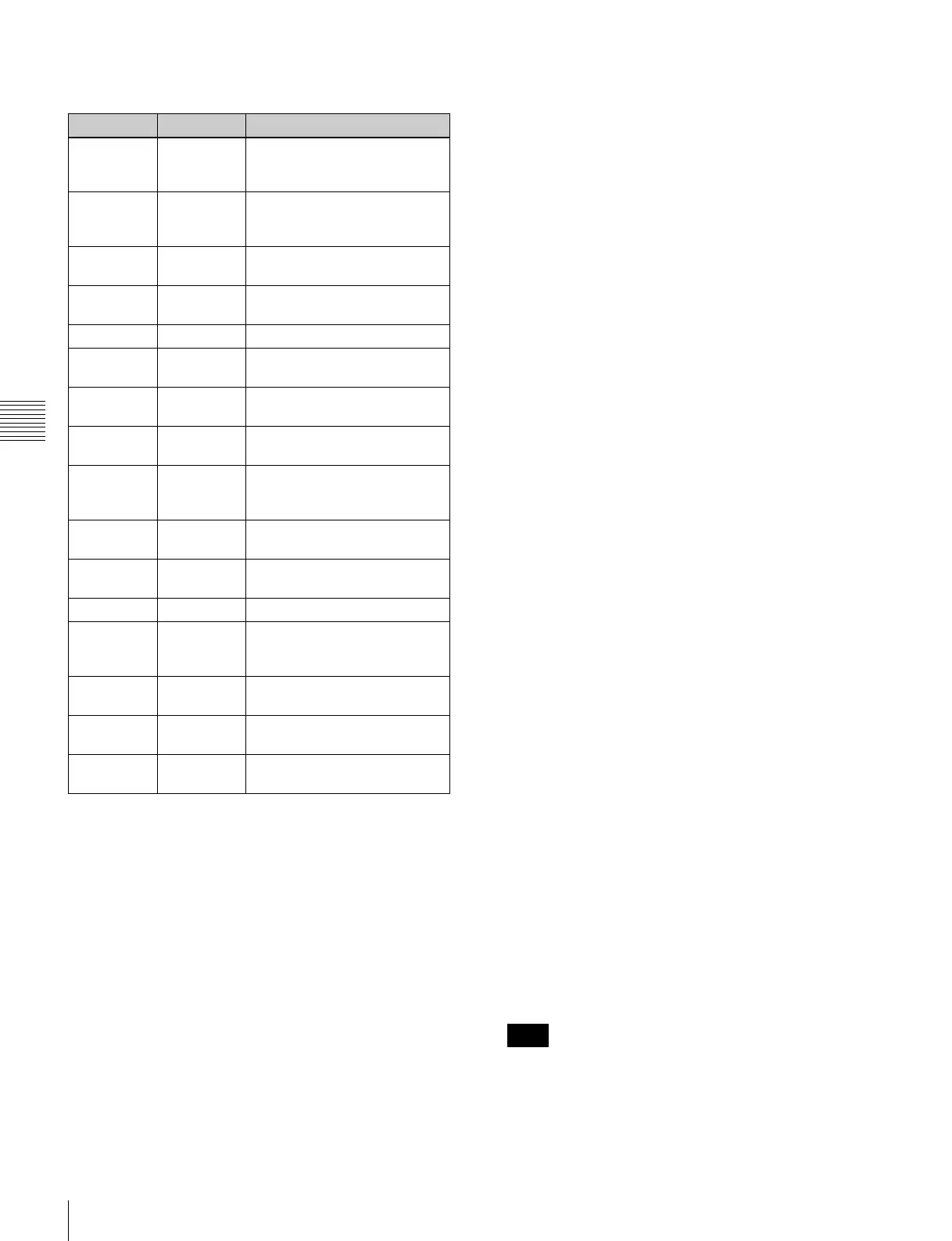
Button Indication Function
[F1] CUE SCAN Sets the cursor movement
direction when the PREROLL
button is pressed.
[F2] ENTRY
POINT
Selects whether or not to
display log (IN/OUT point)
information.
[F3] COMMNT
EDIT
Edits the Comment box.
[F4] CHANGE
DATA
Changes the value of data.
[F5] DEL POINT Deletes time data.
[F6] MARK Changes the setting in the Mrk
box.
[F7] PROTECT Prevents the cue point data
from being changed.
[F8] TAPE INFO Shows information on the
memory label.
[F9] CUENUM
POINT
Moves the cursor to the line
number entered with the
numeric buttons.
[F10] WRITE/
EXIT
Saves the changes and exits
the Tele-File menu.
ALT/[F1] FORMAT T-
File
Formats a memory label.
ALT/[F2] UNDO ALL Cancels all changes.
ALT/[F3] ATTRIB
EDIT
Changes the ID, ADMIN, and
TITLE within the tape
information window.
ALT/[F4] COPY to
CUE
Copies time data to the CUE
menu screen cue point data.
ALT/[F7] WRITE
PRTEC
Sets or unsets write protection
of the whole Tele-File menu.
ALT/[F10] WRITE/
EXIT
Saves the changes and exits
the Tele-File menu.
Note



 To Next Page