92
4-4 CUE Menu
Chapter 4 Menu Settings
4
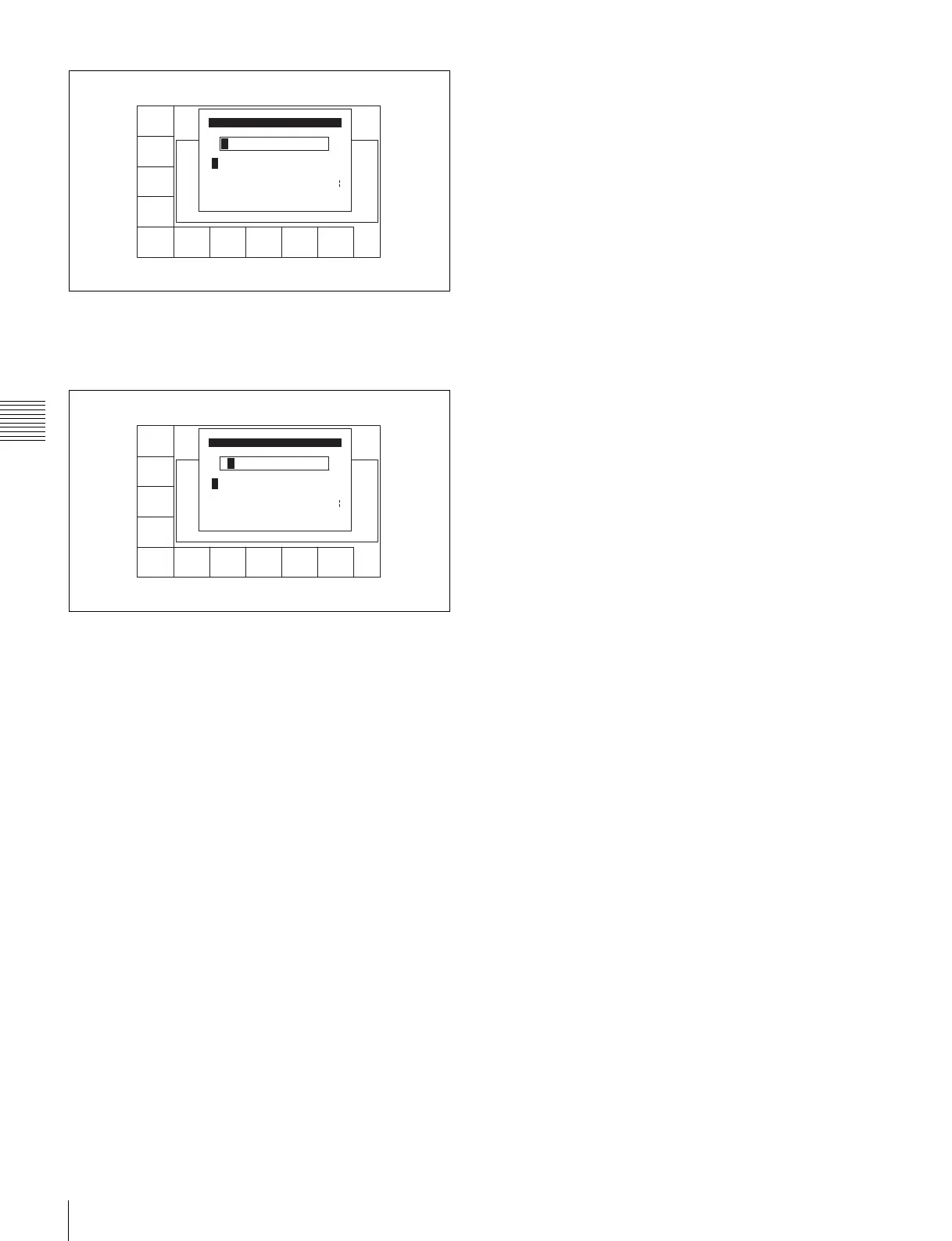
Press the[F7] (SET LETTER) button or the cursor
center button.
The selected character is entered.
5
Repeat steps 3 and 4 to enter more characters.
To enter a space
Press the [F5] (SPACE) button.
If you enter a wrong character
Press the [F6] (BACK SPACE) button to go back.
Then re-enter the character.
To start the procedure over again
Press the [F9] (CANCEL) button to start again.
To change a character
Press the cursor R button to move the cursor to the ID
or ADMIN box. Then press the cursor T or t button
to move the insertion position.
If entered text is longer than the ID or ADMIN box
t or T appears to the left or right of the box.
6
Press the [F10] (SAVE/EXIT) button.
The screen that was on before the ID or ADMIN data
was changed is displayed again.
SPACE SET
LETTER
SAVE/
EXIT
BACK
SPACE
A B CDEFGHIJKLMNOPQRSTUVWXYZ
abcdefghjiklmnopqrstuvwxyz
0123456789[]()<>@+-*=!?:;
Id Edit
$#%&,."\^_'/~ {} HD1D2CAM
'
SPACE SET
LETTER
CANCEL SAVE/
EXIT
BACK
SPACE
B
A B CDEFGHIJKLMNOPQRSTUVWXYZ
abcdefghjiklmnopqrstuvwxyz
0123456789[]()<>@+-*=!?:;
Id Edit
$#%&,."\^_'/~ {} HD1D2CAM
'



 To Next Page