MULTI CHANNEL AV RECEIVER
STR-DN1050/STR-DN850
Turning on the receiver
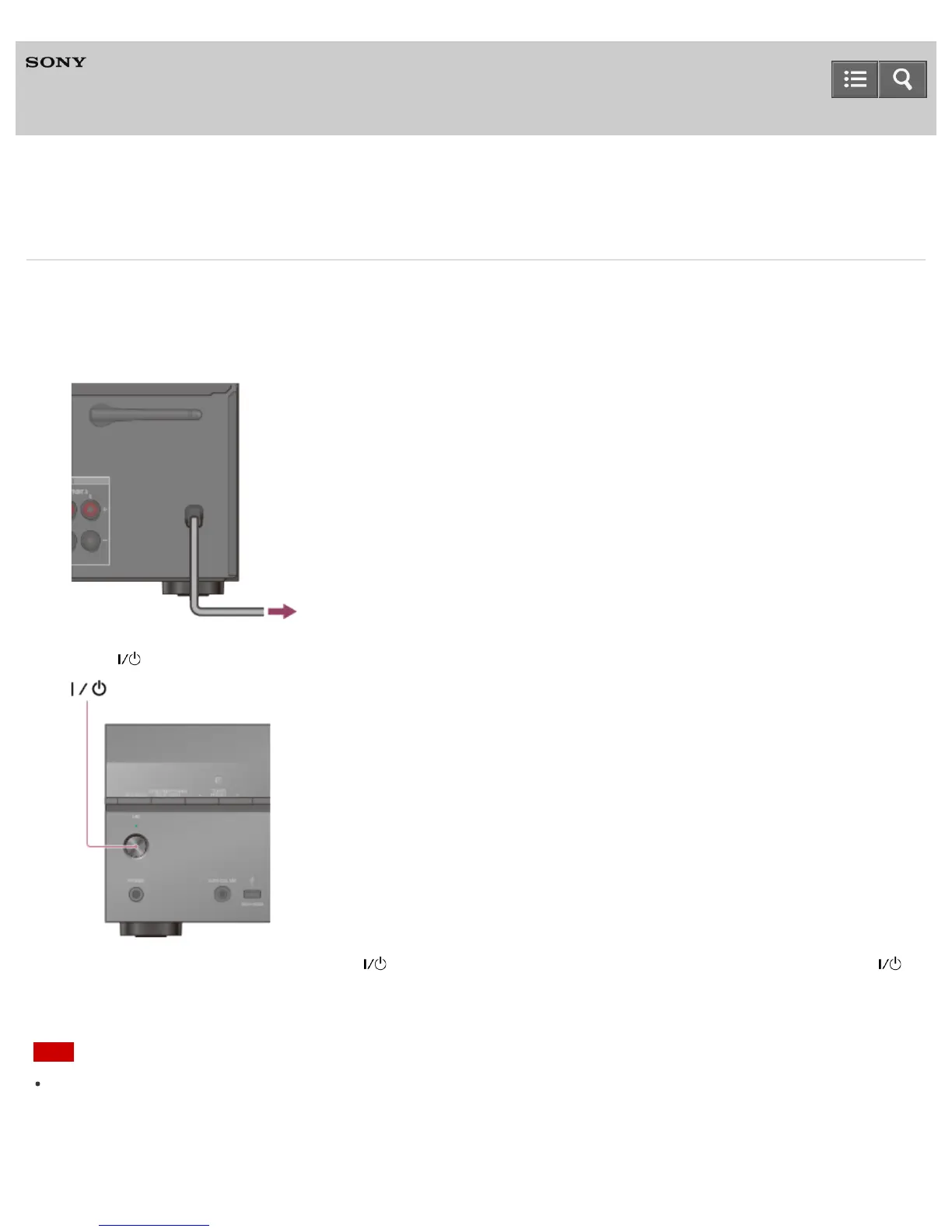
When you have made all connections with the other devices, connect the AC power cord (mains lead), then turn on the
receiver.
1. Connect the AC power cord (mains lead) to a wall outlet.
2. Press (on/standby) to turn on the receiver.
You can also turn on the receiver using (on/standby) on the remote control. To turn off the receiver, press
(on/standby) again.
Note
After you turn off the receiver, [STANDBY] flashes on the display panel. Do not disconnect the AC power cord (mains
lead) while [STANDBY] is flashing. This may cause a malfunction.
Help Guide



 To Next Page