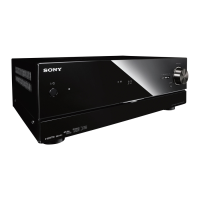
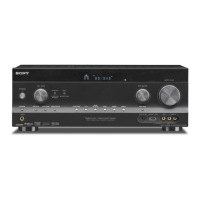
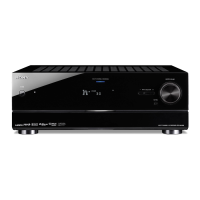
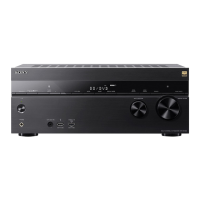
MULTI CHANNEL AV RECEIVER
STR-DN1050/STR-DN850
Setting control permissions to all devices on the home network (DLNA Control Permission)
1. Select [Settings] - [Network Settings] from the home menu.
2. Select [DLNA Control Permission].
3. Select [Allow All Controllers].
4. Select [On].
Related Topic
Setting whether to control this receiver from a device on the home network (DLNA Control Permission)
Notes on use
4-488-938-11(1)
Copyright 2014 Sony Corporation
Help Guide



 To Next Page