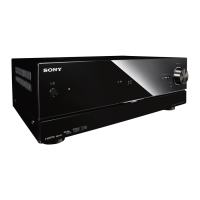
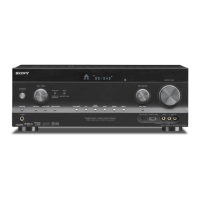
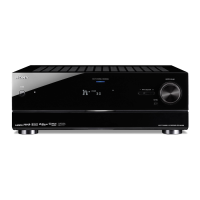
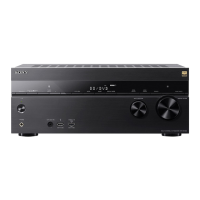
MULTI CHANNEL AV RECEIVER
STR-DN1050/STR-DN850
Auto Format Direct (A.F.D.)/2-channel sound mode
Auto Format Direct (A.F.D.) mode: This mode allows you to listen to higher-fidelity sound and select the
decoding mode for listening to a 2-channel stereo or monaural sound as multi-channel sound.
2-channel sound mode: You can switch the output sound to 2-channel sound regardless of the recording formats
of the software you are using, the playback device connected, or the sound field settings of the receiver.
A.F.D. Auto (A.F.D. AUTO):
Presets the sound as it was recorded/encoded without adding any surround effects.
However, for USA and Canada models, this receiver will generate a low-frequency signal for output to the subwoofer
when there is no LFE signals.
Multi Stereo (MULTI ST.):
Outputs 2-channel left/right or monaural signals from all speakers. However, sound may not be output from certain
speakers depending on the speaker settings.
2ch Stereo (2CH ST.):
The receiver outputs the sound from the front left/right speakers only. There is no sound from the subwoofer.
Standard 2-channel stereo sources completely bypass the sound field processing and multi-channel surround formats
are downmixed to 2-channels.
2ch Analog Direct (A. DIRECT):
You can switch the audio of the selected input to 2-channel analog input. This function enables you to enjoy high-quality
analog sources.
Only the volume and front speaker level can be adjusted when using this function.
Note
You cannot select [2ch Analog Direct] while using the BD/DVD, GAME, VIDEO 2, BLUETOOTH, USB, Home
Network, Music Services, or AirPlay function.
[Multi Stereo] does not work when multi-channel audio signals are being received.
Notes on use
4-488-938-11(1)
Copyright 2014 Sony Corporation
Help Guide


 To Next Page