64
Function Setting Menu
Chapter 3 Menu
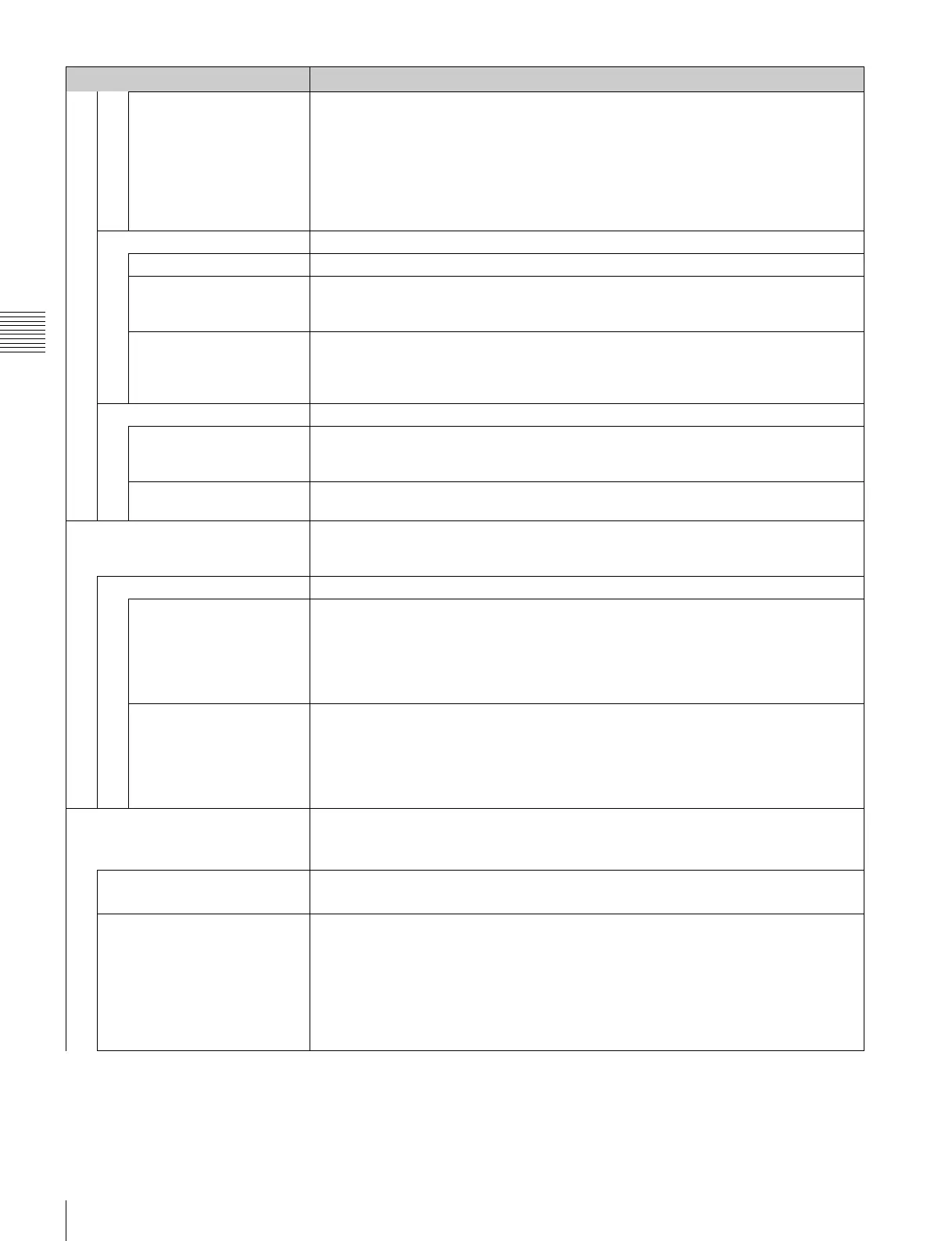
Gamut Error Display
HDMI/DP RGB Upper Limit (upper limit)
G: 0000 to 4095 [3935] (12bit conversion value)
B: 0000 to 4095 [3935] (12bit conversion value)
R: 0000 to 4095 [3935] (12bit conversion value)
Lower Limit (lower limit)
G: 0000 to 4095 [0080] (12bit conversion value)
B: 0000 to 4095 [0080] (12bit conversion value)
R: 0000 to 4095 [0080] (12bit conversion value)
Post-Process Detection Sets the error detection setting for the signal after YCbCr is converted to RGB.
Detection Sets whether or not to detect the error of the input signal ([Off] or On).
Pixel Threshold Sets the pixel number of the gamut error in the frame to notify the gamut error detection.
When the pixel number of the error is over the set pixel number, the detection is notified.
Set to 00000 to 65535. [00000]
Signal Level Sets the upper and lower lines of the signal level.
The signal level to be set is black level 256 and white level 3760 in 12bit conversion value.
Upper Limit: 0000 to 4095 [3761]
Lower Limit: 0000 to 4095 [0255]
Zebra Pattern Sets the zebra pattern displayed by the gamut error detection.
Line Sets the direction of the pattern.
[Diagonal Type1]: Right descending
Diagonal Type2: Left descending
Modulation Sets the amplitude of the pattern display.
Set to 1 to 50. [16]
3D Setting Sets the mode of Horopter Check of the 3D signal analyzing function.
This item can be selected when the BKM-250TG is installed, and is available for dual-stream
HD-SDI signal input.
Horopter Check Changes the display mode of the left and right 3D video signals.
Left Selects the display mode of the left signal.
[Normal]: Normal picture
Black: Displays a black signal (the video signal is not displayed).
Mono: Displays the video signal in monochrome mode.
Red: Displays only the red component of the video signal.
Blue: Displays only the blue component of the video signal.
Right Selects the display mode of the right signal.
[Normal]: Normal picture
Black: Displays a black signal (the video signal is not displayed).
Mono: Displays the video signal in monochrome mode.
Red: Displays only the red component of the video signal.
Blue: Displays only the blue component of the video signal.
Capture Captures the still picture for the standard of the color evaluation (HD Frame Capture).
Note
Use the controller with software version 1.6 or higher to use the HD Frame Capture function.
Load Loads the captured picture from the “Memory Stick”.
When the item is selected, you can select the file name to be loaded.
Rename Changes a file name of the captured picture in the “Memory Stick”.
When the item is selected, the file names are displayed.
When the file name is selected, you can change the file name (1 to 20 characters).
Existing file name: Enter the existing file name.
New Name: Enter a new file name.
Note
The “.” must not be used as the first character.
Menu Function and operation ([ ]: factory setting)


 To Next Page