EasyManua.ls Logo

Sony Trinitron KV-20V80 - Page 19

Sony Trinitron KV-20V80
35 pages
Print Icon
To Next Page IconTo Next Page
To Previous Page IconTo Previous Page
Loading...
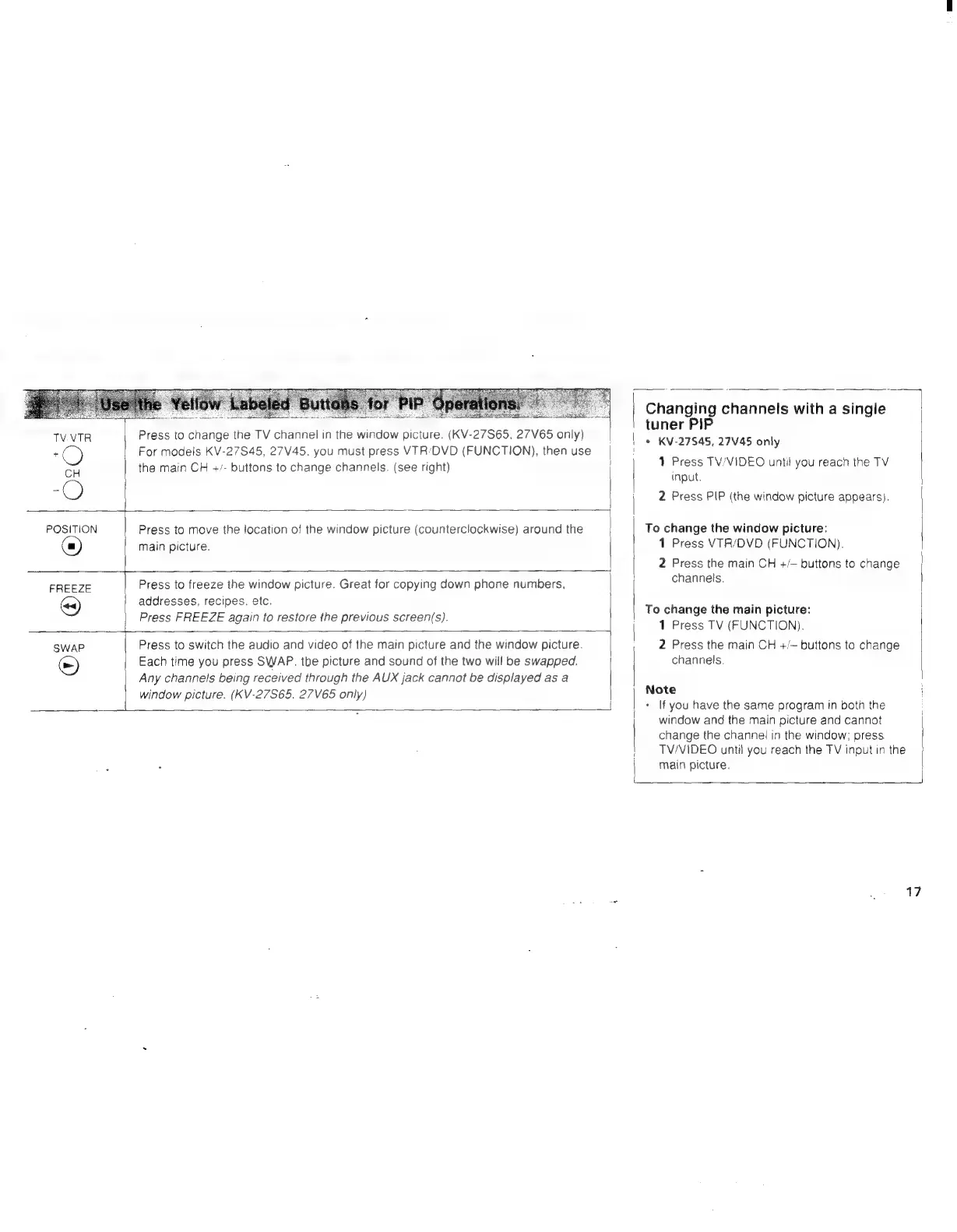
TV.VTR
Press
to
change
the
TV
channel
in
the
window
picture.
(KV-27S65,
27V65
only)
Fs
C)
For
models
KV-27S45,
27V45.
you
must
press
VTR:'DVD
(FUNCTION),
then
use
CH
the
main
CH
+/-
buttons
to
change
channels.
(see
right)
POSITION
Press
to
move
the
location
of
the
window
picture
(counterclockwise)
around
the
main
picture.
FREEZE
Press
to
freeze
the
window
picture.
Great
for
copying
down
phone
numbers,
@)
addresses,
recipes.
etc.
Press
FREEZE
again
to
restore
the
previous
screen(s).
SWaP
Press
to
switch
the
audio
and
video
of
the
main
picture
and
the
window
picture.
&)
Each
time
you
press
SWAP.
the
picture
and
sound
of
the
two
will
be
swapped.
Any
channels
being
received
through
the
AUX
jack
cannot
be
displayed
as
a
window
picture.
(KV-27S65.
27V65
only)
Changing
channels
with
a
single
tuner
PIP
*
KV-27S45,
27V45
only
1
Press
TV/VIDEO
until
you
reach
the
TV
Input.
2
Press
PIP
(the
window
picture
appears).
|
To
change
the
window
picture:
1
Press
VTR/DVD
(FUNCTION).
2
Press
the
main
CH
+/~
buttons
to
change
channels.
To
change
the
main
picture:
1
Press
TV
(FUNCTION).
2
Press
the
main
CH
+/~
buttons
to
change
channels.
Note
i
*
If
you
have
the
same
program
in
both
the
window
and
the
main
picture
and
cannot
change
the
channel
in
the
window;
press.
TV/VIDEO
until
you
reach
the
TV
input
in
the
main
picture.
17