EasyManua.ls Logo

Sony Trinitron KV-20V80 - Page 23

Sony Trinitron KV-20V80
35 pages
Print Icon
To Next Page IconTo Next Page
To Previous Page IconTo Previous Page
Loading...
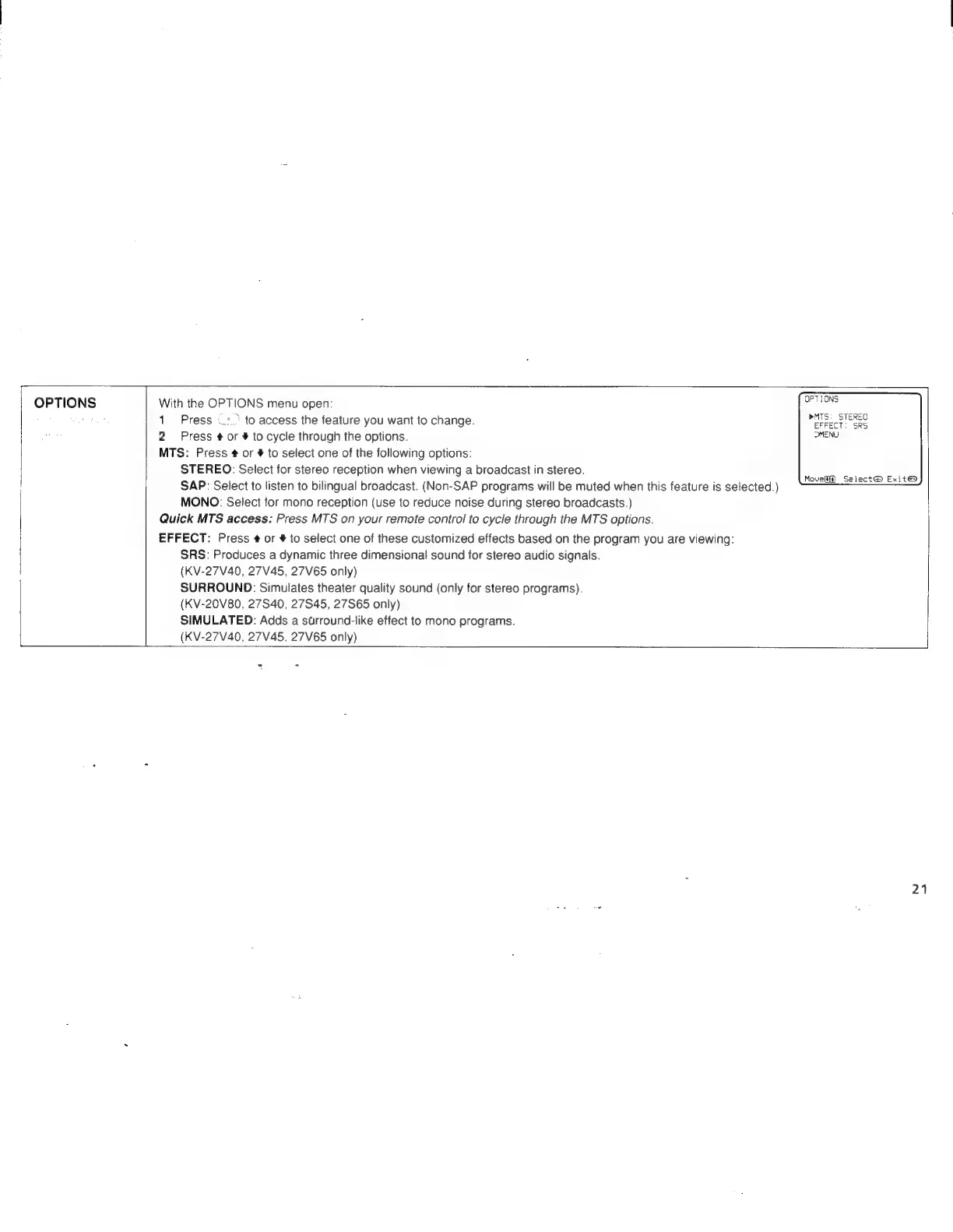
OPTIONS
With
the
OPTIONS
menu
open:
1
Press
—:.°
to
access
the
feature
you
want
to
change.
2
Press
¢
or
#
to
cycle
through
the
options.
MTS:
Press
¢
or
#
to
select
one
of
the
following
options:
STEREO:
Select
for
stereo
reception
when
viewing
a
broadcast
in
stereo.
SAP:
Select
to
listen
to
bilingual
broadcast.
(Non-SAP
programs
will
be
muted
when
this
feature
is
selected.)
MONO:
Select
for
mono
reception
(use
to
reduce
noise
during
stereo
broadcasts.)
Quick
MTS
access:
Press
MTS
on
your
remote
control
to
cycle
through
the
MTS
options.
EFFECT:
Press
¢
or
#
to
select
one
of
these
customized
effects
based
on
the
program
you
are
viewing:
SRS:
Produces
a
dynamic
three
dimensional
sound
for
stereo
audio
signals.
(KV-27V40,
27V45,
27V65
only)
SURROUND:
Simulates
theater
quality
sound
(only
for
stereo
programs).
(KV-20V80,
27S40,
27S45,
27S65
only)
SIMULATED:
Adds
a
strround-like
effect
to
mono
programs.
(KV-27V40,
27V45,
27V65
only)
OPTIONS
»MTS:
STEREO
EFFECT:
SRS
DMENU
Move]
Select@
Exit®
21

Related product manuals