8
Remote Control
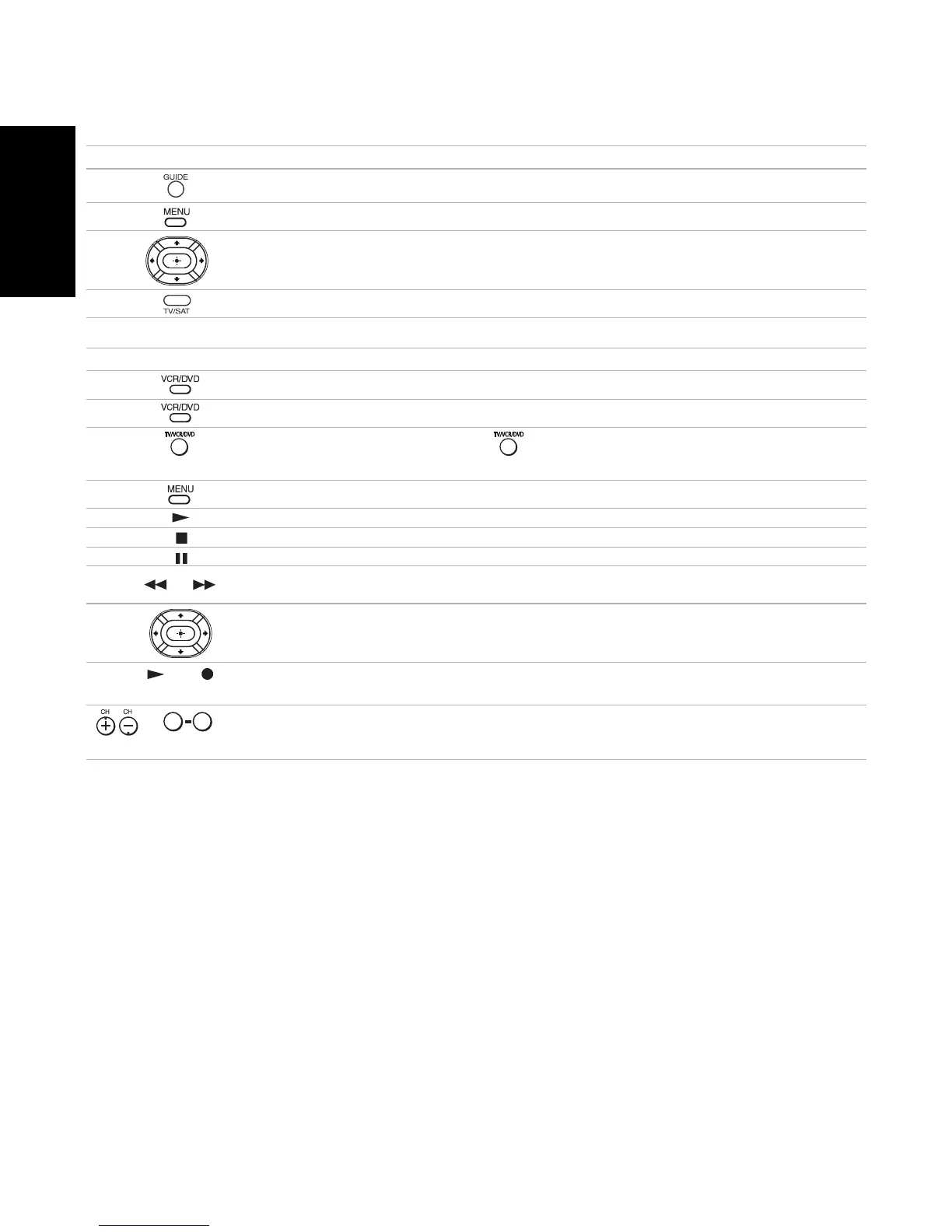
Display SAT Guide (satellite receiver)
Display SAT Menu (satellite receiver)
Use the arrow buttons to move the cursor in the menu, and the center button to
select an option (satellite receiver)
Press to switch between the TV and SAT inputs (satellite receiver)
Operating a DVD/VCR Combination Unit
Press To
Activate the remote control to operate the DVD/VCR (FUNCTION button)
Power on/off the DVD/VCR combination unit (VCR/DVD green button)
When the VCR is not playing, switches between the DVD player and VCR’s
tuner
Display the DVD Menu
Play
Stop
Pause
or
Rewind or fast-forward a video tape (VCR)
Search the picture forward or backward during playback (DVD)
Use the arrow buttons to move the cursor in the menu, and the center button to select
an option (DVD)
and
(Simultaneously)
Record (VCR)
or ,ENTER
(using tuner)
Change channels (VCR)
Operating a Cable Box or Satellite Receiver
Press To
0 9












 To Next Page