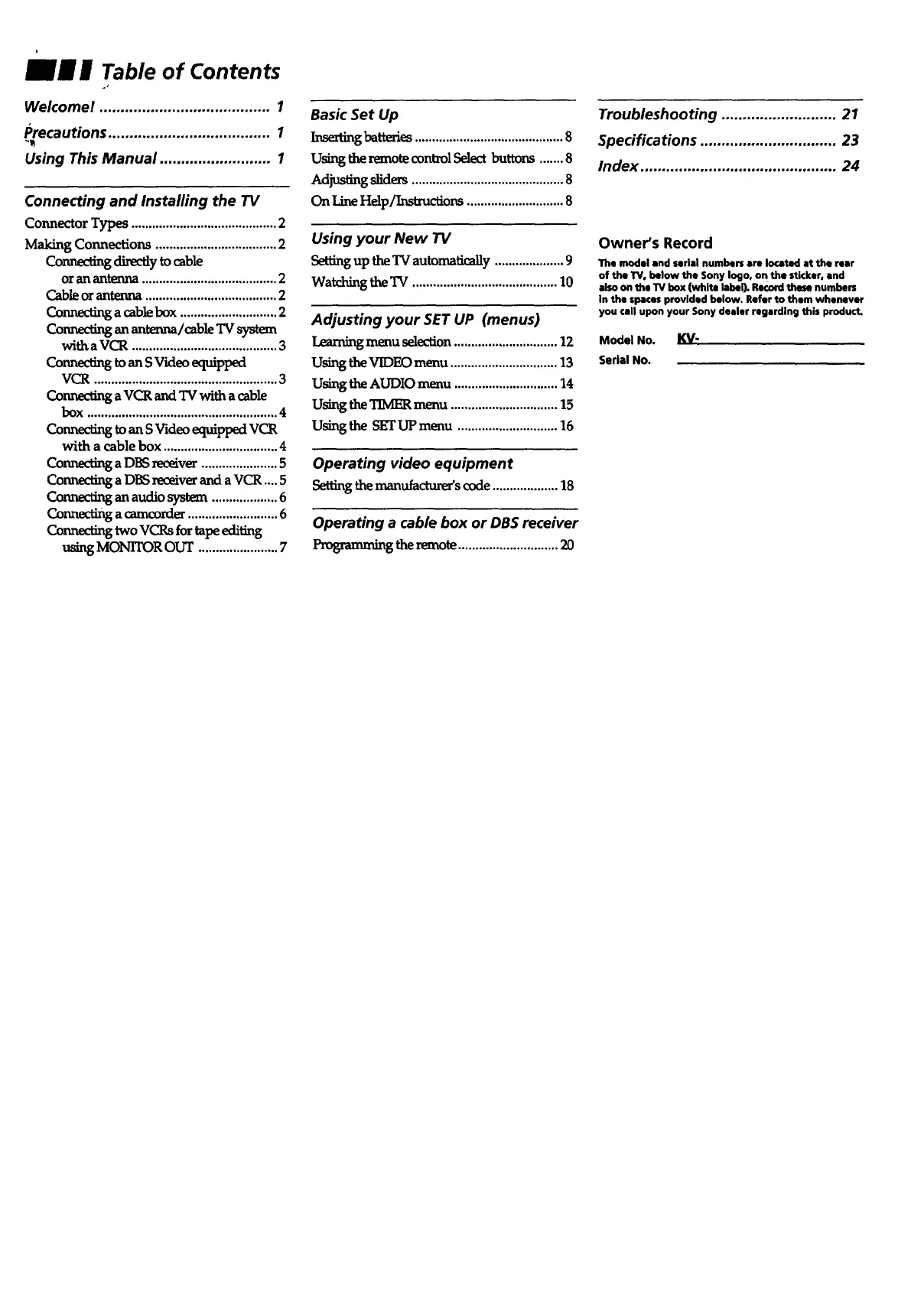
mm w Table of Contents
Welcome! ........................................ 1
Precautions ...................................... 1
Using This Manual .......................... 1
Connecting and Installing the TV
Connector Types .......................................... 2
Making Connections ................................... 2
Connecting directly to cable
or an antenna ....................................... 2
Cable or antenna ...................................... 2
Connecting a cable box ............................ 2
Connsctinganantenna/cableTVsystem
withaVCR .......................................... 3
Connect_toans Videoequipped
VCR ..................................................... 3
Connecting a VCR and "IVwith a cable
bOX .,,,,.,....,,,,,,....,,..,......,.. ...... °°°.°..°.°°°°°4
ConnectingtoanSVideoeqm'ppedVCR
with a cable box ................................. 4
Connecting a DBS receiver ...................... 5
Conneding a DBS receiver and a VCR .... 5
Connscfi_ an a_M.iosystem ................... 6
Connecting a camcorder .......................... 6
two vcP,sfortape_iiting
using MONITOR our ....................... 7
Basic Set Up
InseKmgbatteries...........................................8
Using the remotecontrol Select buttons .......8
Adjus_ng sliders ............................................8
On LineHelp/Instructions ............................8
Using your New TV
Settingup the'IV automatically....................9
Watchingthe"IV.......................................... 10
Adjusting your SET UP (menus)
Learning menu selection .............................. 12
Using the VIDEO menu ............................... 13
Using the AUDIO menu .............................. 14
Using the TIMER menu ............................... 15
Using the SET UP menu ............................. 16
Operating video equipment
Settingthemanufacturer'scode...................18
Operating a cable box or DB$ receiver
ProgrammL_theremote.............................20
Troubleshooting ........................... 21
Specifications ................................ 23
Index .............................................. 24
Owner's Record
The model and serial numbers are Io¢ated at the rear
of the W, below the Sony logo, on the stkker, end
also on the TV box (white label). Record the_ numbers
in the spaces provided below. Refer to them whenever
you call upon your Sony dealer regarding this product.
Model No. KV"
serial No.








 To Next Page