12
Operation
Operation
Printing
Before making print-outs
• Are the connections correct? (p. 5)
• Is the paper roll loaded properly? (p. 10).
• Is the paper type set correctly? (p. 6).
• Are the DIP switches set correctly? (p. 7 – 9)
• Is the print source being input?
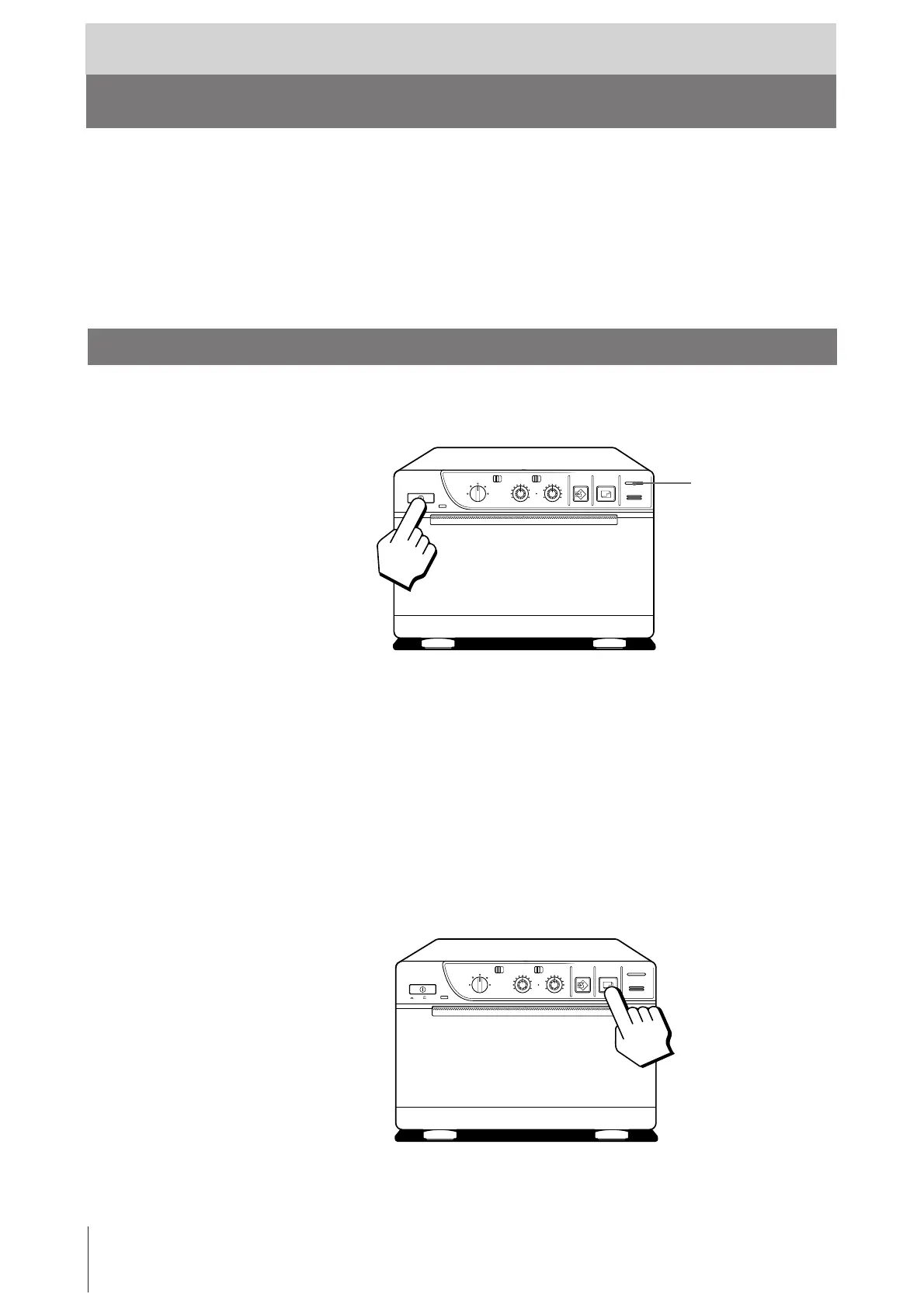
Making Print-outs
1 Press the power ON/OFF switch to turn on the printer.
The power indicator lights.
2 Make sure that the PAPER EMPTY indicator is not lit.
If lit, load paper.
3 Select the printing direction and size.
See “Selecting the Printing Direction” and “Selecting the Printing Size” on
the next page.
4 When the picture you want to print is on the video monitor, press the PRINT
button.
The printer makes a print-out of the picture displayed at the instant you press
the PRINT button.
PAPER EMPTY indicator
ON/ OFF
SMALL
NORMAL
ZOOM 1 . 5x
ZOOM 2x
STD
STD SIDE
BRIGHT
THRU
EE
CONTR
COPY PRINT
PAPER EMPTY
OPEN / CLOSE
LARGE
ON/ OFF
SMALL
NORMAL
ZOOM 1 . 5x
ZOOM 2x
STD
STD SIDE
BRIGHT
THRU
EE
CONTR
COPY PRINT
PAPER EMPTY
OPEN / CLOSE
LARGE



 To Next Page