17
Others
Maintenance
Cleaning the cabinet
Do not use strong solvents to clean the printer. Thinner or abrasive cleansers will
damage the cabinet.
Cleaning the thermal head
If the print-out is dirty or white stripes appear on the print-outs, clean the thermal
head using the supplied cleaning sheet.
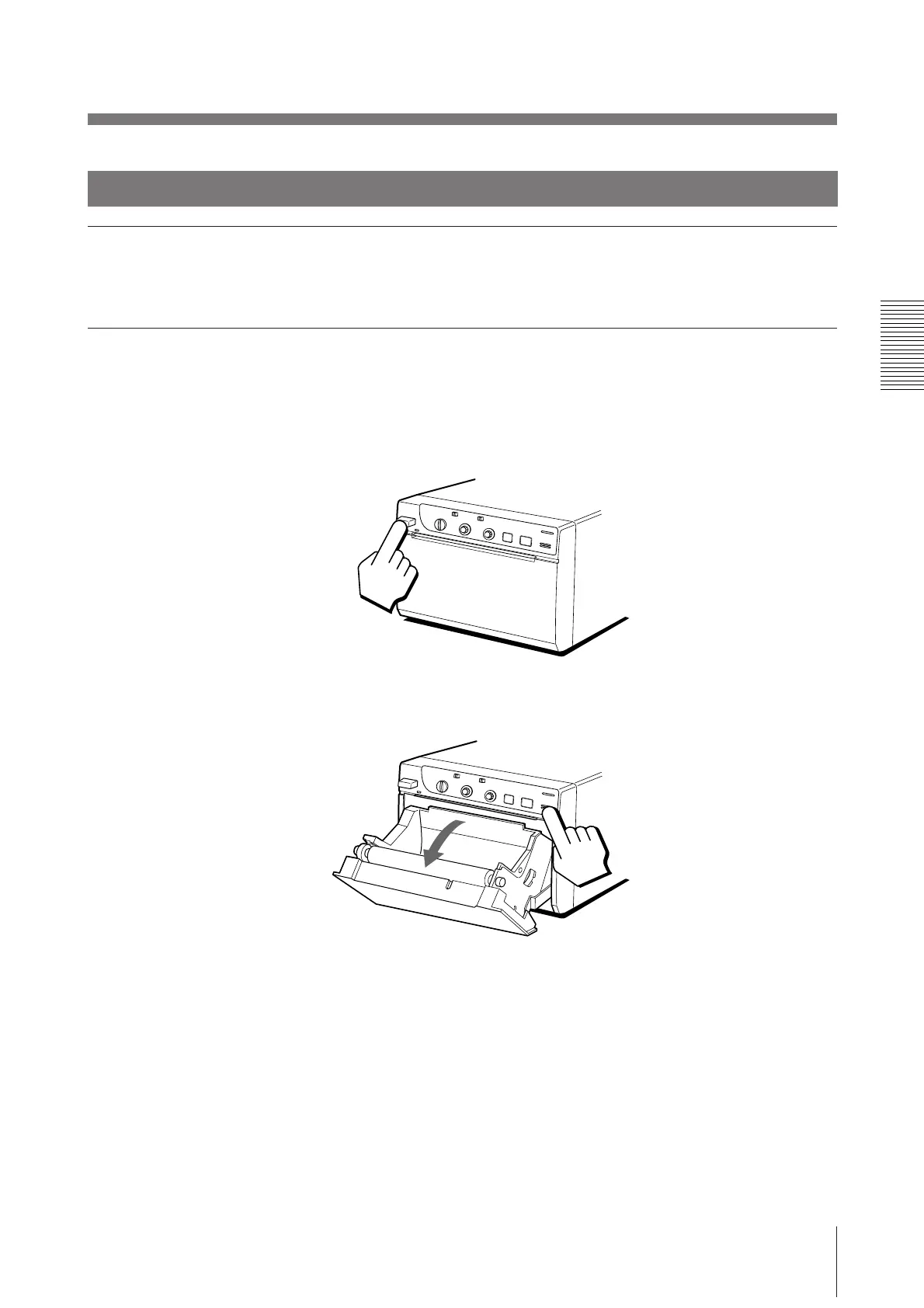
1 Press the power ON/OFF switch to turn on the printer.
2 Press the OPEN/CLOSE button to open the paper lid.



 To Next Page