18
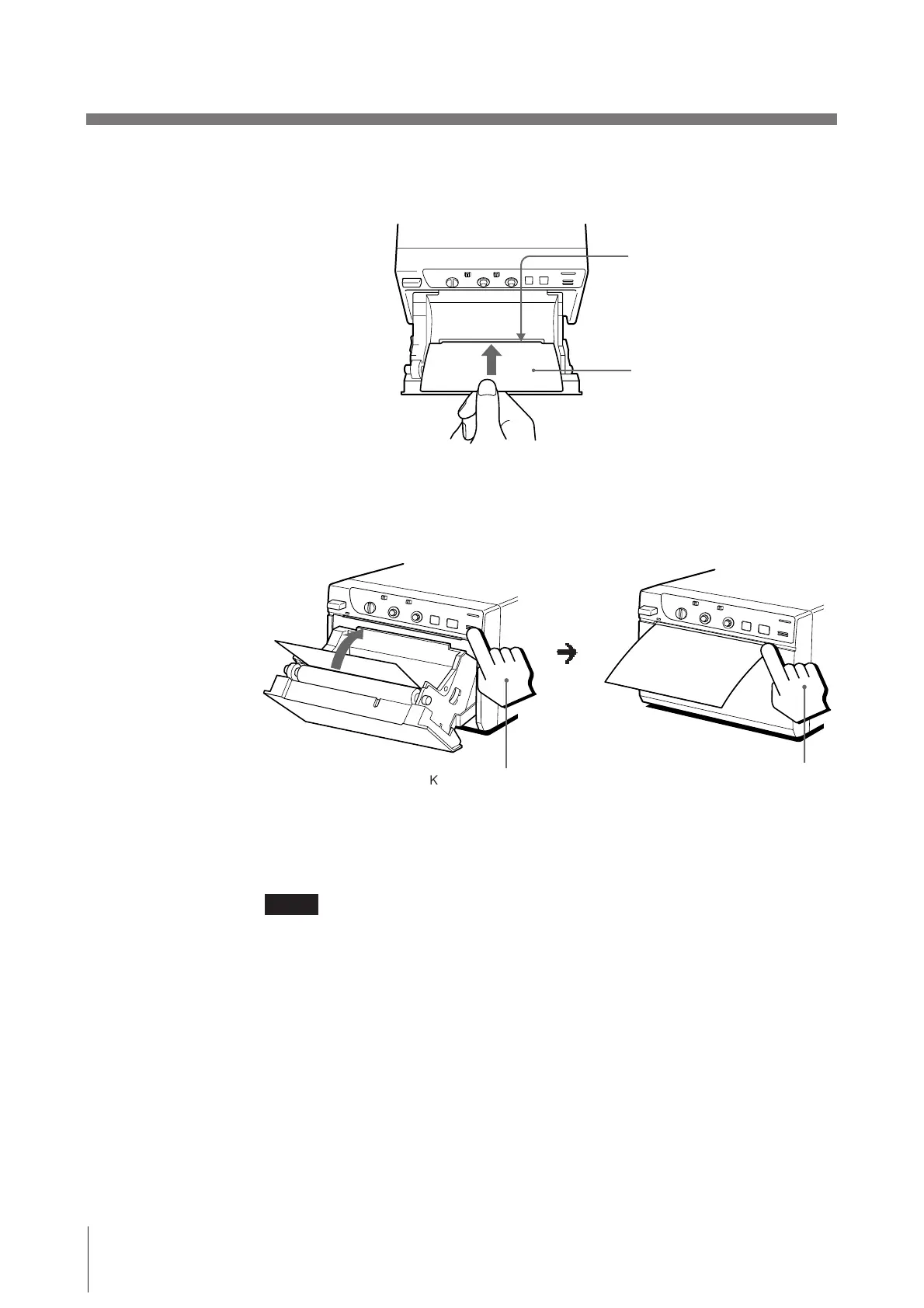
3 Insert the cleaning sheet, with the black surface facing down, into the groove
in the paper lid.
Precautions (continued)
Others
Insert into groove.
Cleaning sheet (supplied)
m
Keep the button pressed.
When the buzzer
sounds, release the
button.
5 Remove the cleaning sheet.
Notes
• Do not press the PRINT or COPY button while the cleaning sheet is in the
printer.
• Clean the head only when necessary. If you clean the head too often, it may
cause malfunction.
4 Press the OPEN/CLOSE button and keep it pressed.
The paper lid closes and the printer starts cleaning the head.
When the buzzer sounds and the printer starts ejecting the cleaning sheet,
release the OPEN/CLOSE button.



 To Next Page