13
Operation
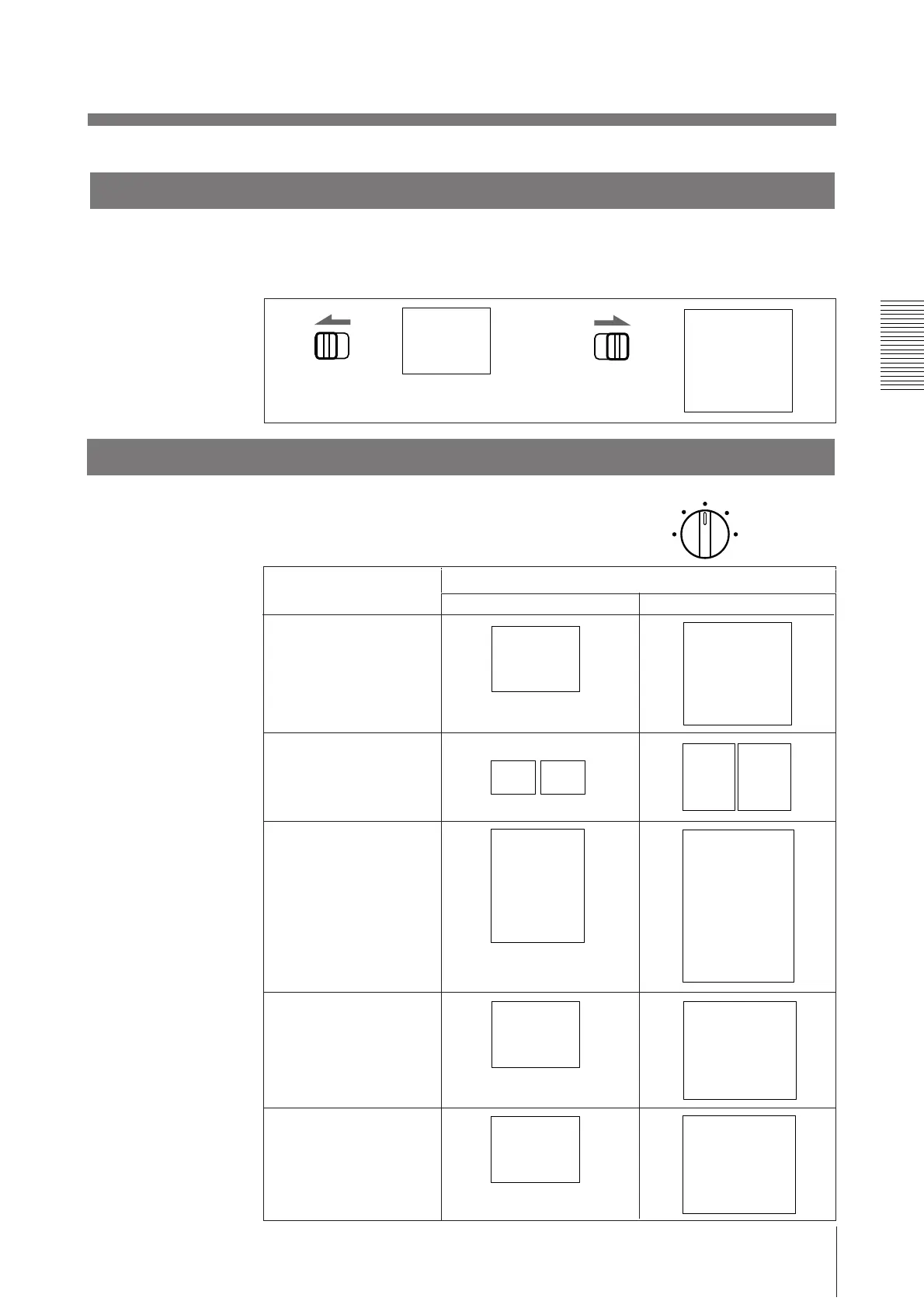
Selecting the printing direction
You can select the vertical or horizontal direction using the STD/SIDE selector.
To print in the vertical direction, set to STD.
To print in the horizontal direction, set to SIDE.
STD SIDE
STD SIDE
Selecting the printing size
You can print in small or large size.
Also you can enlarge the center of the picture by
1.5 or 2 times.
ABC ABC
SMALL
NORMAL
ZOOM 2X
LARGE
ABC
ABC
B
ABC
ZOOM 1.5X
AB
AB
B
B
ABC
ABC
SMALL
NORMAL
ZOOM 1 . 5x
LARGE
ZOOM 2x
Priting size
Control position (mode)
ABC
Vertical (STD) Horizontal (SIDE)
ABC



 To Next Page