6
Preparation
Before Printing
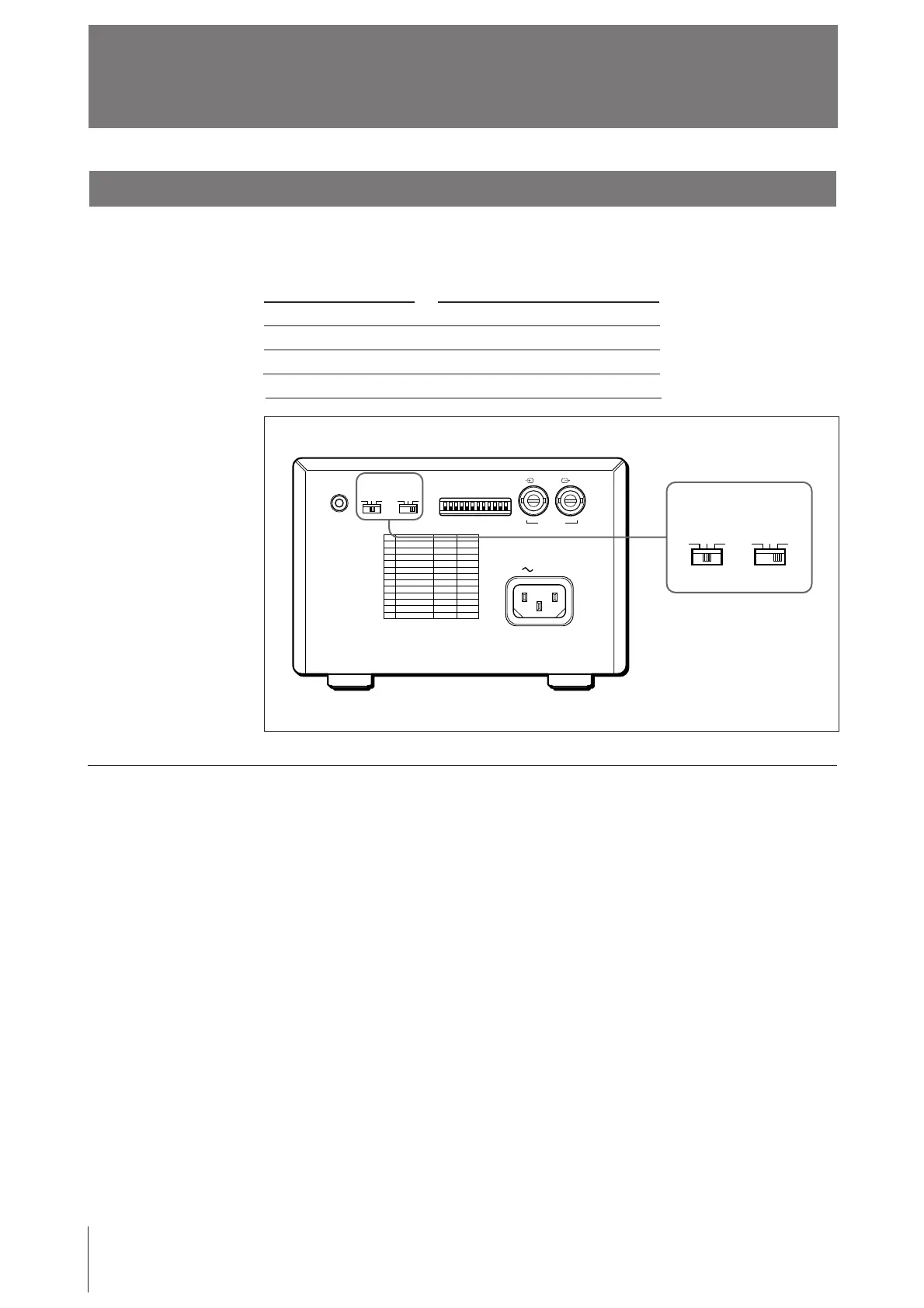
Setting the Type of Paper
Set the PAPER TYPE selector to the type of paper to be used.
The use of paper other than Sony may result in reduced printer performance and
poor print quality.
Type of paper
UPP-110S
UPP-110HD
UPP-110HA
PAPER TYPE switch position
I (Normal)
II (High density)
IV (Enhanced)
When you use the UPP-110HA or UPP-110HD
When you set the PAPER TYPE selector to II or IV, set the density gradation with
the GAMMA selector.
I: Soft gradation
II: Standard
IV: Hard gradation
REMOTE GAMMA TYPE
PAPER
DIP SW
OFF
ON
VIDEO
IN OUT
AC IN
IIIIII IIIIV
GAMMA TYPE
PAPER
IIIIII IIIIV



 To Next Page