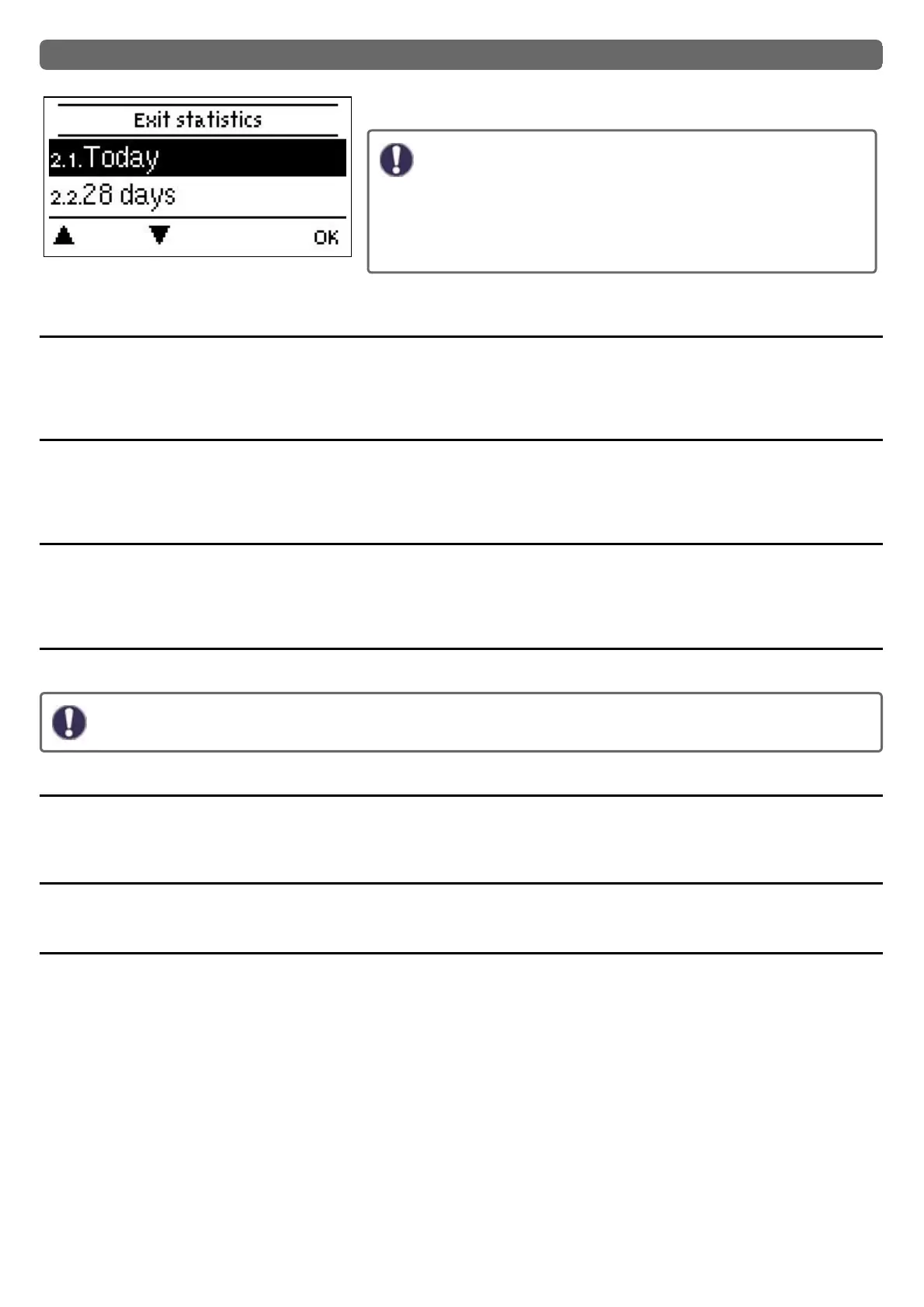
2. Statistics
Serve for function control and long-term monitoring of the system.
For time-dependent functions such as circulation and anti-legionella
and the evaluation of system data, it is essential that the time is accur-
ately set on the controller. Please note that the clock continues to run
for about 24 hours if the mains voltage is interrupted, and afterward
must be reset. Improper operation or an incorrect time may result in
data being cleared, recorded incorrectly or overwritten. The man-
ufacturer accepts no liability for the recorded data!
Today
Flow temperature of the last 24 hours
In the graphical overview the characteristics of the flow for the present day is shown from 0 ... 24 h. The right button changes the unit of
time (days) and the two left buttons scroll through the diagram.
28 days
Flow temperature during the last 28 days
In the graphical overview the characteristics of the flow temperature during the last 28 days is shown. The right button changes the
unit of time (days) and the two left buttons scroll through the diagram.
Operating hours
Here the operating hours of the heating circuit and other switch or signal outputs are displayed. This is the entire time the heating cir-
cuit pump and other switch or signal outputs were active. The displayed date in this menu is the date of the last deletion. From this
date on the current count is added.
Heat quantity
Display of the consumed heat quantity form the system in kWh.
This is an indicative value.
Graphic overview
This results in a clear illustration of the data as a bar graph. Different time ranges are available for comparison. You can page through
with the two left keys.
Notifications
Display of the last 20 errors in the system with indication of date and time.
Reset / Clear
Resetting and clearing the selected statistics. Selecting ‚all statistics‘ clears everything except the messages.
29



 To Next Page