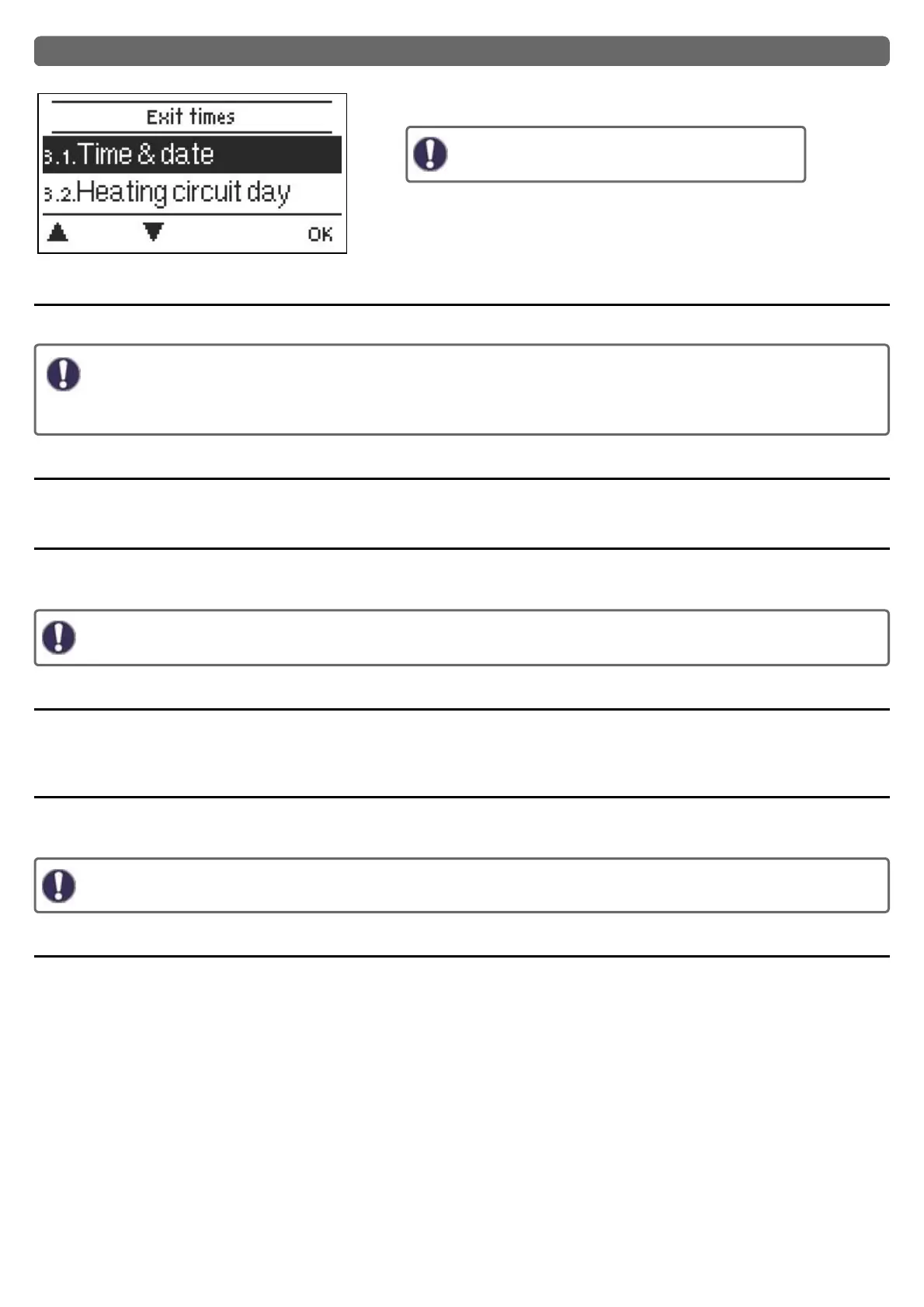
3. Periods
Settings for time, date and operating times for the heating circuit.
The associated temperature reference values are
specified in Menu 5, ‚Settings‘.
Time & Date
Serve to set the current time and date.
For time-dependent functions such as circulation and anti-legionella and the evaluation of system data, it is essential that
the time is accurately set on the controller. Please note that the clock continues to run for about 24 hours if the mains voltage
is interrupted, and afterward must be reset. Improper operation or an incorrect time may result in data being cleared, recor-
ded incorrectly or overwritten. The manufacturer accepts no liability for the recorded data!
Daylight saving time
If this function is activated, the controller automatically changes to winter time or summer time (DST, Daylight Savings Time).
Heating Circuit (Day)
This menu is used to select the daytime mode times for the heating circuit; three time periods can be specified for each weekday and
copied to the following days.
Unspecified times are automatically considered to be night-time mode. The set times are only taken into account in the ‚Auto-
matic‘ heating circuit operating mode.
Heating Circuit Comfort
This menu can be used to select three time ranges for each day of the week in which the heating circuit is supplied with an increased
comfort temperature, e.g. for quick heating in the morning.
DHW enable
In this menu, the approval times for the DHW load (sensor S3) are selected, whereby for every weekday 3 periods can be determined
and copied in the following days.
In times that are not filled, the DHW load is automatically shut down by the controller.
DHW comfort
This menu can be used to select three time ranges for each day of the week in which the DHW is supplied with an increased comfort tem-
perature.
30



 To Next Page