BIOS Setup Utility
SY-7VBA133U
49
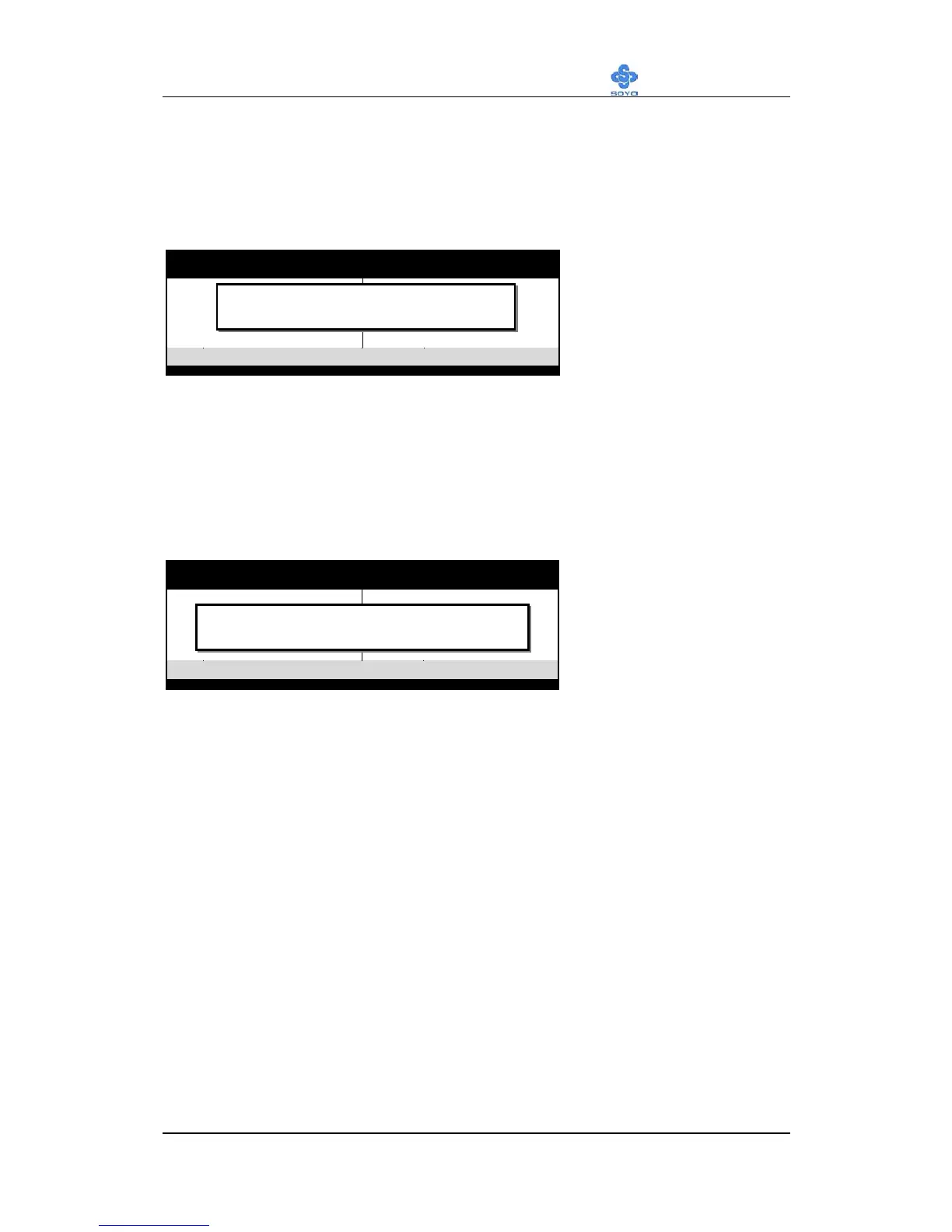
SAVE AND EXIT SETUP
Select the [SAVE & EXIT SETUP] option from the Main Menu to save
data to CMOS and exit the setup utility. This option saves all your changes
and causes the system to reboot.
Type [Y] to save the
changes and exit or [N]
to return to the Main
Menu and keep current
values.
EXIT WITHOUT SAVING
Selecting the [EXIT WITHOUT SAVING] option allows you to abandon
all data and exit setup, therefore ignoring all your changes.
Type [Y] to abandon
changes and exit or [N]
to return to the Main
Menu and keep current
values.
RO M PCI/ISA BIOS
CMOS SETUP UTILITY
AW ARD SOFTW ARE, INC.
STANDARD CMOS SETUP
BIO S FEATURES SETUP
C H IP S E T FEATU R ES S E TU P
POW ER MANAGEMENT SETUP
PNP/PC I C O N FIG U RATIO N
LO AD SETUP DEFAULTS
LO AD BIOS DEFAULTS
INTEGRATED PERIPHERALS
SUPERVISOR PASSW ORD
USER PASSW ORD
IDE HDD AUTO DETECTION
SAVE & EXIT SETUP
EXIT W ITH O U T SAVIN G
Esc
F10
: Q u it
: S a v e & E x it S e tu p
↑
↓
→
←
(S h ift) F 2
: S e le c t Ite m
: C hange C olor
T im e , D a te , H a rd D is k T y p e …
SAVE to CMOS and EXIT
R O M P C I/ IS A B IO S
CM OS SETUP UTILITY
AW ARD SOFTW ARE, INC.
STANDARD CM OS SETUP
BIO S FEATURES SETUP
C H IPSE T FE ATU R ES S E TU P
POW ER MANAGEMENT SETUP
PNP/PCI CONFIGURATION
LOAD SETUP DEFAULTS
LOAD BIOS DEFAULTS
INTEGRATED PERIPHERALS
SUPERVISO R PASSW O RD
USER PASSW O RD
IDE HDD AUTO DETECTION
SAVE & EXIT SETUP
EXIT W ITHO UT SAVING
Esc
F10
: Q u it
: Save & Exit Setup
↑ ↓ → ←
(S h ift) F 2
: S e le c t Ite m
: C hange C olor
T im e , D a te , H a rd D isk T y p e …
Quit Without Saving (Y/N)? _



 To Next Page
 Loading...







