Page8
Section5 Important: Operating Control
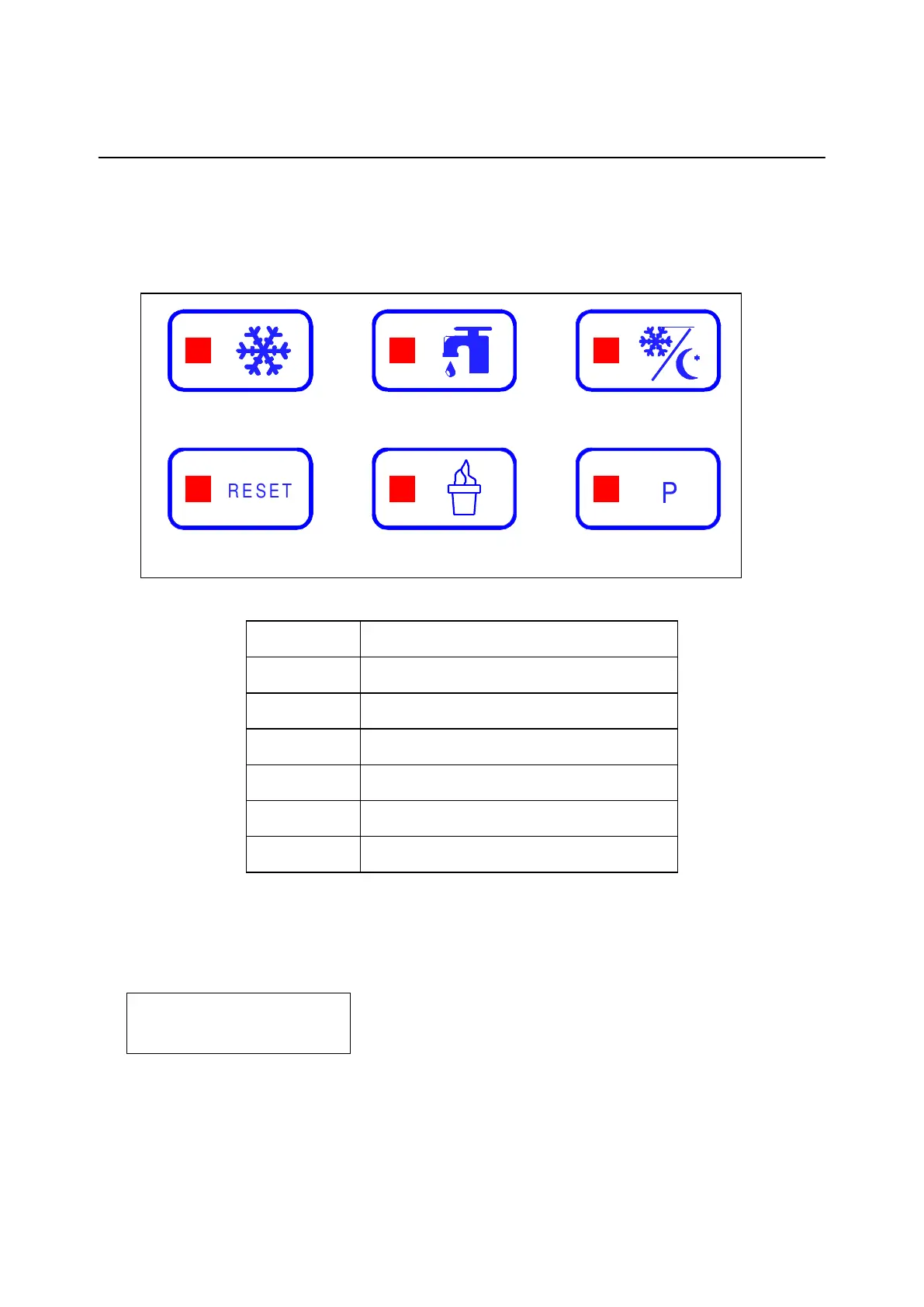
Symbol Definitions
To better communicate in the International arena, symbols have replaced words on many
of our operator switches. SPACEMAN equipment is designed with these International
symbols. The following chart identifies the symbol definitions.
1 2 3
4 5 6
Operating Descriptions
When connect the power supply, the fluorescent display indicate:
RESET BUTTON (Item 4)
Press RESET button to exit current mode, fluorescent display indicates STOP, date and
time. All function buttons are available. To change to other function, IT IS ALWAYS
NECESSARY to first press RESET button to return STOP.



 To Next Page