Page 11
Section5 Important: Operating Control
ICE CREAM BUTTON (Item 5)
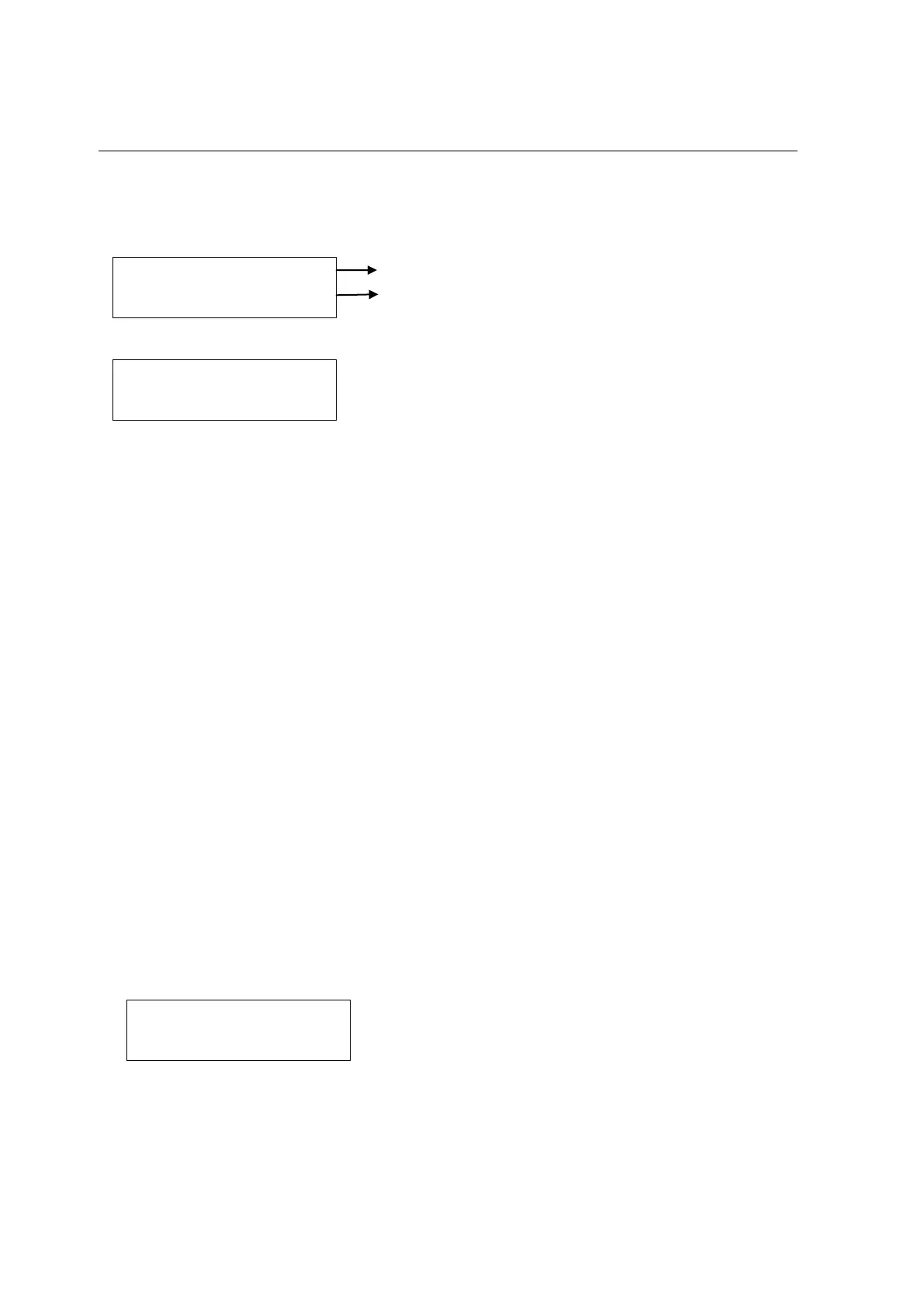
1. Press ICE CREAM button to check the number of servings dispensed from the
machine. The fluorescent display indicates:
Indicate the quantity of ice cream serviced today.
Indicate the quantity of ice cream serviced total
2. Indicate above menu for 5 seconds, fluorescent display will return to:
3. Press Reset button, fluorescent display indicates STOP. All function buttons are
available.
P BUTTON (Item 6)
1. At COOL and WASH mode, pressing P button will change the display menu between
temperature and electrical current.
2. At STANDBY mode, pressing P button indicate temperature for 5 seconds.
3. At STOP mode, pressing P button indicate temperature.
SET MENU
The SET Menu is used to enter the parameter setting. To access the Menu, press and
hold the RESET button for 3 seconds.
In the Menu program, the RESET, COOL, STANDBY, P, WASH and ICE CREAM button
will function as menu keys.
STANDBY BUTTON - increases the value above the cursor.
P BUTTON - decreases the value above the cursor.
RESET BUTTON - change screen of setting.
COOL BUTTON - change item of setting.
WASH BUTTON - not save the setting and exit.
ICE CREAM BUTTON - save the setting and exit.
1. At STOP mode, press and hold the RESET button for 3 seconds, fluorescent display
indicates:
- The above value is the maximum viscosity setting. When the electrical current
achieves the value, the product is at serving viscosity, stop the refrigeration of
cylinder. The higher electric current is higher viscosity of product.
Today: 00000
Total: 0000000
VISCOSITY SET
CURRENT: 2.00
HOPPER 0.0C
CYCLINDER 0.0C



 To Next Page