Page 9
Section5 Important: Operating Control
WASH BUTTON (Item 2)
1. Press WASH button, the led of WASH comes “ON”. The beater motor operate,
fluorescent display indicates “WASHING”.
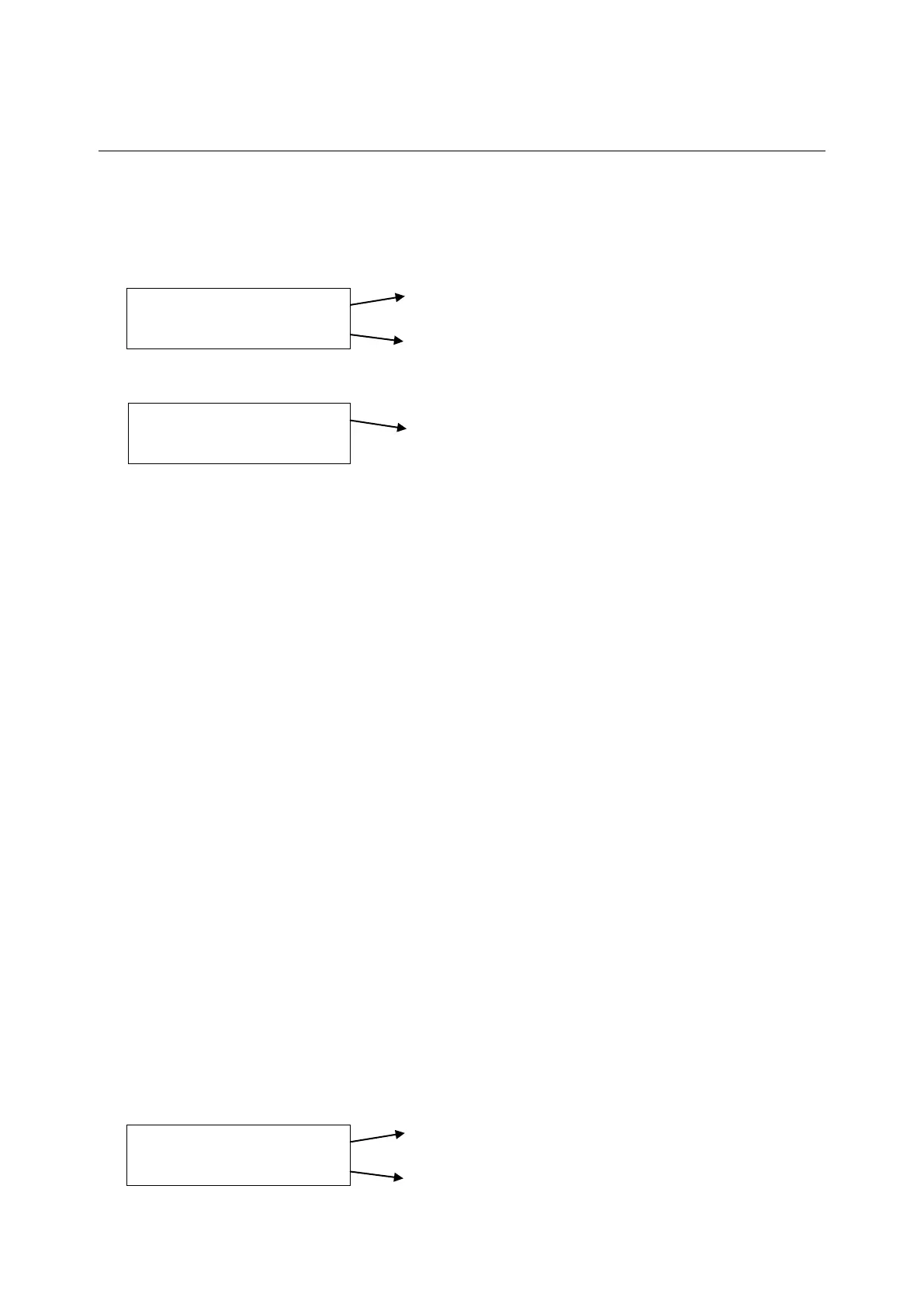
2. Press P button, the fluorescent display indicates:
Indicate present temperature of mix in hopper.
Indicate present temperature of mix in cylinder.
3. Press P button once again, the fluorescent display indicates:
Indicate the electric current of beater motor.
Number before “/” is present electric current of beater motor.
Number after “/” is maximum electric current of beater motor been set.
4. Press P button once again, fluorescent display indicates “WASHING”. Press P button,
fluorescent display will cycle from step 2.
5. Press Reset button, the led of WASH comes “OFF”, fluorescent display indicates
STOP. All function buttons are available.
COOL BUTTON (Item 1)
1. Press the COOL button, the led of COOL comes “ON”. Fluorescent display indicates
“COOLING”. Beater motor and agitator start. Both refrigeration systems start. One
for cylinder to make product, the other for hopper to pre-cool mix and keep
temperature of mix in hopper under 4℃ as default.
2. When temperature of mix in hopper falls 1 degree below 4℃, mix hopper refrigeration
system automatically stops. It automatically starts when temperature rises by 1℃
above 4℃. The default 4℃ can be adjusted under SET MENU.
3. Refrigeration for cylinder runs until the unit cycles OFF, the product in the freezing
cylinder will be at serving viscosity. Raising the draw valve will activate the beater
motor and the product will flow out from under the door spout. The viscosity of
product is controlled by electric current of beater motor. The higher electric current
the higher the viscosity of product. The viscosity can be adjusted under SET
MENU.
4. Press P button, the fluorescent display indicates:
Indicate present temperature of mix in hopper.
Indicate present temperature of mix in cylinder.
HOPPER 0.0C
CYCLINDER 0.0C
HOPPER 0.0C
CYCLINDER 0.0C



 To Next Page