Page 7
Section5 Important: Operating Control
Before operating the machine, it is required that the operator know the function of each
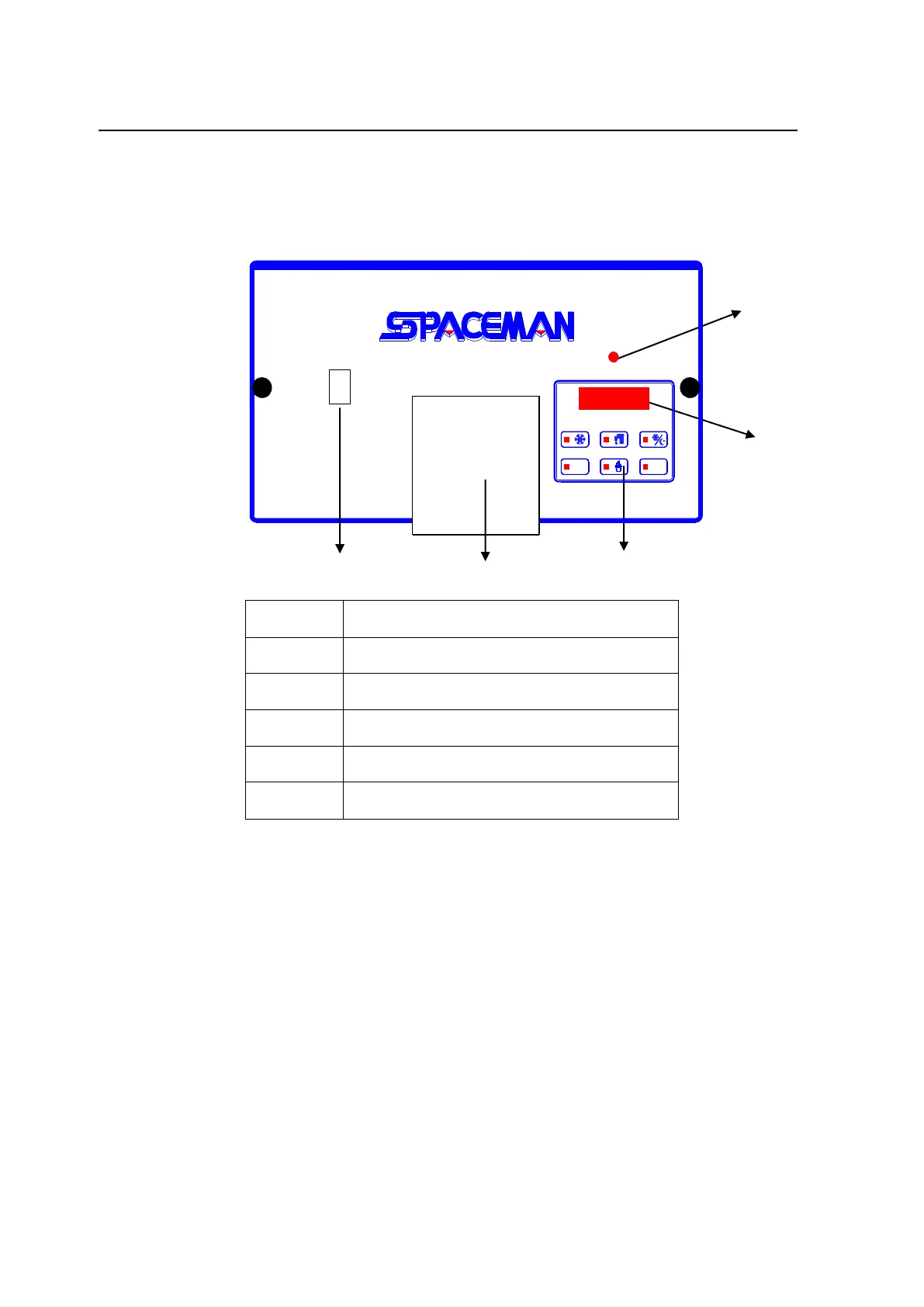
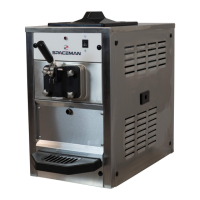
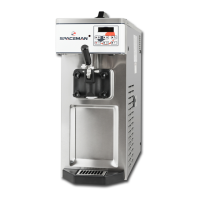
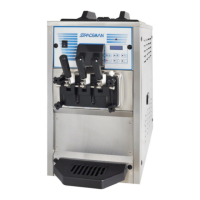
operating control. Refer to Figure 5-1 Figure 5-2 for location of the controls panel of the
machine. It is easy to activate and control all of the machine functions from the front
panel.
I
0
Indicator Led-”Mix Low”
When the led is “ON”, it indicates that the mix hopper has a low supply of mix and
should be refilled as soon as possible. Always maintain at least 2cm of mix in the
hopper. If you neglect to add mix, a freeze-up may occur. This will cause eventual
damage to the beater assembly, the dispensing door and gear box.
Fluorescent Display
During normal operation the display is used to indicate function, the temperature of the
mix in the hopper and cylinder, the electric current of beater motor, error and warning
messages.
Power ON/OFF Switch
Press “I”, control boards will get power from the main power source.



 To Next Page