Page10
Section5 Important: Operating Control
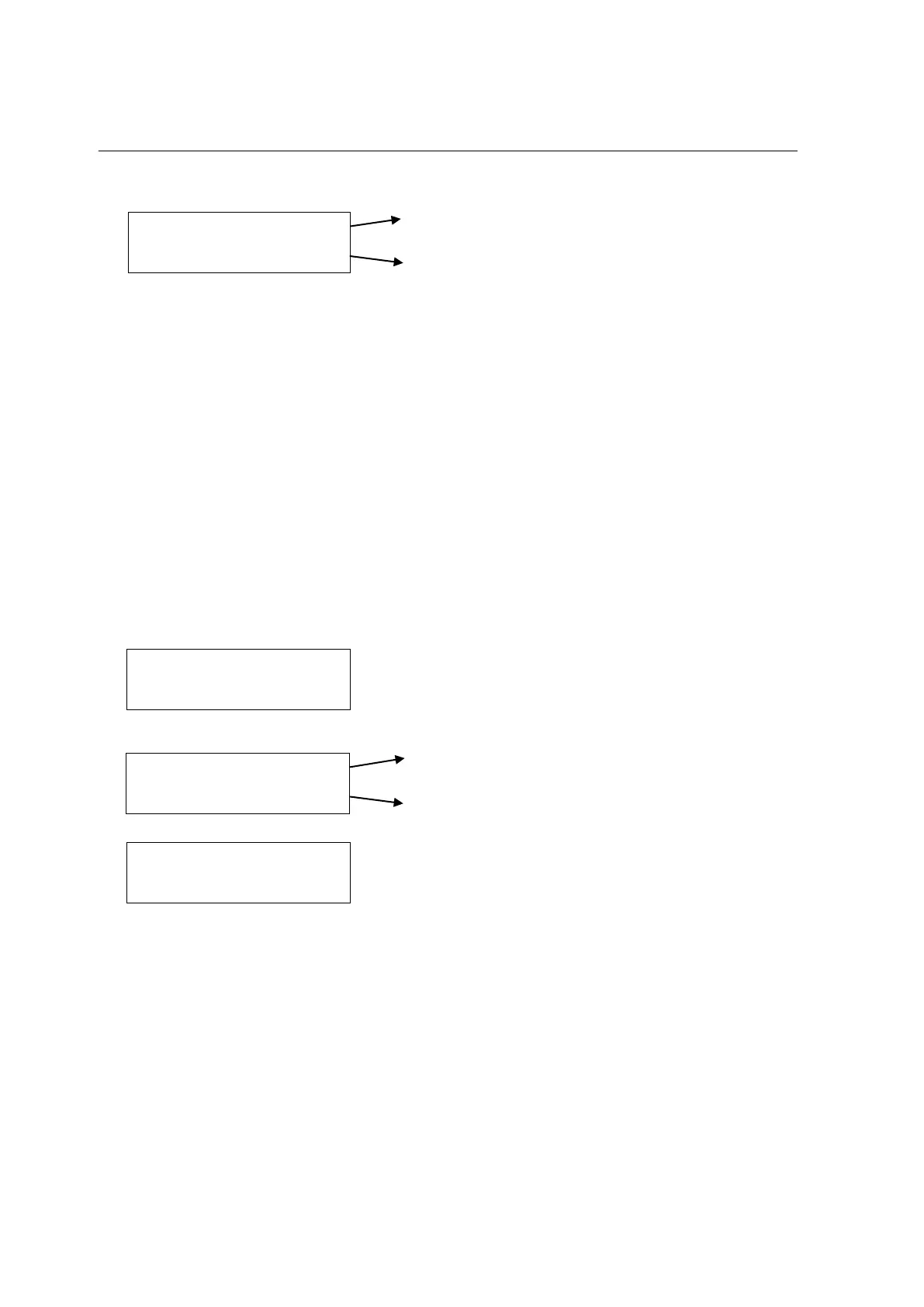
5. Press P button once again, the fluorescent display indicates:
Indicate the electric current of beater motor.
Indicate the scale of viscosity.
When the second line is full by “*”, the product is at serving viscosity.
6. Press P button once again, fluorescent display indicates “COOLING”. Press P
button, fluorescent display will cycle from step 4.
7. Press Reset button, the led of COOL comes “OFF”, fluorescent display indicates
STOP. All function buttons are available.
STANDBY BUTTON (Item 3)
During long “No Sale” periods, the unit can be placed into the Standby mode. This
maintains product temperatures below 4°C in both the hopper and the freezing cylinder,
and helps prevent overbeating and product breakdown. You will save significantly on
energy consumption, as the compressor runs only for the time strictly necessary in order
to keep product at its correct temperature.
1. Press STANDBY button, the led of STANDBY comes “ON”. Fluorescent display
indicates:
2. Press P button, fluorescent display indicates:
Indicate current temperature of mix in hopper.
Indicate current temperature of mix in cylinder.
3. Indicate above menu for 5 seconds, fluorescent display will return to:
4. If no any button is pressed in 10 minutes, fluorescent display will enter save mode,
led of background will OFF. Till press any button except Reset button, led of
background will ON.
5. Press Reset button, the led of STANDBY comes “OFF”, fluorescent display indicates
STOP. All function buttons are available.
MOTOR 1.34 / 2.00 A
******************
HOPPER 0.0C
CYCLINDER 0.0C



 To Next Page