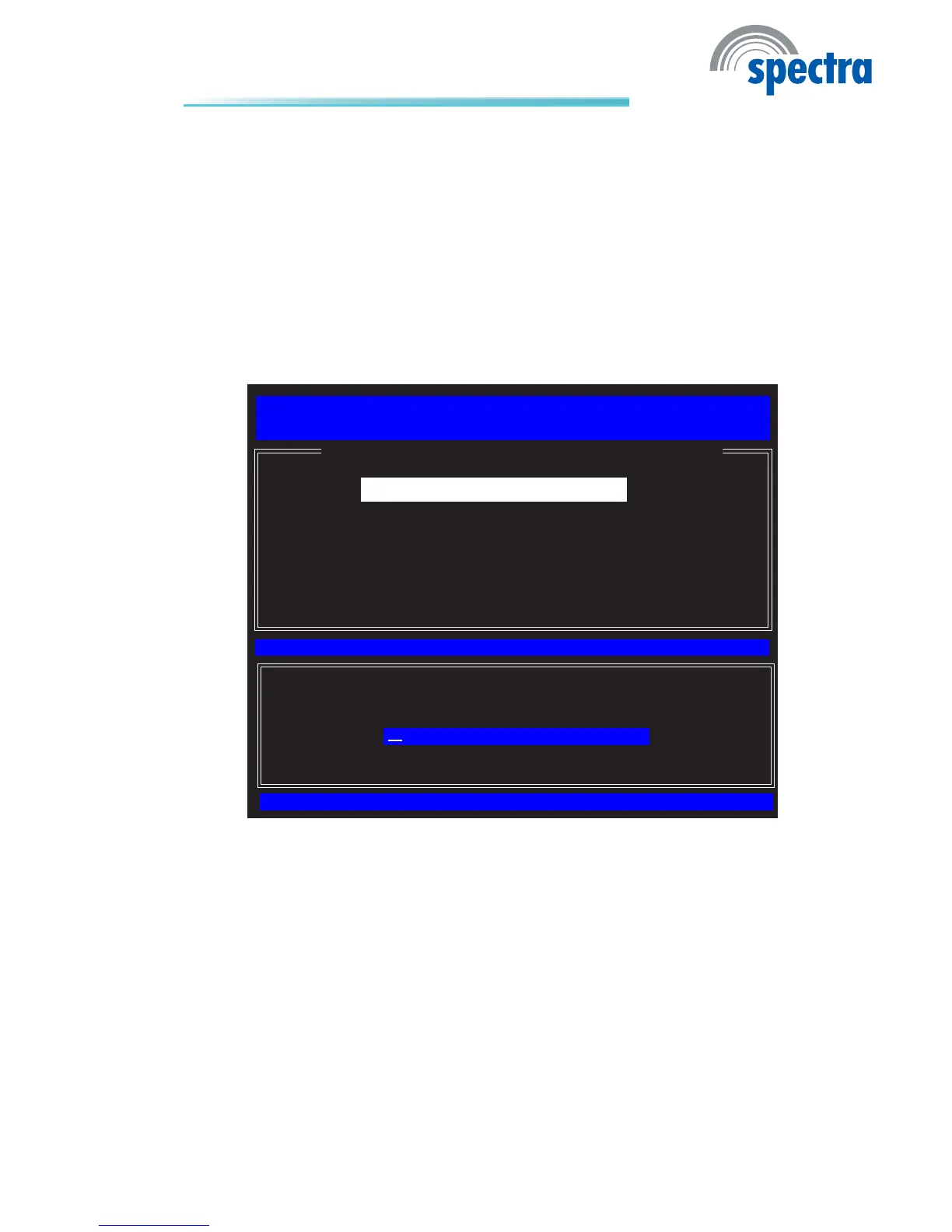
8. SelectChange ME Password then press Enter.
You will be prompted for a password. The default password is “admin”. Enter
the default password in the space provided under Intel(R) ME Passwordthen
press Enter.
8-32 characters •
Strong7-bitASCIIcharactersexcluding• : , and ” characters
At least one digit character (0, 1, ...9)•
Atleastone7-bitASCIInonalpha-numericcharacter,above0x20,(e.g.!,•
$, ;)
Both lower case and upper case characters•
[ESC] : Exit
[ENTER] : Access
[↑↓] : Select
[ INTEL(R) ME PLATFORM CONFIGURATION ]
Intel(R) ME State Control
Change ME Password
Password Policy
Network Setup
Activate Network Access
Uncongure Network Access
Remote Setup and Conguration
FW Update Settings
Intel(R) Management Engine BIOS Extension v6.0.3.0014/Intel(R) ME v6.0.0.1184
Copyright(C) 2003-09 Intel Corporation. All Rights Reserved.
Intel(R) ME Password



 To Next Page