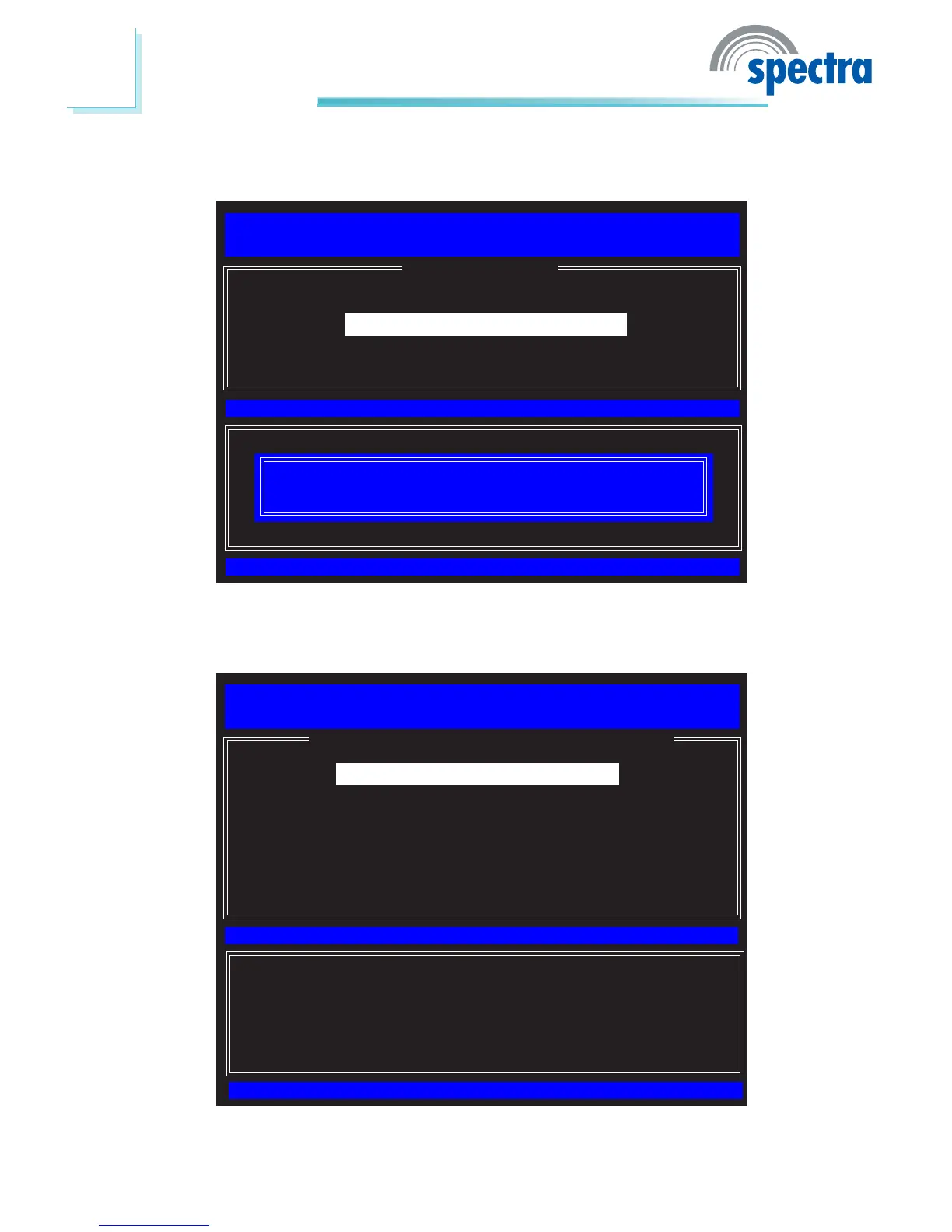
58. Select Previous Menu until you return to the Main Menu. Select Intel(R)
AMT Conguration.
Intel(R) Management Engine BIOS Extension v6.0.3.0014/Intel(R) ME v6.0.0.1184
Copyright(C) 2003-09 Intel Corporation. All Rights Reserved.
[ MAIN MENU ]
[ESC]=Exit
[ENTER]=Access
[
↑↓]=Select
Update network settings in the General Settings menu
Intel(R) ME General Settings
Intel(R) AMT Conguration
Exit
59. In the Intel(R) AMT Conguration menu, select Manageability Feature
Selection then press Enter.
[ESC]=Exit
[ENTER]=Access
[↑↓]=Select
[ INTEL(R) AMT CONFIGURATION ]
Intel(R) Management Engine BIOS Extension v6.0.3.0014/Intel(R) ME v6.0.0.1184
Copyright(C) 2003-09 Intel Corporation. All Rights Reserved.
Manageability Feature Selection
SOL/IDER
KVM Conguration
Previous Menu



 To Next Page