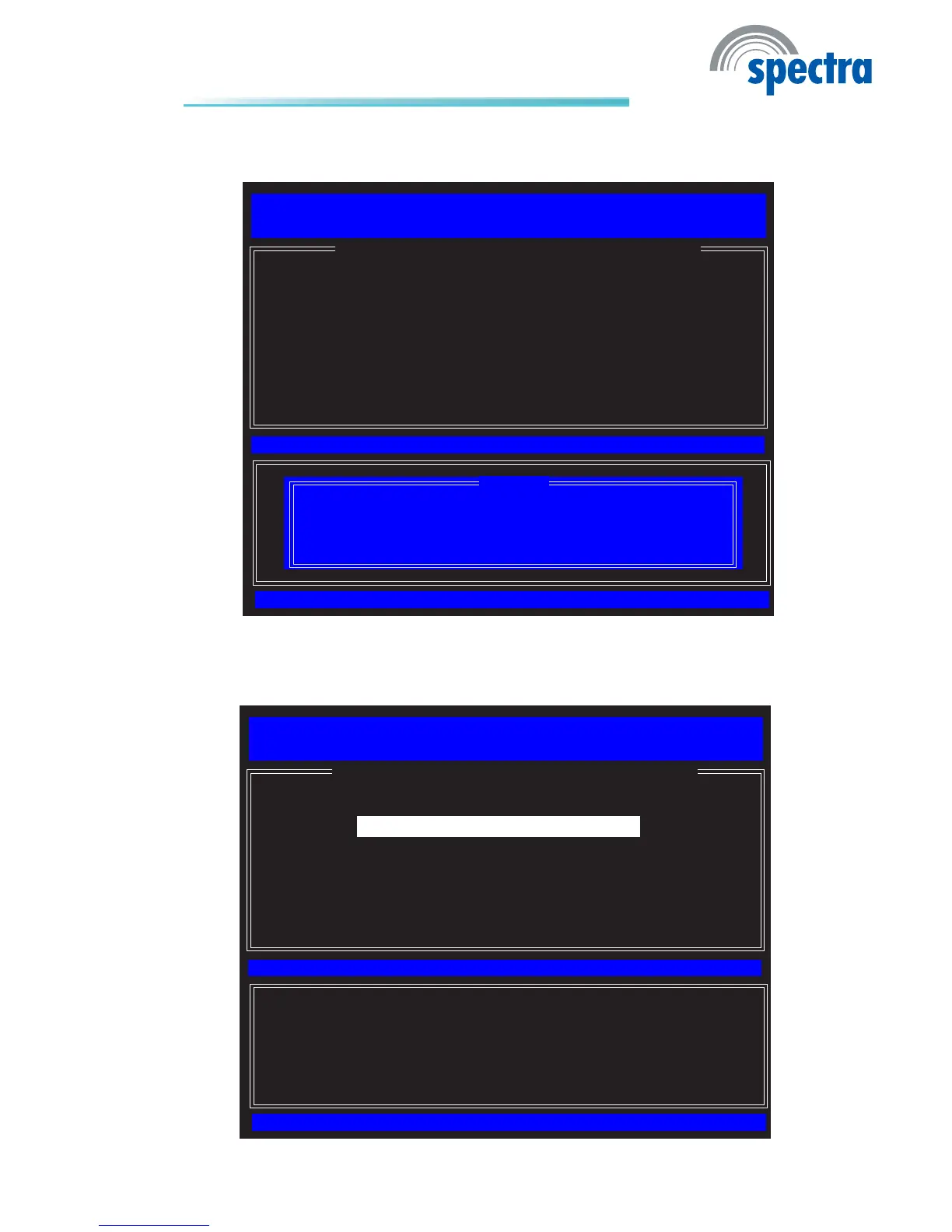
60. Type Y then press Enter.
[ESC]=Exit
[ENTER]=Access
[↑↓]=Select
[ INTEL(R) AMT CONFIGURATION ]
Intel(R) Management Engine BIOS Extension v6.0.3.0014/Intel(R) ME v6.0.0.1184
Copyright(C) 2003-09 Intel Corporation. All Rights Reserved.
Manageability Feature Selection
SOL/IDER
KVM Conguration
Previous Menu
Disabling resets network settings including network ACLs
to factory defaults. System resets on MEBx exit.
Continue: (Y/N)
[Caution]
61. In the Intel(R) AMT Conguration menu, select SOL/IDER then press
Enter.
[ESC]=Exit
[ENTER]=Access
[↑↓]=Select
[ INTEL(R) AMT CONFIGURATION ]
Intel(R) Management Engine BIOS Extension v6.0.3.0014/Intel(R) ME v6.0.0.1184
Copyright(C) 2003-09 Intel Corporation. All Rights Reserved.
Manageability Feature Selection
SOL/IDER
KVM Conguration
Previous Menu



 To Next Page