Spectralink 7622/7642 Handset User Guide
Spectralink 76-Series Handset User Guide.docx
April 2023 13
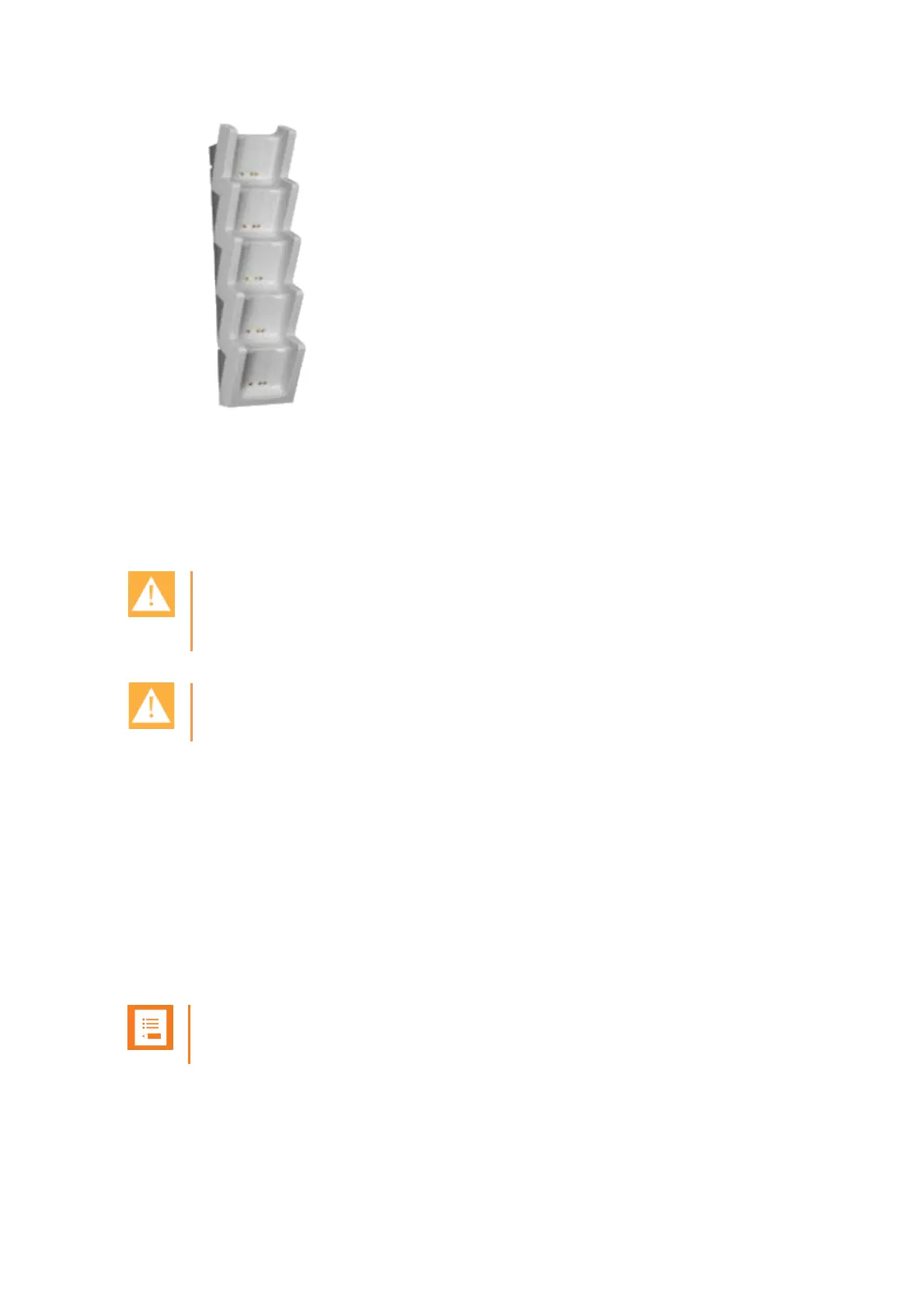
For more information about mounting the Charger Rack, see documentation
available at http://support.spectralink.com/.
Charging Battery
Caution: Battery and charger compatibility
Only use batteries and chargers compatible with your handset. For more information, see
“Product Compatibility” on page 119.
Caution: Overheated Battery
If an overheated battery is detected, charging will suspend.
You must fully charge your handset’s battery before you use it for the first time in order to
maximize the battery’s storage capacity and lifespan.
When charging battery for the first time, it is necessary to remove the battery shipping film
that covers the battery contacts. The battery is fully charged when the battery indicator
becomes solid. For more information, see “Charging Battery”, “Handset Display” on page 20,
and “Status Icons” on page 22.
During normal operation, it takes approximately 6 hours to charge the handset from fully
discharged to its full capacity. Turning the backlight off reduces charging time with
approximately 2 hours.
Note:
The battery drains slowly even while the handset is turned off.



 To Next Page