16
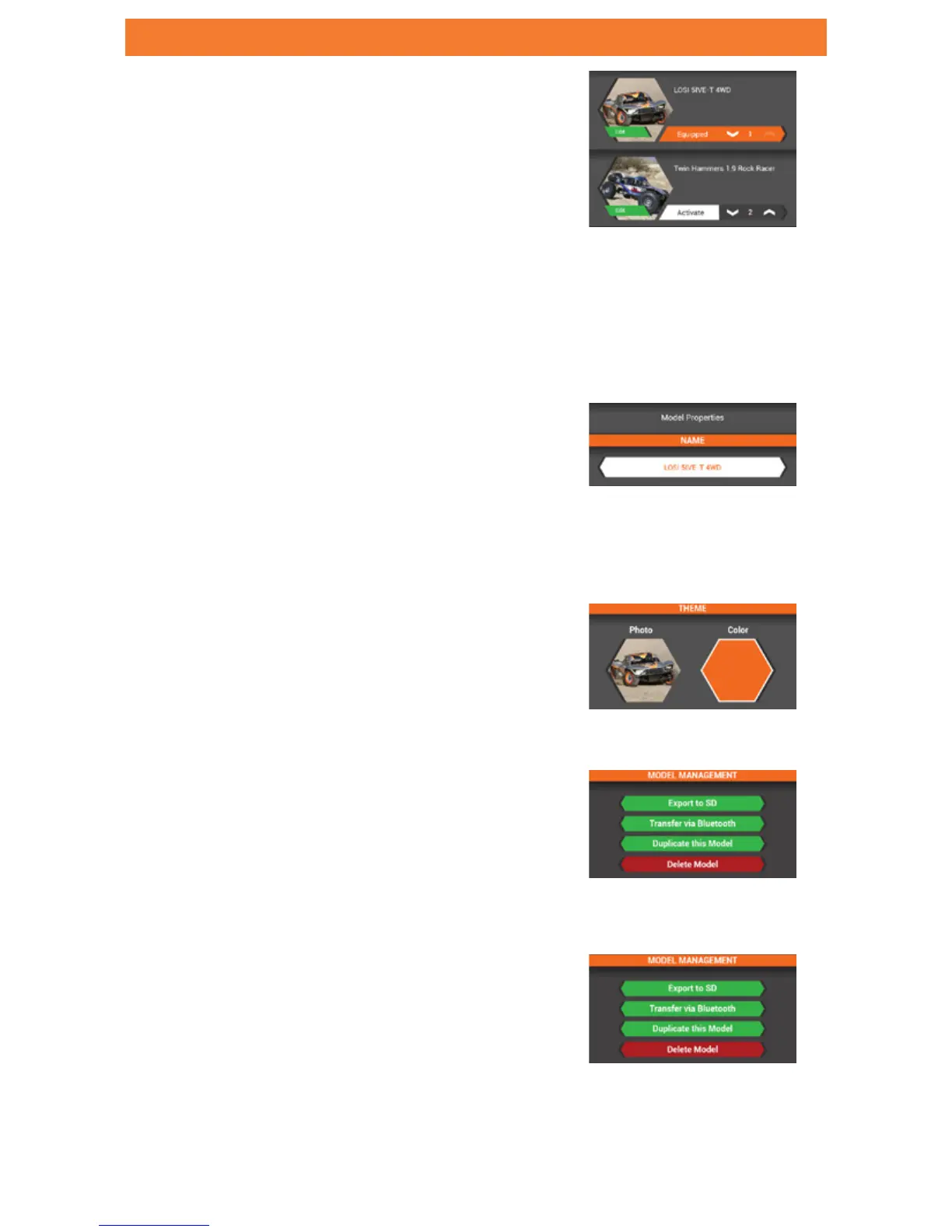
From inside the MODELS screen, Tap on EDIT
button within the model image to access MODEL
PROPERTIES.
MODEL PROPERTIES
USE THE MODEL PROPERTIES TO:
• Change Model Name
• Change Theme Color
• Change Model Image
• Export Models
• Duplicate Models
• Delete Models
MODEL NAME-
• Tap in the model name box
• Enter up to 20 characters
THEME COLOR-
Tap the COLOR box to select a different theme color
MODEL IMAGE-
• Tap the PHOTO box to change the image
• Use the PHOTO PICKER to select an image from
an SD card
EXPORT MODEL-
• Tap EXPORT to SD to export current model to
SD card
• Tap TRANSFER VIA BLUETOOTH to export a
model directly to another transmitter.
DUPLICATE/DELETE MODEL-
• Tap DUPLICATE THIS MODEL to make a copy of
the current model.
• Tap DELETE MODEL to delete current model.
RESET MODEL-
Tap RESET MODEL to return to defaults.


 To Next Page