29
TELEMETRY
TIMERS
The Telemetry SetUp Screen allows for editing values as well as how the
information is displayed on the Telemetry Screen.
• Tap DISPLAY to Hide the telemetry information
on the Telemetry screen. If information is already
hidden, tap Hide to show.
• Change Minimum values displayed (per sensor)
• Change Maximum values displayed (per sensor)
• Change Warning Threshold (per sensor)
• Choose motor sensor type and Pole Count to
accurately display motor RPM’s
• Select drive ratios and tire diameter to accurately
display model speeds.
AVAILABLE FUNCTIONS:
• Temperature
• Receiver Battery
• Speed/RPM
• Sensor Type
• Roll-Out
AVAILABLE TIMERS:
• Total Time
• Model Time
• Up Timer
• Down Timer
• Rolling Lap Timer
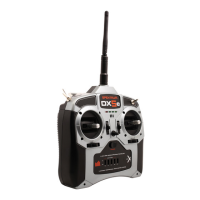
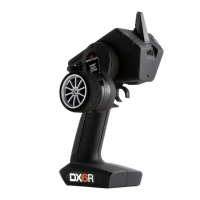
The DX6R offers 5 timers, all viewable from the
Dashboard. Pause and Reset the timers directly on
the dashboard or configure a Timer switch or button.
To configure the timers and to clear Model Time and
Total Drive Time go to the Timers screen in SetUp.


 To Next Page