Page 84 of 98
118157-001 Rev C
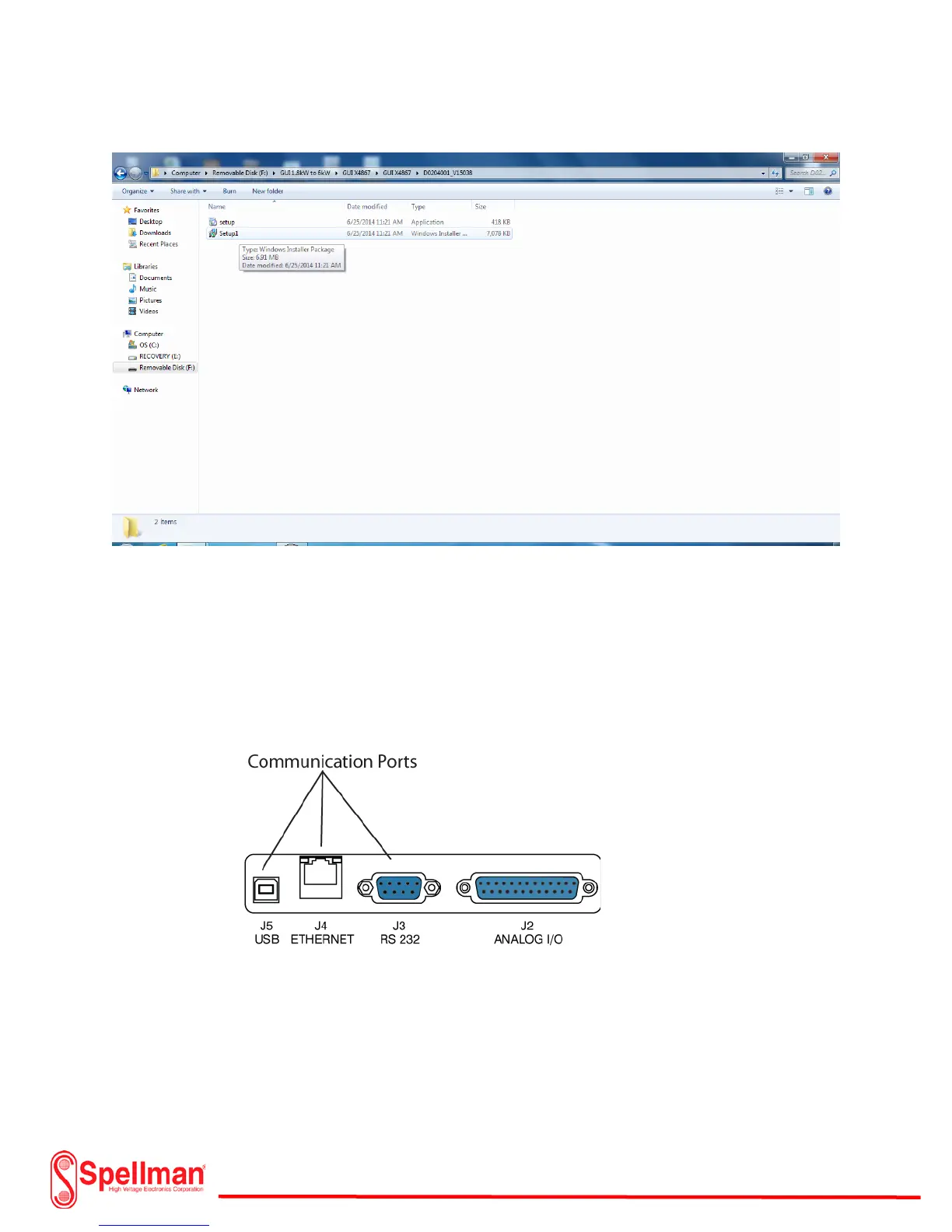
Flash Drive USB installation Step 5
Software Communication:
After the GUI is installed, shut down the computer. Select which type of communication cable will be
used to control the XRV Generator. Connect a 9 pin com port (RS-232), Ethernet or USB from the
computer to the XRV Generator J3, J4 or J5 input connector. Make sure that the appropriate interface
cable is plugged in before power is applied to the computer or XRV Generator.


 To Next Page