Document No: 9961 FIssue Date: Jan-29-2018 Page 25 of 35
This document and all copies are the property of Spider
®
. All dimensions and data are indicative only.
The user must ensure that the equipment complies with local rules and regulations.
= Inspect
= Verify
= Perform process
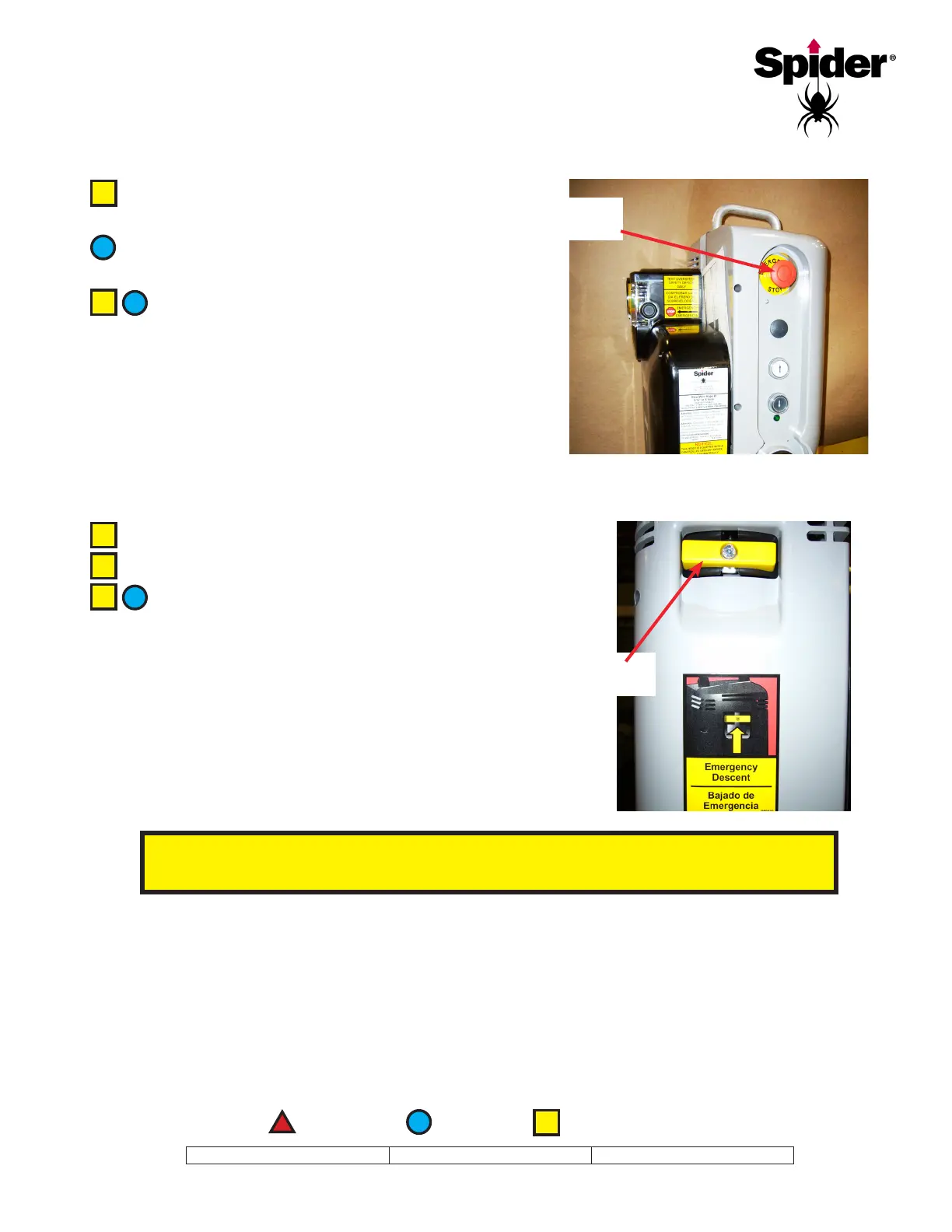
Press the red emergency stop button while
running the hoist in either direction.
Once the emergency stop button has been
pressed, the hoist should not move at all.
To reset the emergency stop button, pull the
button out.
Emergency
Stop Button
Raise the hoist approximately 3 feet (1 meter).
Disconnect the power supply.
Pull up the controlled descent lever
SLOWLY, to make sure the hoist does not
overspeed. The platform should descend at a slow,
controlled speed.
Controlled
Descent Lever


 To Next Page