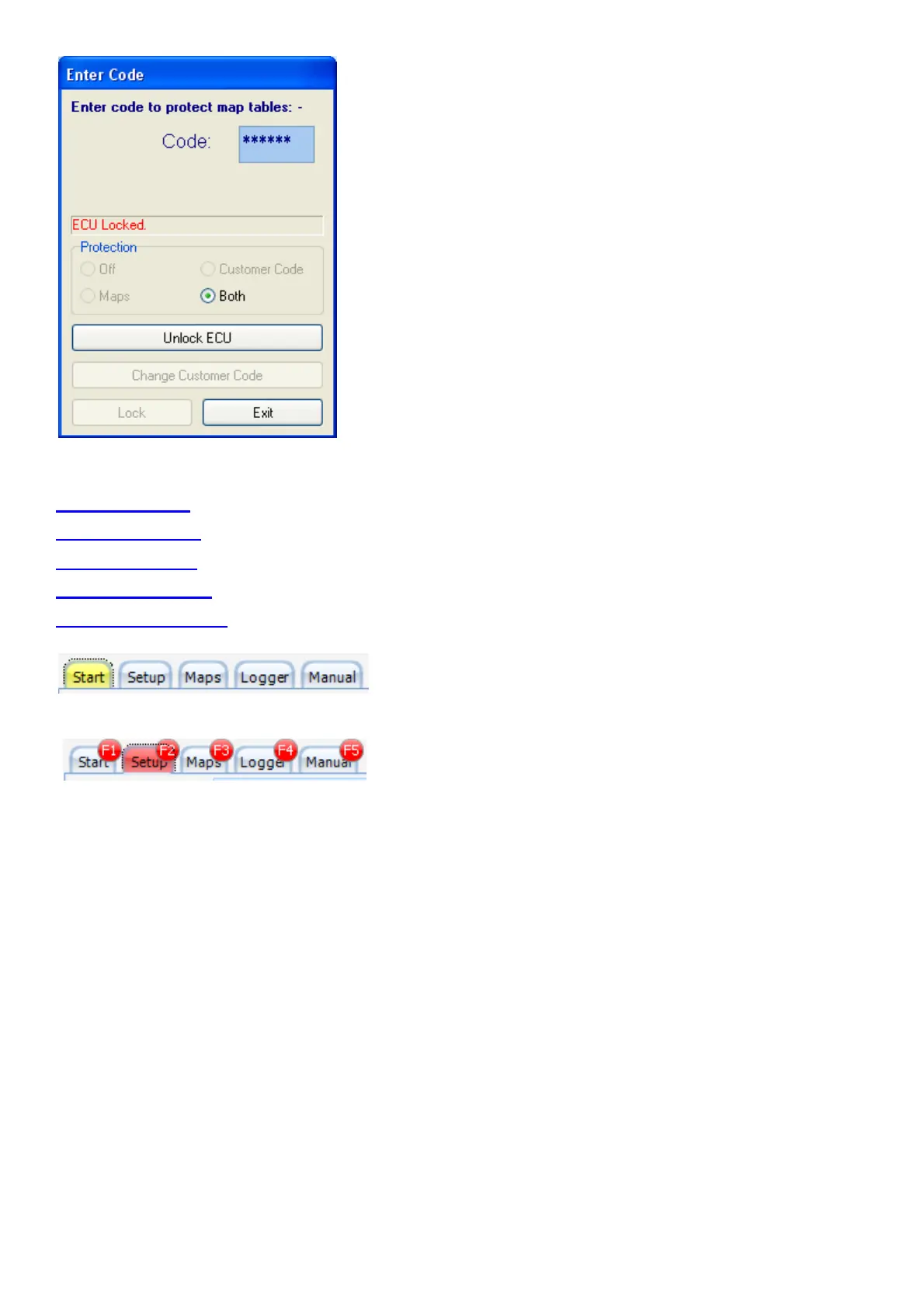
6.5 Selecting Different Pages in the Software
6.6 Start (F1)
6.7 Setup (F2)
6.8 Maps (F3)
6.9 Logger (F4)
6.10 Manual (F5)
Press on any of these buttons to activate the different pages
in the software. By pressing the alt button you will see the hot keys for these buttons.
The function keys are easier to press during driving.
6.6 Start (F1)
This is where the program will start the first time. On this page all the action events is logged for
information. It will also display the ECU information of the current ECU. Take note of the Warning
as it is important and binding by Law. See the Terms & Conditions on our website.



 To Next Page