Calls History
18 PCS 571/572 User Manual v3.2/0913/1
Calls History
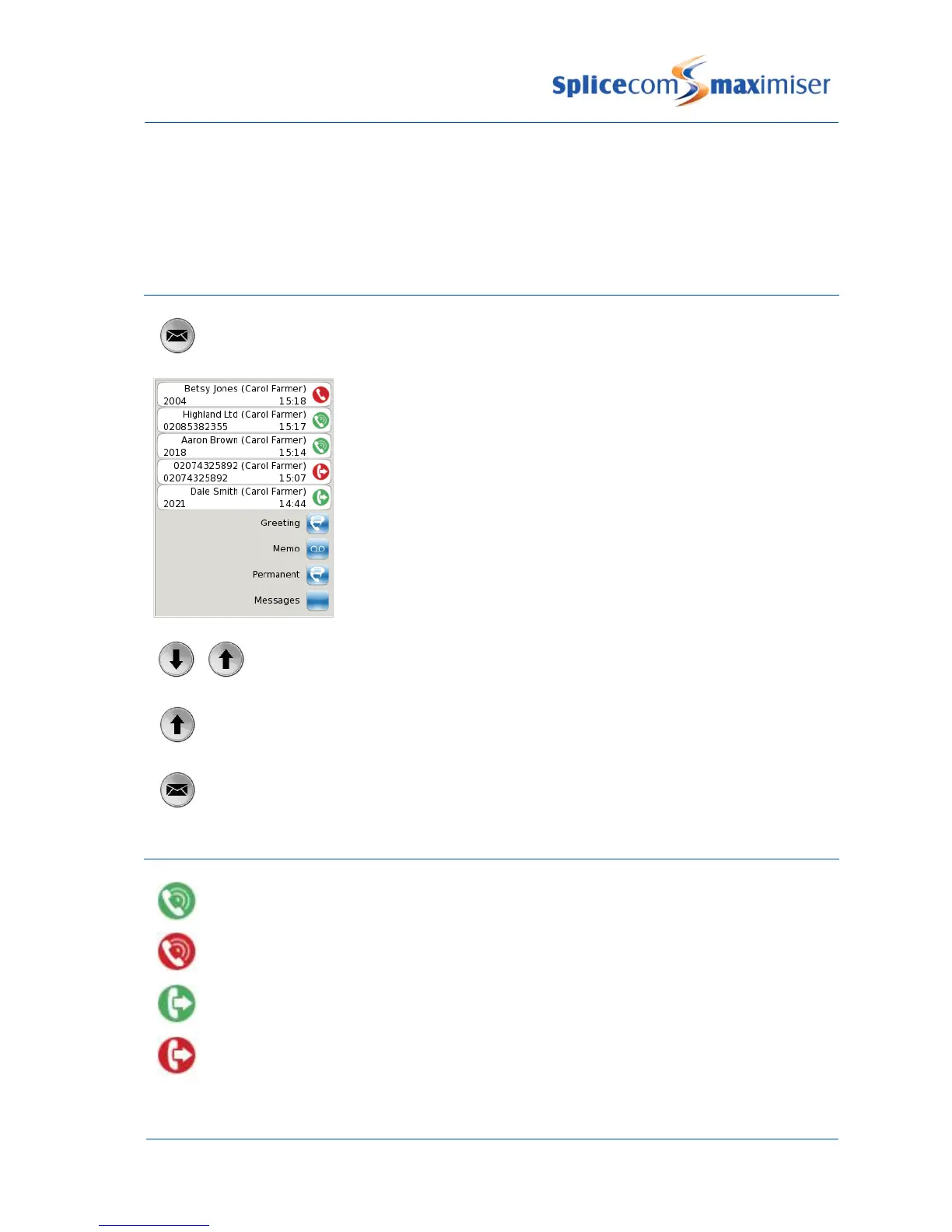
The Messages button allows you to view and manage a historical list of your outgoing and incoming calls -
internal & external, answered & missed – and voicemail. (For further information on voicemail please
refer to page 28.)
View the contents of your Calls History
Press the Messages button.
A list of historical calls and voicemail will be displayed.
Entries are listed in date and time order with the newest at the top.
There is no limit to the number of completed calls and voicemails that
can be listed. However, only the last 10 missed calls are recorded.
Use the Page Down and Page Up buttons to display the entry required.
Press the Page Up button to go to the bottom of the list.
Press the Messages button to return to your home page.
Identifying the type of call
Signifies an answered incoming call
Signifies an unanswered (or missed) incoming call
Signifies an answered outgoing call
Signifies an unanswered outgoing call



 To Next Page