Transfer the call by replacing your handset or by pressing the Speaker button. You will no
longer have control of the call.
If at any time during this process you wish to return to your original caller press the Recall button.
For further information please refer to the Transfer a call section from page 11.
Calls History
Your Calls History can also display the incoming answered and missed calls received for a Department.
Your System Administrator can configure this facility for you, if not already available.
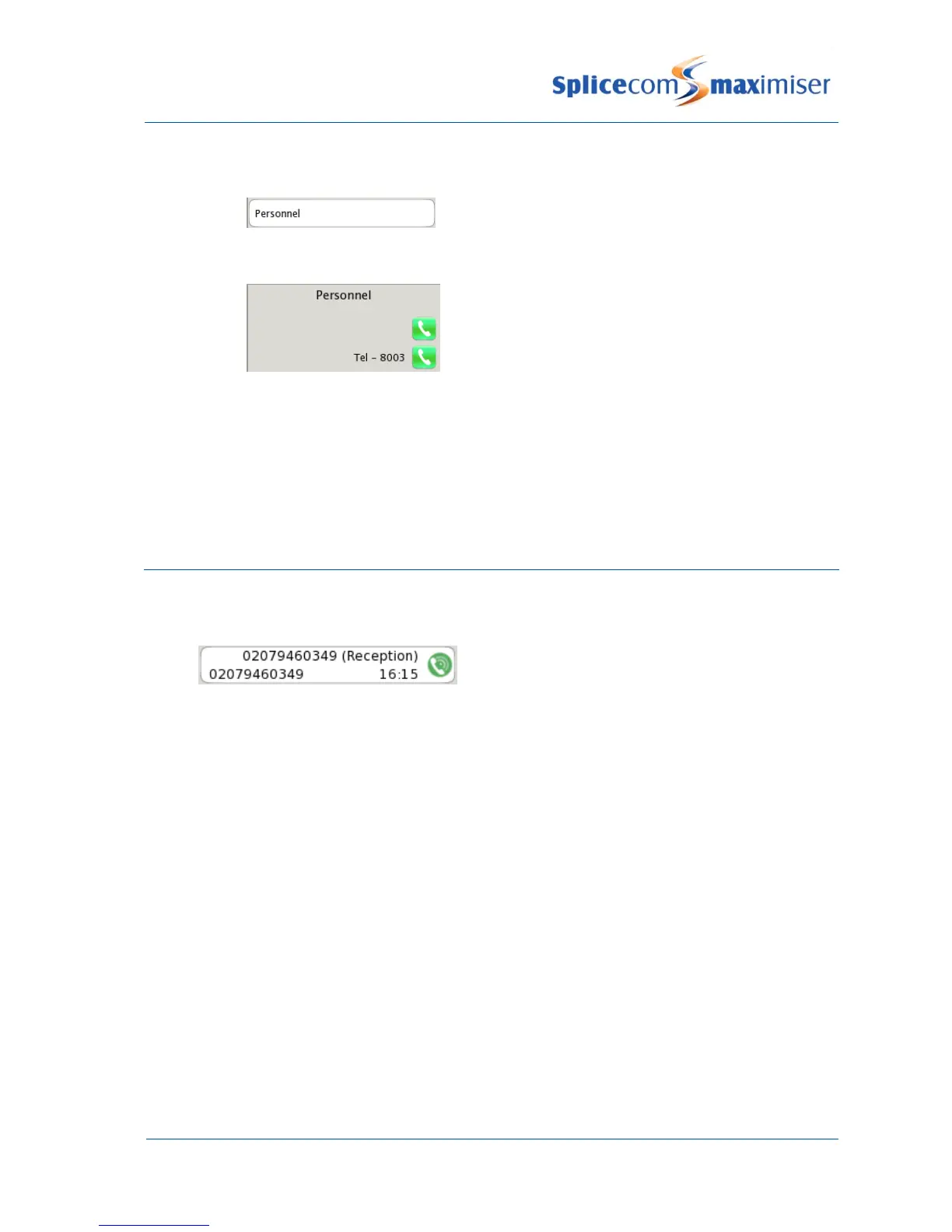
The name of the Department receiving the call is displayed within the brackets.
This facility will also give you access to voicemail messages for the Department, please refer to the
Voicemail section from page 28 for further information.
For further information on using Calls History please refer to page 18.



 To Next Page