User Settings
42 PCS 571/572 User Manual v3.2/0913/1
Select the context sensitive key beside the Back icon to return to the Settings menu. The
Status option will display the Out of Office setting as In The Office and the tick will
disappear to indicate that this facility has been disabled
Group Log In
If you are a member of a Group on your telephone system you may wish to have the ability to log yourself
in and out of the group when required. This feature must be previously configured on your telephone
system, please refer to your System Administrator for further information. For additional information
please refer to the Departments section from page 28.
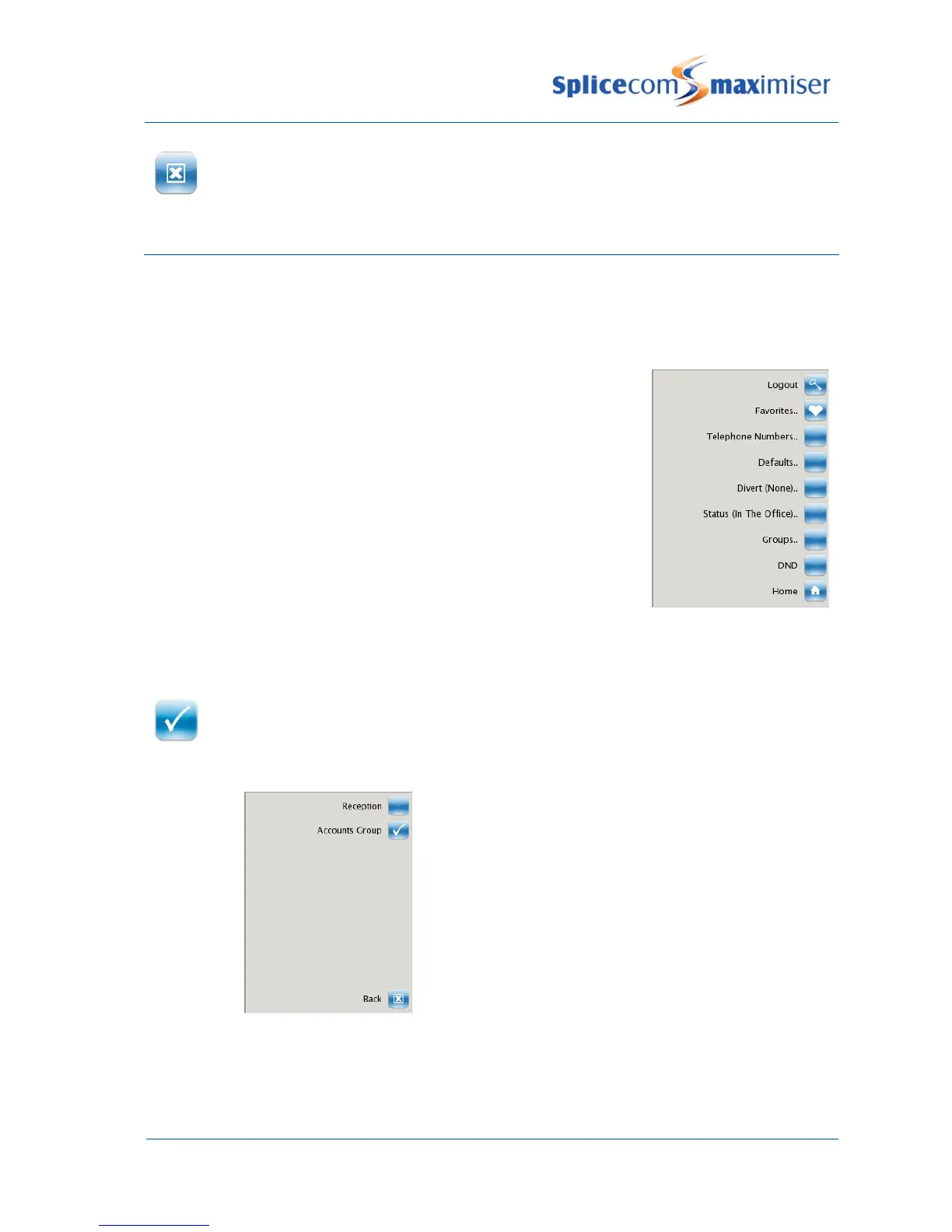
If the Groups feature has been enabled on your extension the Groups
option will be available in your Settings menu.
From the Settings menu select the context sensitive key beside the Groups icon
The list of Groups that you belong to will be displayed.
A tick within the Group icon will indicate that you are currently logged into this Group.
Press the context sensitive key beside the Group icon required and the tick will disappear
to indicate that you are logged out of this Group.
From the Settings menu select the context sensitive key beside the Groups icon
The list of Groups that you belong to will be displayed.



 To Next Page