Contacts Directory
24 PCS 571/572 User Manual v3.2/0913/1
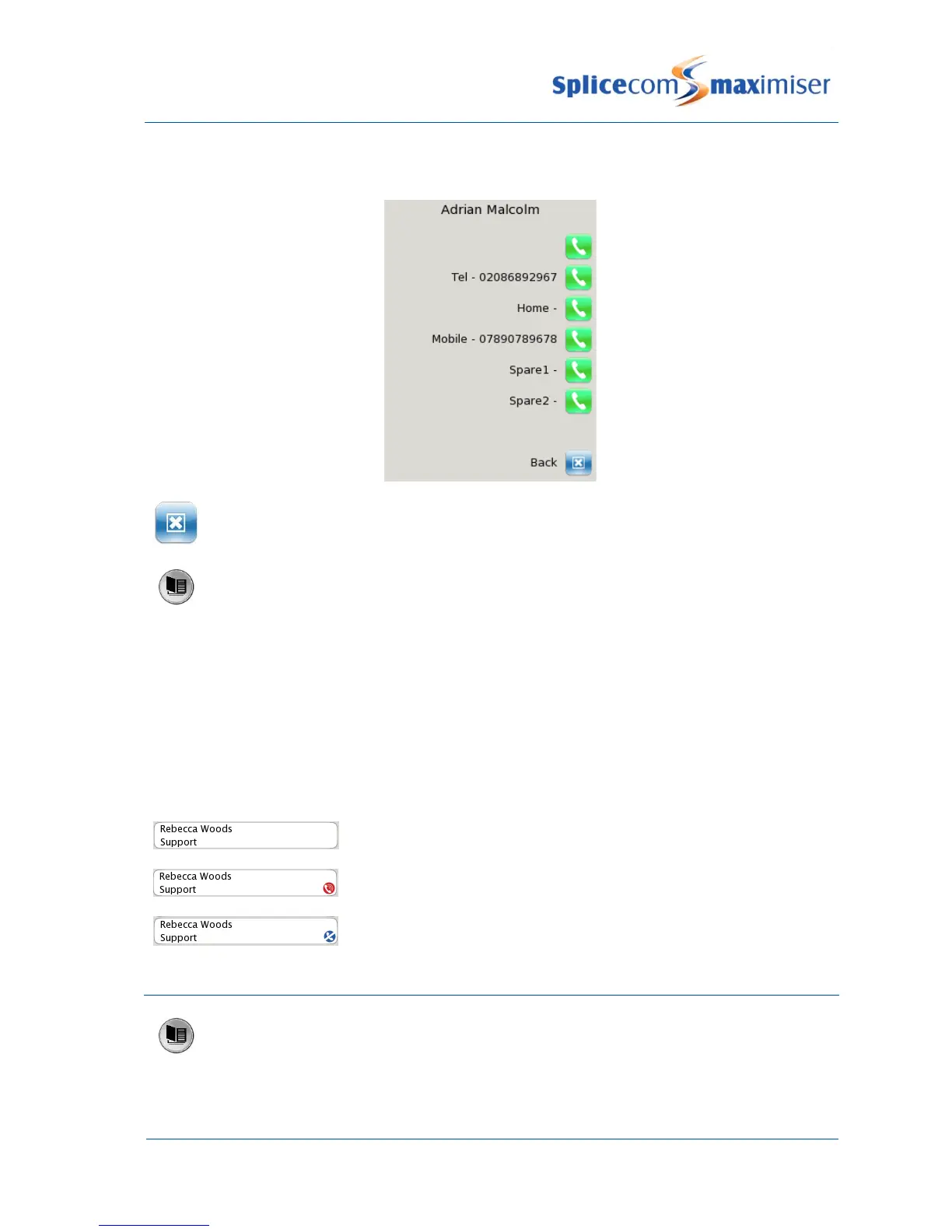
The list of numbers stored for this contact will be displayed. Up to 5 numbers per contact can be stored on
the database.
Press the context sensitive key beside the Back icon to return to the directory.
Press the Contacts button to return to your home page
Please note:
The Search facility will remember your last entry so that when you next go to Contacts the same
database entries will be displayed. Use the backspace icon to remove or edit this entry, if required.
You can view a directory entry while on a call if, for example, you wish to look up a contact’s phone
number.
Busy Lamp Field for Users
An entry displayed for an internal User will indicate if your colleague’s extension is busy.
An internal User displayed with no icon indicates that your colleague’s
extension is free
An internal User displayed with a red icon indicates that your colleague is
currently on a call.
An internal User displayed with a blue icon indicates that your colleague
has Do Not Disturb set.
Make a call via the Directory
Press the Contacts button to access the directory
Use the Search facility to find the contact required



 To Next Page