EasyManua.ls Logo

Splicecom PCS 571 - Page 27

Splicecom PCS 571
68 pages
Print Icon
To Next Page IconTo Next Page
To Previous Page IconTo Previous Page
Loading...
PCS 571/572 User Manual
Contacts Directory
PCS 571/572 User Manual v3.2/0913/1 23
4
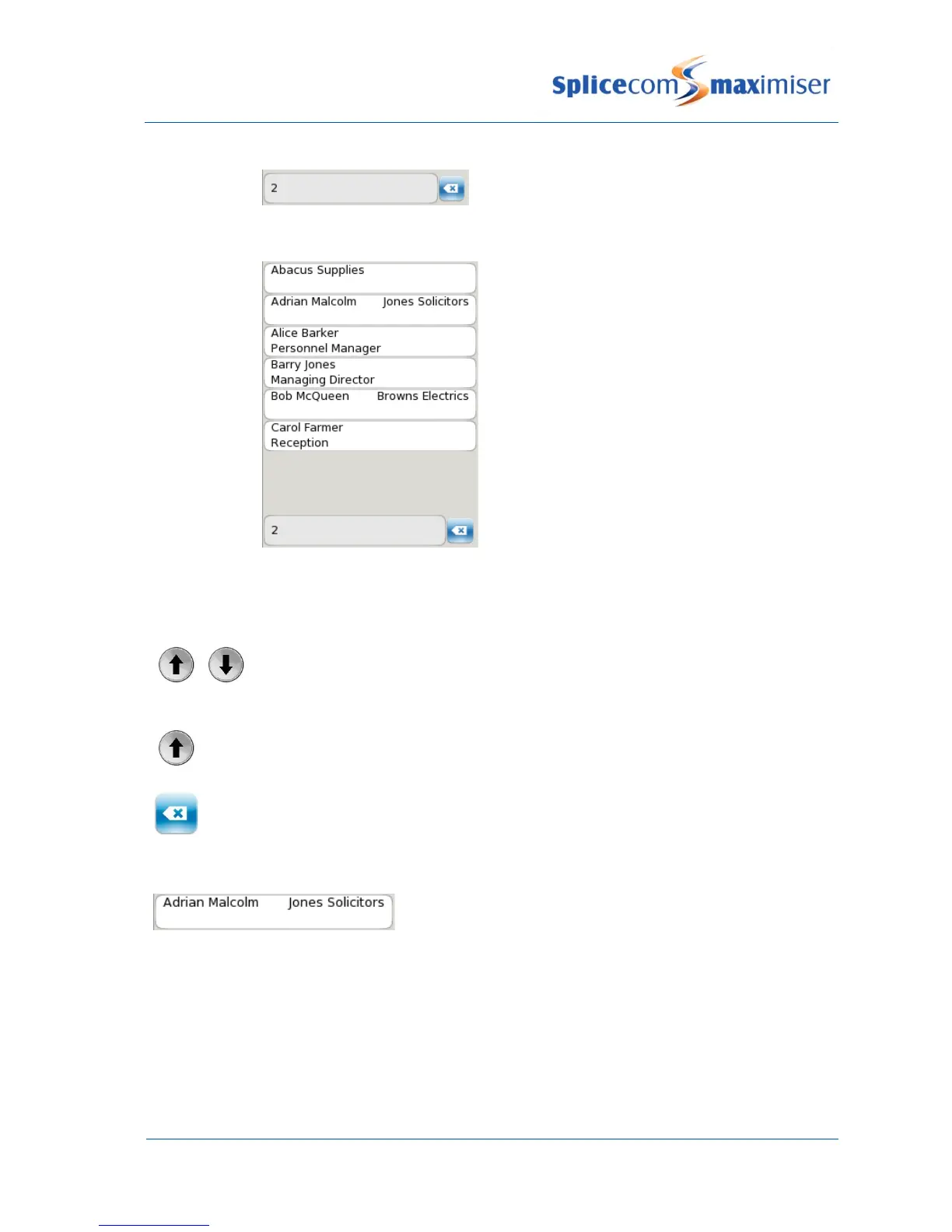
The number displayed on this key will be entered in the search box.
5
The directory entries commencing with the letters displayed on the key pressed will be
listed
Further keys can be pressed to reduce the search. For example, if you were searching for eg Barry you
could press 22779
or
Use the Page Up and Page Down buttons to find the specific entry required.
or
Press the Page Up button to go to the bottom of the list.
Press the context sensitive key beside the Backspace icon to edit the entry.
Once you have found the entry you require:
Press the context sensitive key beside the contact you wish to
view.

Table of Contents

Other manuals for Splicecom PCS 571

Related product manuals